Инструкция для D-Link DKVM-IP8
 1
 2
 3
 4
 5
 6
 7
 8
 9
 10
 11
 12
 13
 14
 15
 16
 17
 18
 19
 20
 21
 22
 23
 24
 25
 26
 27
 28
 29
 30
 31
 32
 33
 34
 35
 36
 37
 38
 39
 40
 41
 42
 43
 44
 45
 46
 47
 48
 49
 50
 51
 52
 53
 54
 55
 56
 57
 58
 59
 60
 61
 62
 63
 64
 65
 66
 67
 68
 69
 70
 71
 72
 73
 74
 75
 76
 77
 78
 79
 80
 81
 82
 83
 84
 85
 86
 87
 88
 89
 90
 91
 92
 93
 94
 95
 96
 97
 98
 99
 100
 101
 102
 103
 104
DKVM-IP8 User Manual
14 / 104
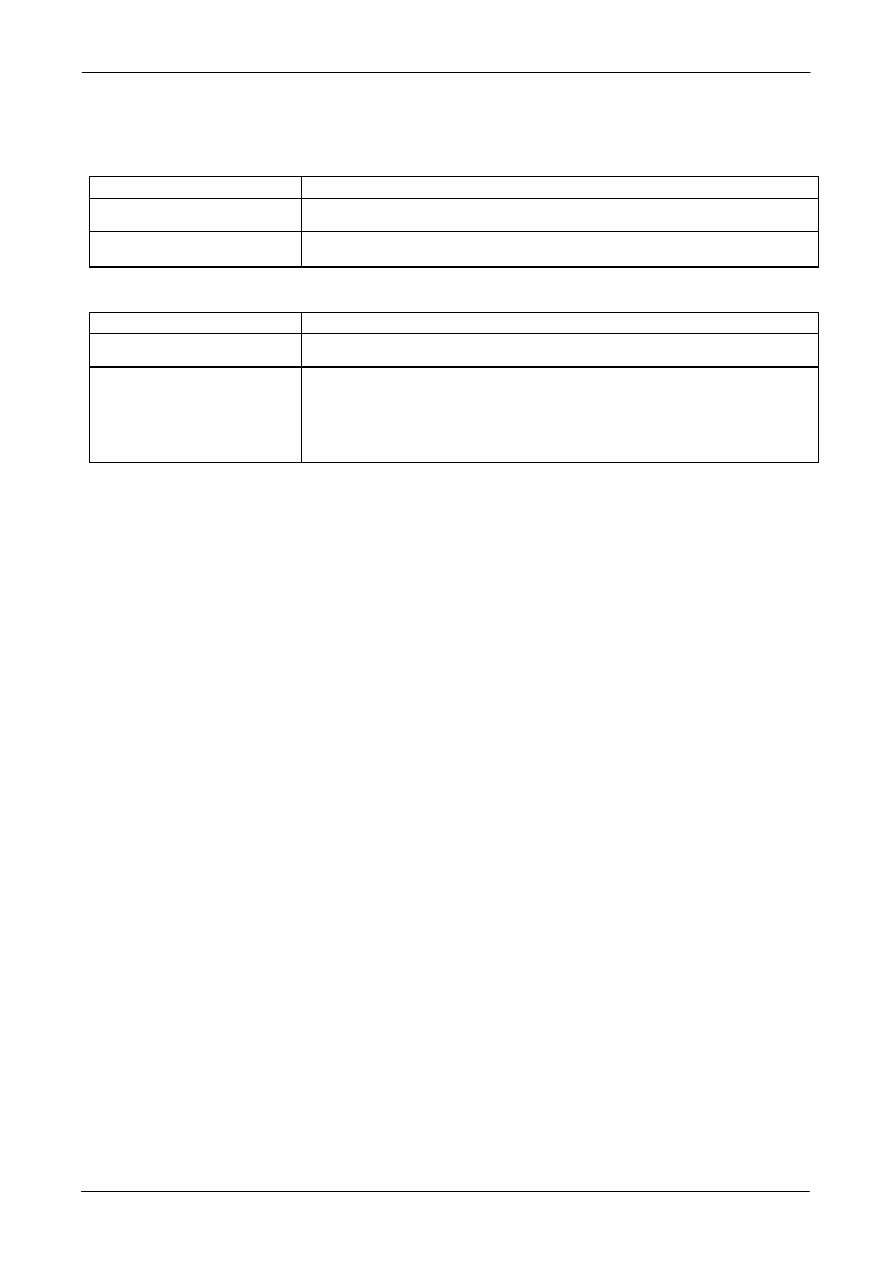
2.3 System requirement
Hardware
Item
Description
Local host side
One PC or server or the console port of KVM switch unit
Remote Console side
Multiple PCs are linked into the network
Software
Item
Description
Local host side
No additional software necessary
Remote Console side
(1) Java Runtime Environment : version 6 update 5 and above.
Linux JDK 1_5_0_18 and above
(2) Browser: ( IE7.0 , IE8.0, Netscape7.0, Mozilla 3.2,
Firefox 3.6) and above.
2.4 When the server is up and running
The DKVM-IP8 gives you a full control over the remote server. The Management Console
allows you to access the remote server’s graphics, keyboard and mouse and to send
special commands to the server. You can also perform periodic maintenance of the server.
Using the Console Redirection Service, you are able to do the following:
I. Reboot the system
II. Watch the boot process.
III. Boot the system from a separate partition to load the diagnostic environment.
IV. Run special diagnostic programs.
2.5 When the server is dead
Obviously, fixing hardware defects is not possible through a remote management device.
Nevertheless DKVM-IP8 gives the administrator valuable information about the type of a
hardware failure. Serious hardware failures can be categorized into five different categories
with different chances to happen:
I. Hard disk failure 50%
II. Power cable detached, power supply failure 28%
III. CPU, Controller, main board failure 10%
IV. CPU fan failure 8%
V. RAM failure 4%
Оглавление инструкции
- Install JVM on Client system
- Connect the DKVM-IP8 unit via Web Browser
- The super user has all permissions to administrate your DKVM-IP8:
- After login, the system will prompt for changing the default username and password to user specific settings.
- Control servers via Remote Console
- Hardware
- Software
- 3.4.1 Login Windows
- 3.4.2 Port Name
- 3.4.3 Main Menu
- 3.4.4 Language
- 3.4.5 Port Name Edit
- 3.4.6 Port Search
- 3.4.7 User Security
- 3.4.8 Access List
- 3.4.9 Hotkey
- 3.4.10 Time Settings
- 3.4.11 OSD Mouse
- 4.1.1 Initial configuration via serial console
- 4.2.1 DKVM-IP8 keyboard settings
- 4.2.2 Remote Mouse Settings
- 4.2.3 Automatic mouse speed and mouse synchronization
- 4.2.4 Host system mouse settings
- 4.2.5 Single and Double Mouse Mode
- 4.2.6 Recommended Mouse Settings
- 4.2.7 Video Modes
- 5.2.1 Login into the DKVM-IP8
- 5.2.2 Logout from the DKVM-IP8
- 5.4.1 Remote Console Control Bar
- 5.4.2 Remote Console Status Line
- 6.1.1 KVM Console
- 6.1.2 Telnet Console
- 6.3.1 Floppy Disk
- 6.3.2 CD–ROM Image
- 6.3.3 Drive redirection
- 6.3.4 Options
- 6.4.1 Change Password
- 6.4.2 Users and Groups
- 6.5.1 User Console
- 6.5.2 Keyboard/Mouse
- 6.5.3 Video
- 6.6.1 Network
- 6.6.2 Dynamic DNS
- 6.6.3 Security
- 6.6.4 Certificate
- 6.6.5 Authentication
- 6.6.6 Serial Port
- 6.6.7 Date / Time
- 6.6.8 Event Log
- 6.7.1 Device Information
- 6.7.2 Even log
- 6.7.3 Update Firmware
- 6.7.4 Unit Reset
- The remote mouse doesn’t work or is not synchronous