Инструкция для Samsung LE40A550P1R, LE52A552P3R, LE46A552P3R, LE40A552P3R, LE37A552P3R
 1
 2
 3
 4
 5
 6
 7
 8
 9
 10
 11
 12
 13
 14
 15
 16
 17
 18
 19
 20
 21
 22
 23
 24
 25
 26
 27
 28
 29
 30
 31
 32
 33
 34
 35
 36
 37
 38
 39
 40
 41
 42
 43
 44
 45
 46
 47
 48
 49
 50
 51
 52
 53
 54
 55
 56
 57
 58
 59
 60
 61
 62
 63
 64
 65
 66
 67
 68
 69
 70
 71
 72
 73
 74
 75
 76
 77
 78
 79
 80
 81
 82
 83
 84
 85
 86
 87
 88
 89
 90
 91
 92
 93
 94
 95
 96
 97
 98
 99
 100
 101
 102
 103
 104
 105
 106
 107
 108
 109
 110
 111
 112
 113
 114
 115
 116
 117
 118
 119
 120
 121
 122
 123
 124
 125
 126
 127
 128
 129
 130
 131
 132
 133
 134
 135
 136
 137
 138
 139
 140
 141
 142
 143
 144
 145
 146
 147
 148
 149
 150
 151
 152
 153
 154
 155
 156
 157
 158
 159
 160
 161
 162
 163
 164
 165
 166
 167
 168
 169
 170
 171
 172
 173
English - 0
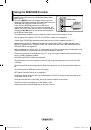
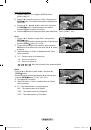
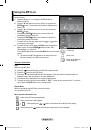
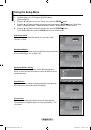
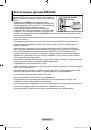
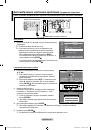
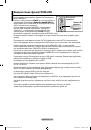
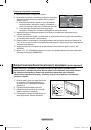
Using the WISELINK Function
This function enables you to view and listen to photo (JPEG)
and audio files (MP3) saved on a USB Mass Storage Class
(MSC) device.
Press the
POWER
button on the remote control or your set.
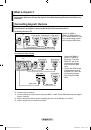
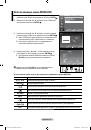
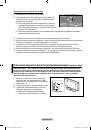
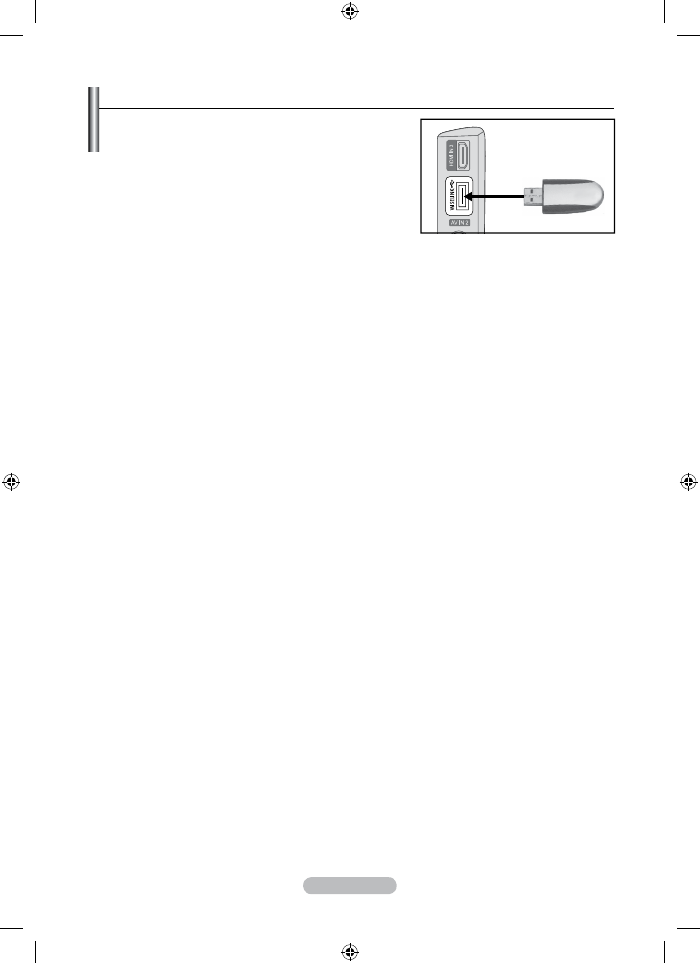
Connect a USB device containing JPEG and/or MP3 files to the
WISELINK jack (USB jack) on the side of the TV.
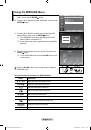
If you enter the WISELINK mode with no USB device
connected the message “There is no device connected” will
appear. In this case, insert the USB device, exit the screen by
pressing the
W.LINK
button on the remote control and enter
the WISELINK screen again.
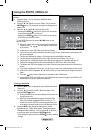
Only alphanumeric characters must be used as a folder name or filename (photo, music).
The file system only supports FAT16/32 (The NTFS file system is not supported)
Certain types of USB Digital camera and audio devices may not be compatible with this TV.
Wiselink only supports the USB Mass Storage Class device (MSC). MSC is a Mass Storage Class
Bulk-Only Transport device. Examples of MSC are Thumb drives and Flash Card Readers (Both USB
HDD and HUB are not supported.)
Before connecting your device to the TV, please back up your files to prevent them from damage or loss
of data.SAMSUNG is not responsible for any data file damage or data loss.
Please connect directly to the USB port of your TV. If you are using a separate cable connection, there
may be a USB Compatibility problem.
Only MP3 and JPEG file formats are supported.
The Wiselink mp3 format only supports music files with a high sampling frequency (32 kHz, 44.1 kHz,
or 48 kHz).
We recommend the sequential jpeg format. Progressive jpeg uses a lot of memory and decoding may
fail.
Do not disconnect the USB device while it is loading.
MTP (Media Transfer Protocol) is not supported.
The playing duration of an mp3 file may be displayed as ‘00:00:00’ if its playing time information is not
found at the start of the file.
The higher the resolution of the image, the longer it takes to display on the screen.
The Photo or Music List displays up to 300 folders or files.
Loading may take some time depending on the size of the file.
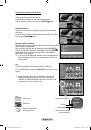
tV Side Panel
USb Drive
BN68-01410E-01Eng.indd 30
2008-06-02 ¿ÀÀü 1:51:07
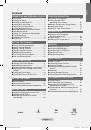
Оглавление инструкции
- Cover
- Eng
- Connecting and Preparingreparing Your TV
- List of Parts
- Installing the Stand
- Installing the Wall Mount Kit
- Viewing the Control Panel
- Viewing the Connection Panel
- Viewing the Remote Control
- Installing Batteries in the Remote Control
- Switching On and Off
- Placing Your Television in Standby Mode
- Viewing the Menus
- Using the TOOLS Button
- Plug & Play
- Setting the Channels
- Setting the Picture
- Setting the Sound
- Setting the Time
- Function Description
- Setting the PC
- WISELINK
- About Anynet+
- Recommendations For Use
- Connecting and Preparingreparing Your TV
- Rus
- Ukr