Инструкция для Samsung LE40A550P1R, LE52A552P3R, LE46A552P3R, LE40A552P3R, LE37A552P3R
 1
 2
 3
 4
 5
 6
 7
 8
 9
 10
 11
 12
 13
 14
 15
 16
 17
 18
 19
 20
 21
 22
 23
 24
 25
 26
 27
 28
 29
 30
 31
 32
 33
 34
 35
 36
 37
 38
 39
 40
 41
 42
 43
 44
 45
 46
 47
 48
 49
 50
 51
 52
 53
 54
 55
 56
 57
 58
 59
 60
 61
 62
 63
 64
 65
 66
 67
 68
 69
 70
 71
 72
 73
 74
 75
 76
 77
 78
 79
 80
 81
 82
 83
 84
 85
 86
 87
 88
 89
 90
 91
 92
 93
 94
 95
 96
 97
 98
 99
 100
 101
 102
 103
 104
 105
 106
 107
 108
 109
 110
 111
 112
 113
 114
 115
 116
 117
 118
 119
 120
 121
 122
 123
 124
 125
 126
 127
 128
 129
 130
 131
 132
 133
 134
 135
 136
 137
 138
 139
 140
 141
 142
 143
 144
 145
 146
 147
 148
 149
 150
 151
 152
 153
 154
 155
 156
 157
 158
 159
 160
 161
 162
 163
 164
 165
 166
 167
 168
 169
 170
 171
 172
 173
English - 1
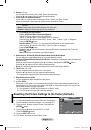
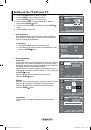
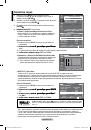
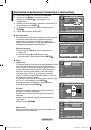
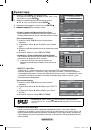
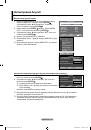
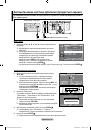
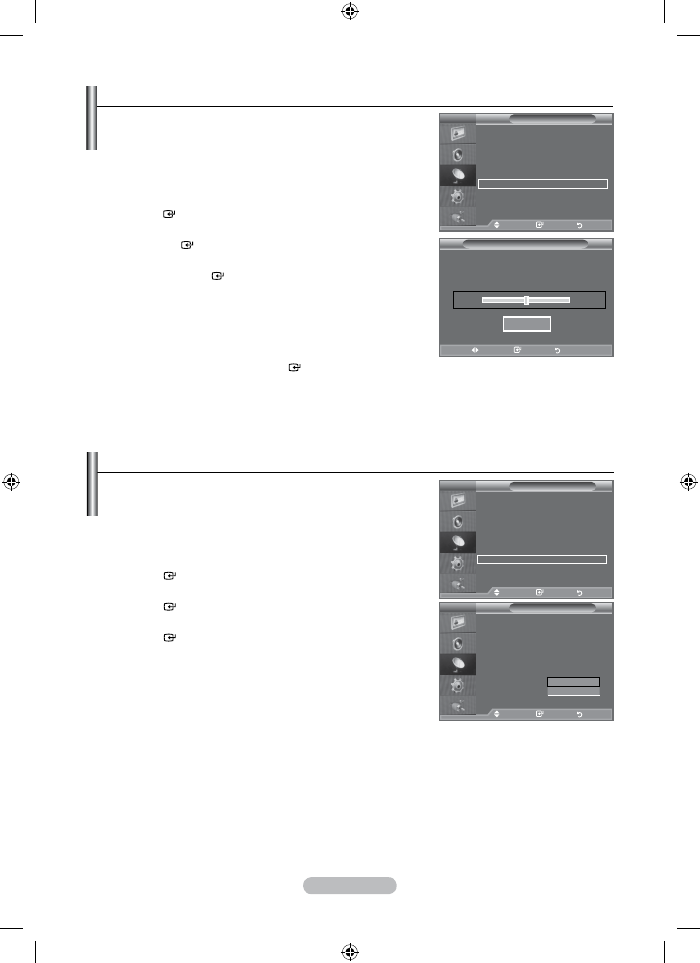
Channel
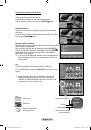
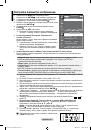
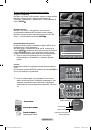
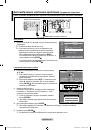
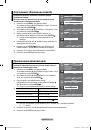
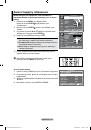
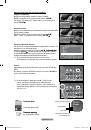
Fine tuning Channel Reception
Use fine tuning to manually adjust a particular channel for
optimal reception.
1.
Use the number buttons to directly select the channel that
you want to fine tune.
.
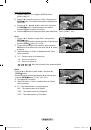
Press the
MENU
button to display the menu.
Press the
▲ or ▼
button to select "Channel", then press the
ENtER
button.
.
Press the
▲ or ▼
button to select "Fine Tune", then press
the
ENtER
button.
.
Press the
◄ or ►
button to adjust the fine tuning.
Press the
ENtER
button.
.
Press the
EXIt
button to exit.
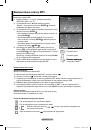
Fine tuned channels that have been saved are marked with
an asterisk "*" on the right-hand side of the channel number
in the channel banner. And the channel number turns red.
To reset the fine-tuning, select "Reset" by pressing the
▲ or ▼
button and then press the
ENtER
button.
➣
➣
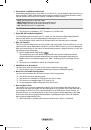
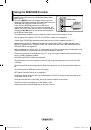
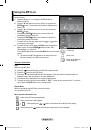
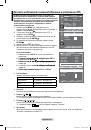
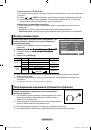
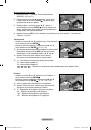
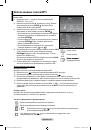
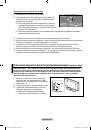
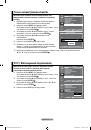
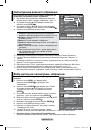
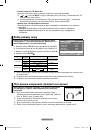
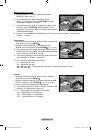
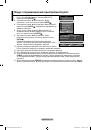
LNA (Low Noise Amplifier)
If the tV is operating in a weak-signal area, the LNA function
can improve the reception (a low-noise preamplifier boosts the
incoming signal).
Not available in DTV or external input mode.
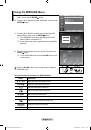
1.
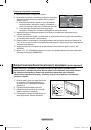
Press the
MENU
button to display the menu.
Press the ▲ or ▼ button to select "Channel", then press the
ENtER
button.
.
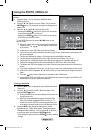
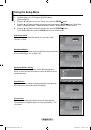
Press the ▲ or ▼ button to select "LNA", then press the
ENtER
button.
.
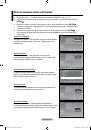
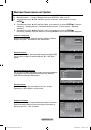
Press the ▲ or ▼ button to select "Off" or "On". Press the
ENtER
button.
.
Press the
EXIt
button to exit.
➣
Channel
Country
: United Kingdom
Auto Store
Manual Store
Channel Manager
Sort
Name
Fine tune
LNA
: Off
tV
Move
Enter
Return
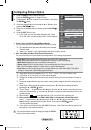
Fine tune
P 1
0
Reset
Adjust
Save
Return
Channel
Country
: United Kingdom
Auto Store
Manual Store
Channel Manager
Sort
Name
Fine tune
LNA
: Off
tV
Move
Enter
Return
Channel
Country
: United Kingdom
Auto Store
Manual Store
Channel Manager
Sort
Name
Fine tune
LNA
: Off
tV
Move
Enter
Return
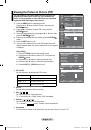
Off
On
BN68-01410E-01Eng.indd 14
2008-06-02 ¿ÀÀü 1:50:52
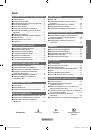
Оглавление инструкции
- Cover
- Eng
- Connecting and Preparingreparing Your TV
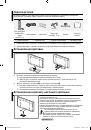
- List of Parts
- Installing the Stand
- Installing the Wall Mount Kit
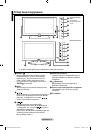
- Viewing the Control Panel
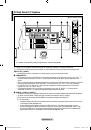
- Viewing the Connection Panel
- Viewing the Remote Control
- Installing Batteries in the Remote Control
- Switching On and Off
- Placing Your Television in Standby Mode
- Viewing the Menus
- Using the TOOLS Button
- Plug & Play
- Setting the Channels
- Setting the Picture
- Setting the Sound
- Setting the Time
- Function Description
- Setting the PC
- WISELINK
- About Anynet+
- Recommendations For Use
- Connecting and Preparingreparing Your TV
- Rus
- Ukr