Инструкция для Samsung PS42A410C3, PS42A410, PS42A412C4, PS50A410C3, PS50A410C1
 1
 2
 3
 4
 5
 6
 7
 8
 9
 10
 11
 12
 13
 14
 15
 16
 17
 18
 19
 20
 21
 22
 23
 24
 25
 26
 27
 28
 29
 30
 31
 32
 33
 34
 35
 36
 37
 38
 39
 40
 41
 42
 43
 44
 45
 46
 47
 48
 49
 50
 51
 52
 53
 54
 55
 56
 57
 58
 59
 60
 61
 62
 63
 64
 65
 66
 67
 68
 69
 70
 71
 72
 73
 74
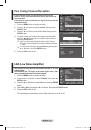
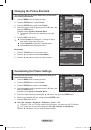
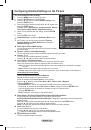
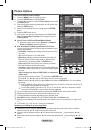
English - 14
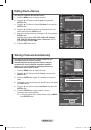
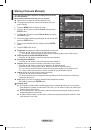
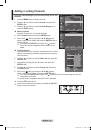
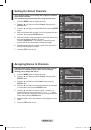
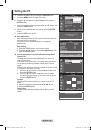
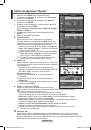
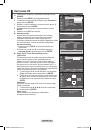
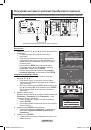
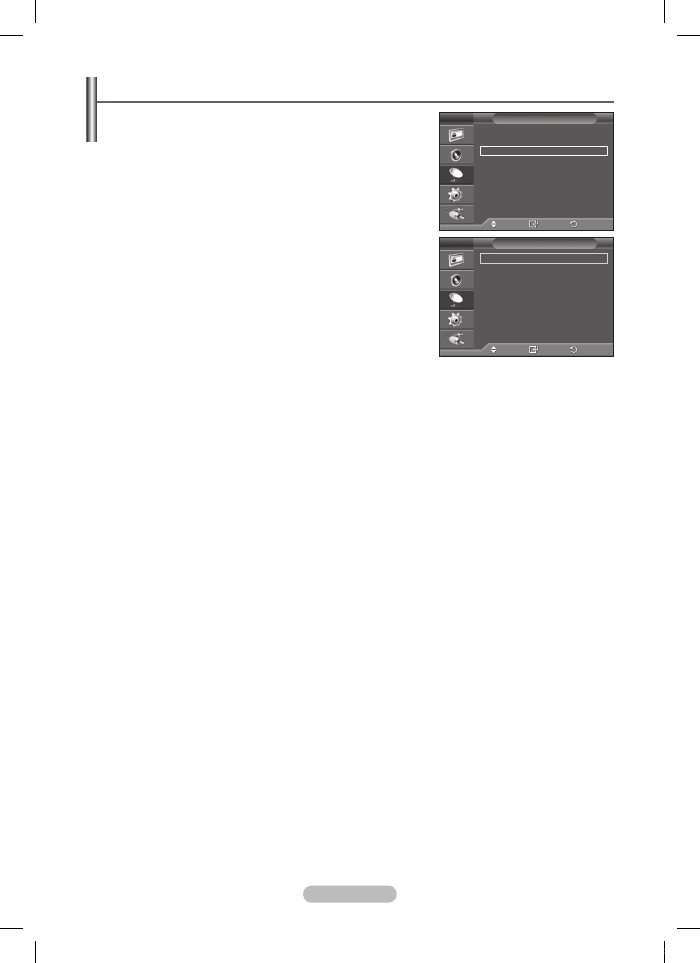
Storing Channels Manually
You can store television channels, including those received
via cable networks.
When storing channels manually, you can choose:
Whether or not to store each of the channels found.
The programme number of each stored channel which you
wish to identify.
1
Press the
MENU
button to display the menu.
Press the ▲ or ▼ button to select
Channel
, then press the
ENTER
button.
Press the ▲ or ▼ button to select
Manual Store
, then press
the
ENTER
button.
4
Select the required option by pressing the ▲ or ▼ button, then
press the
ENTER
button.
5
When you are satisfied with your setting, press the
ENTER
button.
Press the
EXIT
button to exit.
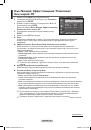
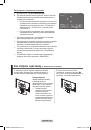
Programme
(Programme number to be assigned to a channel)
− Press the ▲ or ▼ button until you find the correct number.
➢
You can also select the channel number directly by pressing the numeric buttons (0~9).
Colour System
:
Auto/PAL/SECAM/NTSC4.4
− Press the ▲ or ▼ button to select the required colour standard.
Sound System
:
BG/DK/I/L
− Press the ▲ or ▼ button to select the required sound standard.
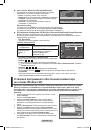
Channel
(When you know the number of the channel to be stored)
− Press the ▲ or ▼ button to select
C
(Air channel) or
S
(Cable channel).
− Press the ► button, then press the ▲ or ▼ button to select the required number.
➢
You can also select the channel number directly by pressing the numeric buttons (0~9).
➢
If there is abnormal sound or no sound, re-select the sound standard required.
Search
(When you do not know the channel numbers)
− Press the ▲ or ▼ button to start the search.
− The tuner scans the frequency range until the first channel or the channel that you selected is
received on the screen.
Store
(When you store the channel and associated programme number)
− Set to
OK
by pressing the
ENTER
button.
☛
Channel mode
P
(Programme mode): When completing tuning, the broadcasting stations in your area have
been assigned to position numbers from P00 to P99. You can select a channel by entering the
position number in this mode.
C
(Air channel mode): You can select a channel by entering the assigned number to each air
broadcasting station in this mode.
S
(Cable channel mode): You can select a channel by entering the assigned number for each
cable channel in this mode.
Move
Enter
Return
Country
:
United Kingdom
Auto Store
Manual Store
Channel Manager
Sort
Name
Fine Tune
LNA
: Off
Channel
T V
Move
Enter
Return
Programme
:
P 1
Colour System
:
Auto
Sound System
:
BG
Channel
:
C
−−
Search
:
40 MHz
Store
:
?
Manual Store
T V
BN68-01423EF-00Eng.indb 14
2008-04-14 오후 6:36:43
Оглавление инструкции
- Cover
- Eng
- User Instructions
- Contents
- Checking Parts
- Using the Stand-Base
- Control Panel
- Connection Panel
- Viewing the Remote Control
- Switching Your Television On and Off
- Viewing the Menus
- Plug & Play Feature
- Using the TOOLS Button
- Viewing External Signal Sources
- Editing Device Names
- Storing Channels Automatically
- Storing Channels Manually
- Adding / Locking Channels
- Sorting the Stored Channels
- Assigning Names to Channels
- Fine Tuning Channel Reception
- LNA (Low Noise Amplifier
- Changing the Picture Standard
- Customizing the Picture Settings
- Configuring Detailed Settings on the Picture
- Picture Options
- Resetting the Picture Settings to the Factory Defaults
- Sound Features
- Selecting the Sound Mode (depending on the model
- Connecting Headphones (Sold separately)
- Language / Melody / Light Effect / Entertainment /Energy Saving / PIP
- Setting up Your PC Software (Based on Windows XP)
- Input Mode (PC)
- Setting the PC
- Teletext Feature (depending on the model)
- Wall Mount Kit Specifications (VESA)
- Wall- mount adjustment (Sold separately)
- How to assemble the Stand-Base (depending on the model)
- Troubleshooting
- Specifications
- Rus
- Eng