Инструкция для GIGABYTE GA-H55M-S2V (rev. 1.4), GA H55M S2V rev 1 4
 1
 2
 3
 4
 5
 6
 7
 8
 9
 10
 11
 12
 13
 14
 15
 16
 17
 18
 19
 20
 21
 22
 23
 24
 25
 26
 27
 28
 29
 30
 31
 32
 33
 34
 35
 36
 37
 38
 39
 40
 41
 42
 43
 44
 45
 46
 47
 48
 49
 50
 51
 52
 53
 54
 55
 56
 57
 58
 59
 60
 61
 62
 63
 64
 65
 66
 67
 68
 69
 70
 71
 72
 73
 74
 75
 76
 77
 78
 79
 80
- 67 -
Appendix
5-1 Configuring Audio Input and Output
5-1-1 Configuring 2/4/5.1/7.1-Channel Audio
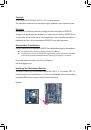
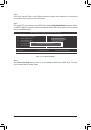
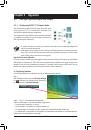
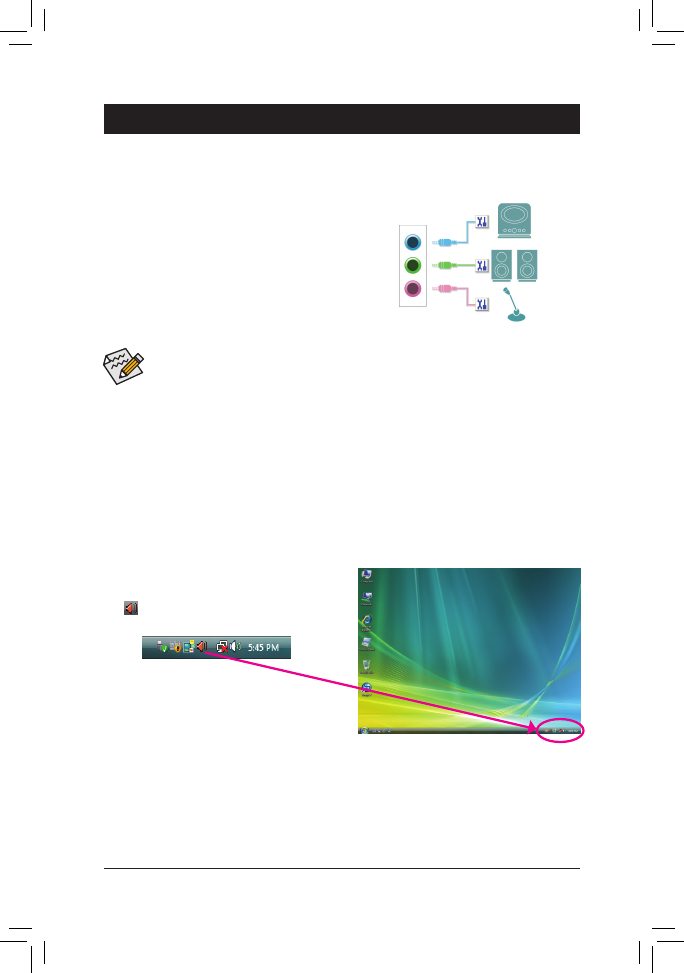
The motherboard provides three audio jacks on the back panel
which support 2/4/5.1/7.1
(Note)
-channel audio. The picture to the
right shows the default audio jack assignments.
The integrated HD (High Definition) audio provides jack retask
-
ing capability that allows the user to change the function for
each jack through the audio driver.
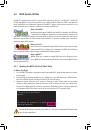
High Definition Audio (HD Audio)
HD Audio includes multiple high quality digital-to-analog converters (DACs) that support 44.1KHz/48KHz/
96KHz/192KHz sampling rate. HD Audio features multistreaming capabilities that allow multiple audio
streams (in and out) to be simultaneously processed. For example, users can listen to MP3 music, have an
Internet chat, make a telephone call over the Internet, and etc. all at the same time.
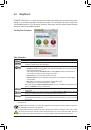
A. Configuring Speakers
(The following instructions use Windows Vista as the example operating system.)
•
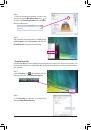
To install a microphone, connect your microphone to the Mic in jack and manually configure the
jack for microphone functionality.
•
Audio signals will be present on both of the front and back panel audio connections simultane-
ously. If you want to mute the back panel audio (only supported when using an HD front panel
audio module), refer to instructions on the page 69.
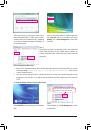
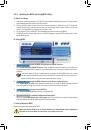
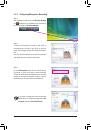
Step 1:
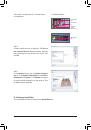
After installing the audio driver, the
HD Audio Manager
icon
will appear in the notification area. Double-click
the icon to access the
HD Audio Manager
.
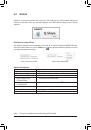
(Note) 2/4/5.1/7.1-Channel Audio Configurations:
Refer to the following for multi-channel speaker configurations.
•
2-channel audio: Headphone or Line out.
•
4-channel audio: Front speaker out and Rear speaker out.
•
5.1-channel audio: Front speaker out, Rear speaker out, and Center/Subwoofer speaker out.
•
7.1-channel audio: Front speaker out, Rear speaker out, Center/Subwoofer speaker out, and Side speaker out.
(Please refer to the configurations on next page.)
Line In
Front Speaker Out
Mic In
Chapter 5 Appendix
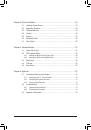
Оглавление инструкции
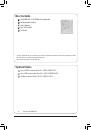
- Box Contents
- Optional Items
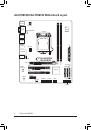
- GA-H55M-S2/GA-H55M-S2V Motherboard Layout
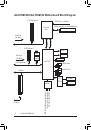
- GA-H55M-S2/GA-H55M-S2V Motherboard Block Diagram
- Chapter 1 Hardware Installation
- Chapter 2 BIOS Setup
- 2-1 Startup Screen
- 2-2 The Main Menu
- 2-3 MB Intelligent Tweaker(M.I.T.)
- 2-4 Standard CMOS Features
- 2-5 Advanced BIOS Features
- 2-6 Integrated Peripherals
- 2-7 Power Management Setup
- 2-8 PC Health Status
- 2-9 Load Fail-Safe Defaults
- 2-10 Load Optimized Defaults
- 2-11 Set Supervisor/User Password
- 2-12 Save & Exit Setup
- 2-13 Exit Without Saving
- Chapter 3 Drivers Installation
- Chapter 4 Unique Features
- Chapter 5 Appendix






