Инструкция для GIGABYTE GA-H55M-S2V (rev. 1.4), GA H55M S2V rev 1 4
 1
 2
 3
 4
 5
 6
 7
 8
 9
 10
 11
 12
 13
 14
 15
 16
 17
 18
 19
 20
 21
 22
 23
 24
 25
 26
 27
 28
 29
 30
 31
 32
 33
 34
 35
 36
 37
 38
 39
 40
 41
 42
 43
 44
 45
 46
 47
 48
 49
 50
 51
 52
 53
 54
 55
 56
 57
 58
 59
 60
 61
 62
 63
 64
 65
 66
 67
 68
 69
 70
 71
 72
 73
 74
 75
 76
 77
 78
 79
 80
- 31 -
BIOS Setup
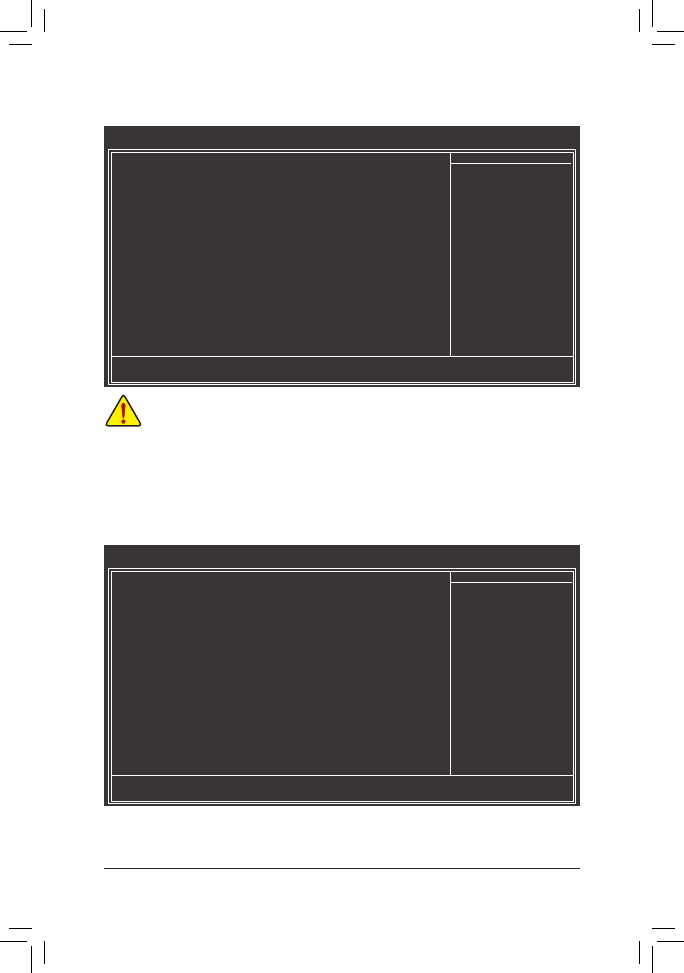
2-3 MB Intelligent Tweaker(M.I.T.)
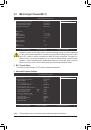
Whether the system will work stably with the overclock/overvoltage settings you made is dependent
on your overall system configurations. Incorrectly doing overclock/overvoltage may result in dam
-
age to CPU, chipset, or memory and reduce the useful life of these components. This page is for
advanced users only and we recommend you not to alter the default settings to prevent system
instability or other unexpected results. (Inadequately altering the settings may result in system's
failure to boot. If this occurs, clear the CMOS values and reset the board to default values.)
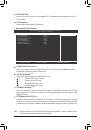
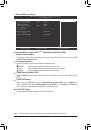
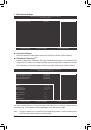
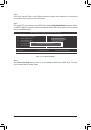
M.I.T. Current Status
This screen provides information on CPU/memory frequencies/parameters.
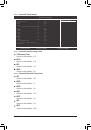
Advanced Frequency Settings
(Note) This item appears only if you install a memory module that supports this feature.
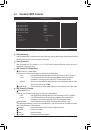
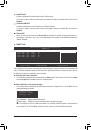
CMOS Setup Utility-Copyright (C) 1984-2010 Award Software
Advanced Frequency Settings
CPU Clock Ratio
[22X]
CPU Frequency
2.93GHz (133x22)
Advanced CPU Core Features
[Press Enter]
QPI Clock Ratio
[Auto]
QPI Link Speed
4.8GHz
>>>>> Standard Clock Control
Base Clock(BCLK) Control
[Disabled]
x BCLK Frequency (Mhz)
133
Extreme Memory Profile (X.M.P.)
(Note)
[Disabled]
System Memory Multiplier
(SPD)
[Auto]
Memory Frequency (Mhz)
1333
1333
Internal Graphics Clock
733
[Auto]
PCI Express Frequency (Mhz)
[Auto]
>>>>> Advanced Clock Control
CPU Clock Drive
[900mV]
PCI Express Clock Drive
[900mV]
CPU Clock Skew
[0ps]
PCH Clock Skew
[0ps]
higf
: Move
Enter: Select
+/-/PU/PD: Value
F10: Save
ESC: Exit
F1: General Help
F5: Previous Values
F6: Fail-Safe Defaults
F7: Optimized Defaults
Item Help
Menu Level
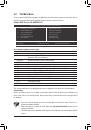
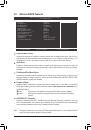
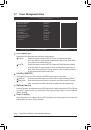
CMOS Setup Utility-Copyright (C) 1984-2010 Award Software
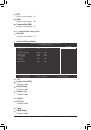
MB Intelligent Tweaker(M.I.T.)
M.I.T Current Status
[Press Enter]
Advanced Frequency Settings
[Press Enter]
Advanced Memory Settings
[Press Enter]
Advanced Voltage Settings
[Press Enter]
Miscellaneous Settings
[Press Enter]
BIOS Version
E1
BCLK
133.27 MHz
CPU Frequency
3198.42 MHz
Memory Frequency
1332.80 MHz
Total Memory Size
1024 MB
CPU Temperature
45
o
C
PCH Temperature
40
o
C
Vcore
1.264V
DRAM Voltage
1.584V
higf
: Move
Enter: Select
+/-/PU/PD: Value
F10: Save
ESC: Exit
F1: General Help
F5: Previous Values
F6: Fail-Safe Defaults
F7: Optimized Defaults
Item Help
Menu Level
Оглавление инструкции
- Box Contents
- Optional Items
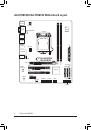
- GA-H55M-S2/GA-H55M-S2V Motherboard Layout
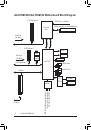
- GA-H55M-S2/GA-H55M-S2V Motherboard Block Diagram
- Chapter 1 Hardware Installation
- Chapter 2 BIOS Setup
- 2-1 Startup Screen
- 2-2 The Main Menu
- 2-3 MB Intelligent Tweaker(M.I.T.)
- 2-4 Standard CMOS Features
- 2-5 Advanced BIOS Features
- 2-6 Integrated Peripherals
- 2-7 Power Management Setup
- 2-8 PC Health Status
- 2-9 Load Fail-Safe Defaults
- 2-10 Load Optimized Defaults
- 2-11 Set Supervisor/User Password
- 2-12 Save & Exit Setup
- 2-13 Exit Without Saving
- Chapter 3 Drivers Installation
- Chapter 4 Unique Features
- Chapter 5 Appendix





