Инструкция для GIGABYTE GA-H55M-S2V (rev. 1.4), GA H55M S2V rev 1 4
 1
 2
 3
 4
 5
 6
 7
 8
 9
 10
 11
 12
 13
 14
 15
 16
 17
 18
 19
 20
 21
 22
 23
 24
 25
 26
 27
 28
 29
 30
 31
 32
 33
 34
 35
 36
 37
 38
 39
 40
 41
 42
 43
 44
 45
 46
 47
 48
 49
 50
 51
 52
 53
 54
 55
 56
 57
 58
 59
 60
 61
 62
 63
 64
 65
 66
 67
 68
 69
 70
 71
 72
 73
 74
 75
 76
 77
 78
 79
 80
Unique Features
- 64 -
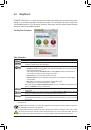
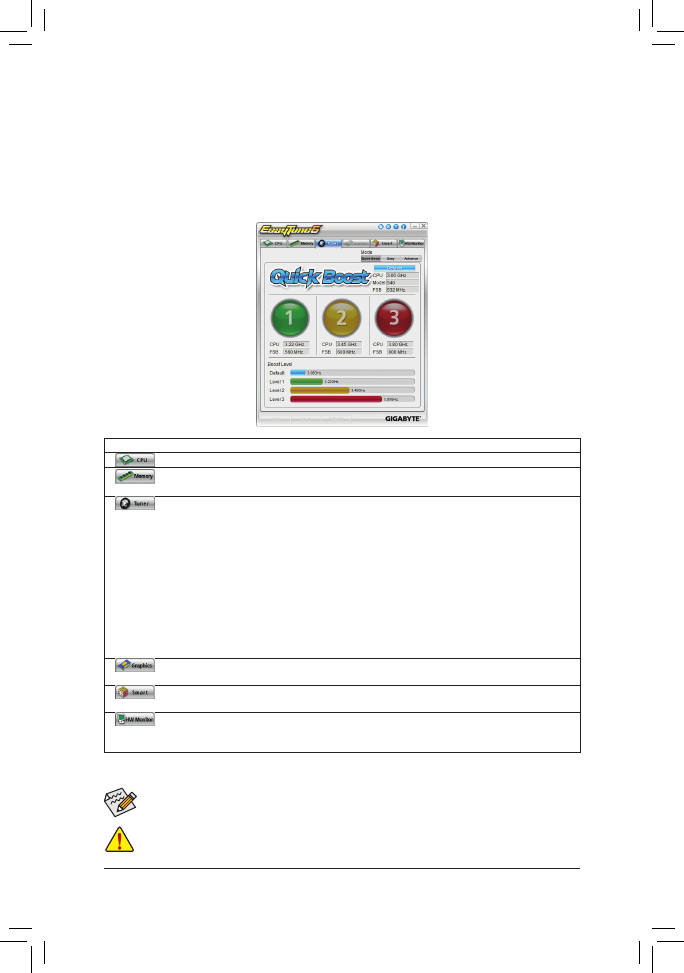
4-3 EasyTune 6
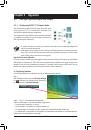
GIGABYTE's EasyTune 6 is a simple and easy-to-use interface that allows users to fine-tune their system
settings or do overclock/overvoltage in Windows environment. The user-friendly EasyTune 6 interface also
includes tabbed pages for CPU and memory information, letting users read their system-related information
without the need to install additional software.
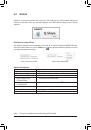
The EasyTune 6 Interface
Tabs Information
Available functions in EasyTune 6 may differ by motherboard model. Grayed-out area(s) indicates that the item is
not configurable or the function is not supported.
(Note) Due to the hardware limitation, you must install a DDR3 1066 MHz memory module(s) (or above) to enable support
for Quick Boost.
Incorrectly doing overclock/overvoltage may result in damage to the hardware components such as CPU, chipset,
and memory and reduce the useful life of these components. Before you do the overclock/overvoltage, make sure
that you fully know each function of EasyTune 6, or system instability or other unexpected results may occur.
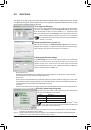
Tab
Function
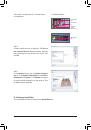
The
CPU
tab provides information on the installed CPU and motherboard.
The
Memory
tab provides information on the installed memory module(s). You can select memory
module on a specific slot to see its information.
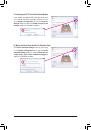
The
Tuner
tab allows you to change system clock settings and voltages.
•
Quick Boost mode
provides you with 3 levels of CPU frequency/base clock to choose to achieve
desired system performance.
(Note)
After making changes in
Quick Boost mode
or clicking
Default
to restore to default values, be
sure to restart your system for these changes to take effect.
•
Easy mode
allows you to adjust the CPU base clock only.
•
Advanced mode
allows you to individually change system clock settings and voltages settings
using the sliders.
•
Save
allows you to save the current settings to a new profile (.txt file).
•
Load
allows you to load previous settings from a profile.
After making changes in
Easy mode
/
Advanced mode
, be sure to click
Set
for these changes to take
effect or click
Default
to restore to default values.
The
Graphics
tab allows you to change the core clock and memory clock for your ATI or NVIDIA
graphics card.
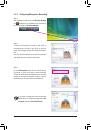
The
Smart
tab allows you to specify a Smart Fan mode.
Smart Fan Advance Mode
allows the CPU fan
speed to be changed linearly based on the CPU temperature thresholds you set.
The
HW Monitor
tab allows you to monitor hardware temperature, voltage and fan speed and set
temperature/fan speed alarm. You can choose the alert sound from the buzzer or use your own sound
file (.wav file).
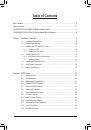
Оглавление инструкции
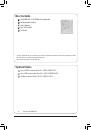
- Box Contents
- Optional Items
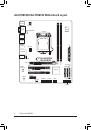
- GA-H55M-S2/GA-H55M-S2V Motherboard Layout
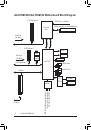
- GA-H55M-S2/GA-H55M-S2V Motherboard Block Diagram
- Chapter 1 Hardware Installation
- Chapter 2 BIOS Setup
- 2-1 Startup Screen
- 2-2 The Main Menu
- 2-3 MB Intelligent Tweaker(M.I.T.)
- 2-4 Standard CMOS Features
- 2-5 Advanced BIOS Features
- 2-6 Integrated Peripherals
- 2-7 Power Management Setup
- 2-8 PC Health Status
- 2-9 Load Fail-Safe Defaults
- 2-10 Load Optimized Defaults
- 2-11 Set Supervisor/User Password
- 2-12 Save & Exit Setup
- 2-13 Exit Without Saving
- Chapter 3 Drivers Installation
- Chapter 4 Unique Features
- Chapter 5 Appendix





