Инструкция для LG 42LA621V, 42LA620V, 32LN655V, 32LN570V, 32LA662V
 1
 2
 3
 4
 5
 6
 7
 8
 9
 10
 11
 12
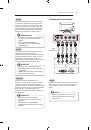 13
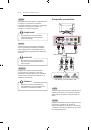 14
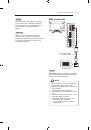 15
 16
 17
 18
 19
 20
 21
 22
 23
 24
 25
 26
 27
 28
 29
 30
 31
 32
 33
 34
 35
 36
 37
 38
 39
 40
 41
 42
 43
 44
 45
 46
 47
 48
 49
 50
 51
 52
 53
 54
 55
 56
 57
 58
 59
 60
 61
 62
 63
 64
 65
 66
 67
 68
 69
 70
 71
 72
 73
 74
 75
 76
 77
 78
 79
 80
 81
 82
 83
 84
 85
 86
 87
 88
 89
 90
 91
 92
 93
 94
 95
 96
 97
 98
 99
 100
 101
 102
 103
 104
 105
 106
 107
 108
 109
 110
 111
 112
 113
 114
 115
 116
 117
 118
 119
 120
 121
 122
 123
 124
 125
 126
 127
 128
 129
 130
 131
 132
 133
 134
 135
 136
 137
 138
 139
 140
 141
 142
 143
 144
 145
 146
 147
 148
 149
 150
 151
 152
 153
 154
 155
 156
 157
 158
26
ENGLISH
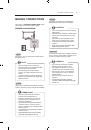
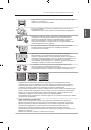
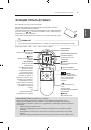
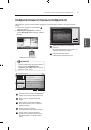
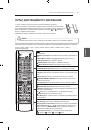
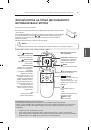
MAGIC REMOTE CONTROL FUNCTIONS
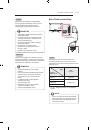
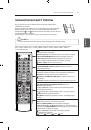
Registering Magic Remote
Control
It is necessary to ‘pair’ (register) the magic
remote control to your TV before it will work.
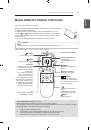
How to register the Magic Remote Control
BACK
HOME
P
MY APPS
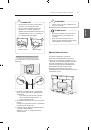
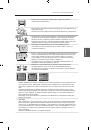
1 To register automatically,
turn the TV on and press the
Wheel(OK)
button. When
registration is completed, the
completion message appears
on the screen.
2 If registration fails, turn the TV
off and back on, then press the
Wheel(OK)
button to complete
registration.
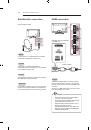
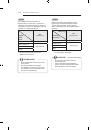
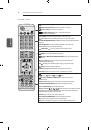
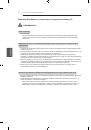
How to re-register the Magic Remote Control
BACK
SMART
1 Press and hold the
BACK
and
SMART
buttons together
for 5 seconds to reset, then
register it by following “How
to register the Magic Remote
Control” above.
2 To re-register the Magic
Remote Control, press and
hold the
BACK
button for 5
seconds toward the TV. When
registration is completed, the
completion message appears
on the screen.
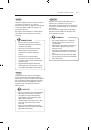
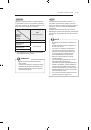
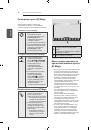
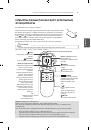
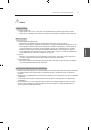
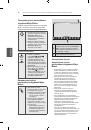
How to use Magic Remote
Control
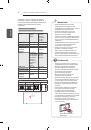
1 If the pointer disappears, move
the Magic Remote Control
slightly to left or right. Then, it
will automatically appear on the
screen.
»
If the pointer has not been
used for a certain period of
time, it will disappear.
2 You can move the pointer by
aiming the Pointer Receiver of
the Magic Remote Control at
your TV then move it left, right,
up or down.
»
If the pointer does not work
properly, leave the Magic
Remote Control for 10 seconds
then use it again.
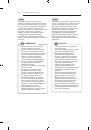
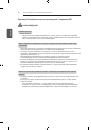
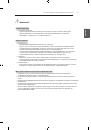
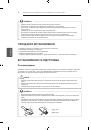
Precautions to Take when
Using the Magic Remote
Control
y
Use the Magic Remote Control within the
maximum communication distance (10 m).
Using the Magic Remote Control beyond
this distance, or with an object obstructing
it, may cause a communication failure.
y
A communication failure may occur due
to nearby devices. Electrical devices such
as a microwave oven or wireless LAN
product may cause interference, as these
use the same bandwidth (2.4 GHz) as the
Magic Remote Control.
y
The Magic Remote Control may be
damaged or may malfunction if it is
dropped or receives a heavy impact.
y
Take care not to bump into nearby
furniture or other people when using the
Magic Remote Control.
y
Manufacturer and installer cannot provide
service related to human safety as the
applicable wireless device has possibility
of electric wave interference.
y
It is recommended that an Access Point
(AP) be located more than 1 m away from
the TV. If the AP is installed closer than
1 m, the Magic Remote Control may not
perform as expected due to frequency
interference.
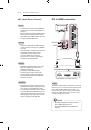
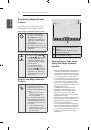
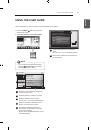
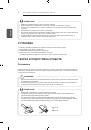
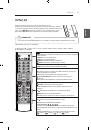
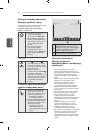
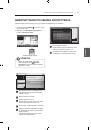
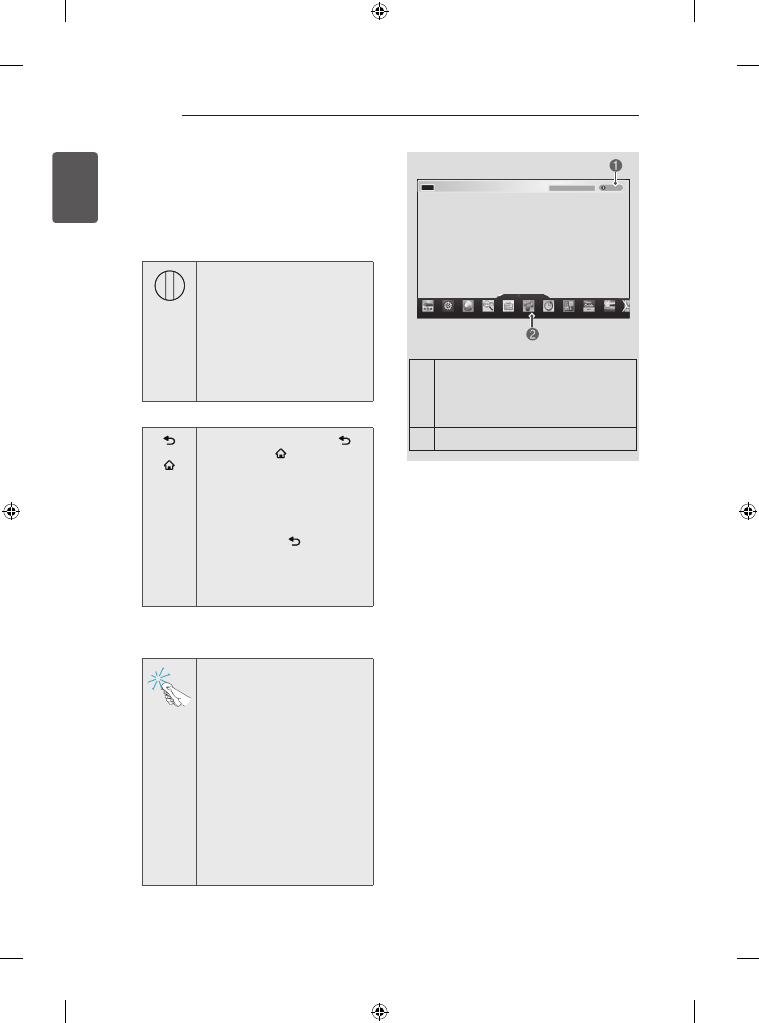
1
If you press
Wheel(OK)
on the Magic
Remote Control, the following screen
appears.
Shows information about the current
programme and screen.
2
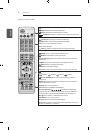
You can select More Menu.


