Инструкция для LG 42LA621V, 42LA620V, 32LN655V, 32LN570V, 32LA662V
 1
 2
 3
 4
 5
 6
 7
 8
 9
 10
 11
 12
 13
 14
 15
 16
 17
 18
 19
 20
 21
 22
 23
 24
 25
 26
 27
 28
 29
 30
 31
 32
 33
 34
 35
 36
 37
 38
 39
 40
 41
 42
 43
 44
 45
 46
 47
 48
 49
 50
 51
 52
 53
 54
 55
 56
 57
 58
 59
 60
 61
 62
 63
 64
 65
 66
 67
 68
 69
 70
 71
 72
 73
 74
 75
 76
 77
 78
 79
 80
 81
 82
 83
 84
 85
 86
 87
 88
 89
 90
 91
 92
 93
 94
 95
 96
 97
 98
 99
 100
 101
 102
 103
 104
 105
 106
 107
 108
 109
 110
 111
 112
 113
 114
 115
 116
 117
 118
 119
 120
 121
 122
 123
 124
 125
 126
 127
 128
 129
 130
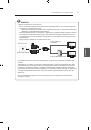 131
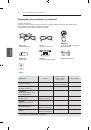 132
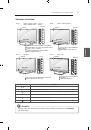 133
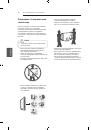 134
 135
 136
 137
 138
 139
 140
 141
 142
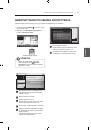 143
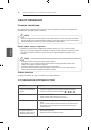 144
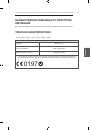 145
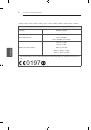 146
 147
 148
 149
 150
 151
 152
 153
 154
 155
 156
 157
 158
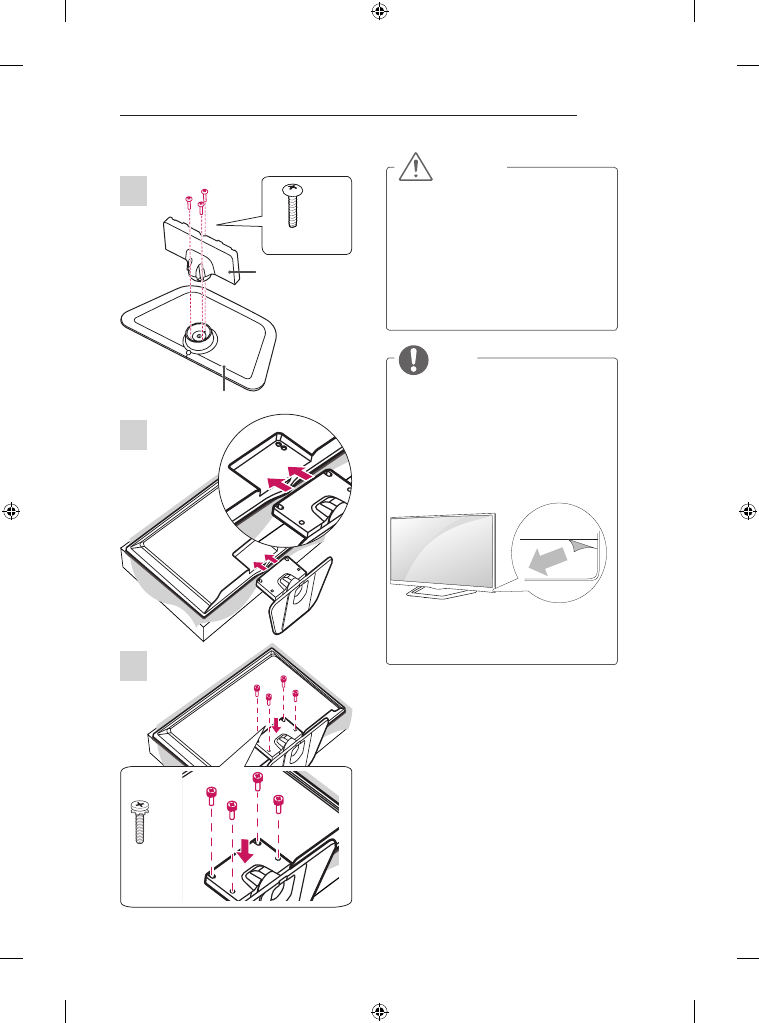
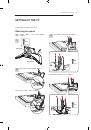
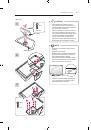
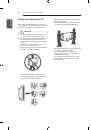
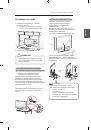
SETTING UP THE TV
A-5
SETTING UP THE TV
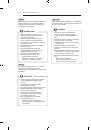
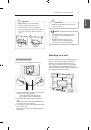
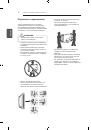
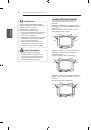
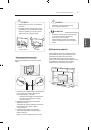
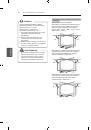
CAuTiON
y
When attaching the stand to the TV
set, place the screen facing down on a
cushioned table or flat surface to protect
the screen from scratches.
y
Make sure that the screws are inserted
correctly and fastened securely. (If they
are not fastened securely enough, the TV
may tilt forward after being installed.)
Do not use too much force and over
tighten the screws; otherwise screw may
be damaged and not tighten correctly.
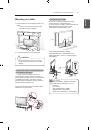
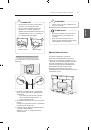
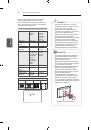
NOTE
y
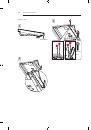
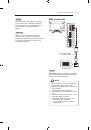
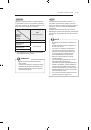
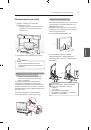
Removing the protective film (from the
bottom)
(Depending on model)
Protective film is temporarily attached to
prevent the surface of the product from
being damaged during delivery.
Once the TV has been installed, please
remove the protective film on the bottom
of the unit as shown in the figure.
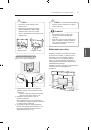
y
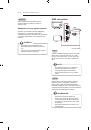
Remove the stand before installing the
TV on a wall mount by performing the
stand attachment in reverse.
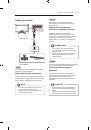
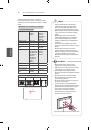
LN57**-ZA
1
Stand Body
Stand Base
P5 x 25
3EA
2
3
M4 x 14
4EA