Инструкция для Samsung LE-37 B530P7, LE-37 B530 P7W
 1
 2
 3
 4
 5
 6
 7
 8
 9
 10
 11
 12
 13
 14
 15
 16
 17
 18
 19
 20
 21
 22
 23
 24
 25
 26
 27
 28
 29
 30
 31
 32
 33
 34
 35
 36
 37
 38
 39
 40
 41
 42
 43
 44
 45
 46
 47
 48
 49
 50
 51
 52
 53
 54
 55
 56
 57
 58
 59
 60
 61
English - 2
GENERAL INFORMATION
Figures and illustrations in this User Manual are provided for reference only and may differ from actual product appearance.
Product design and specifications may be changed without notice in order to enhance product performance.
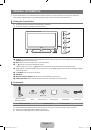
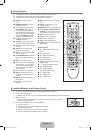
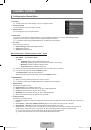
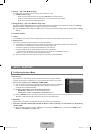
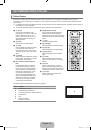
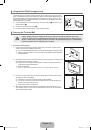
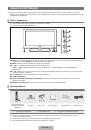
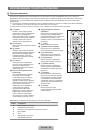
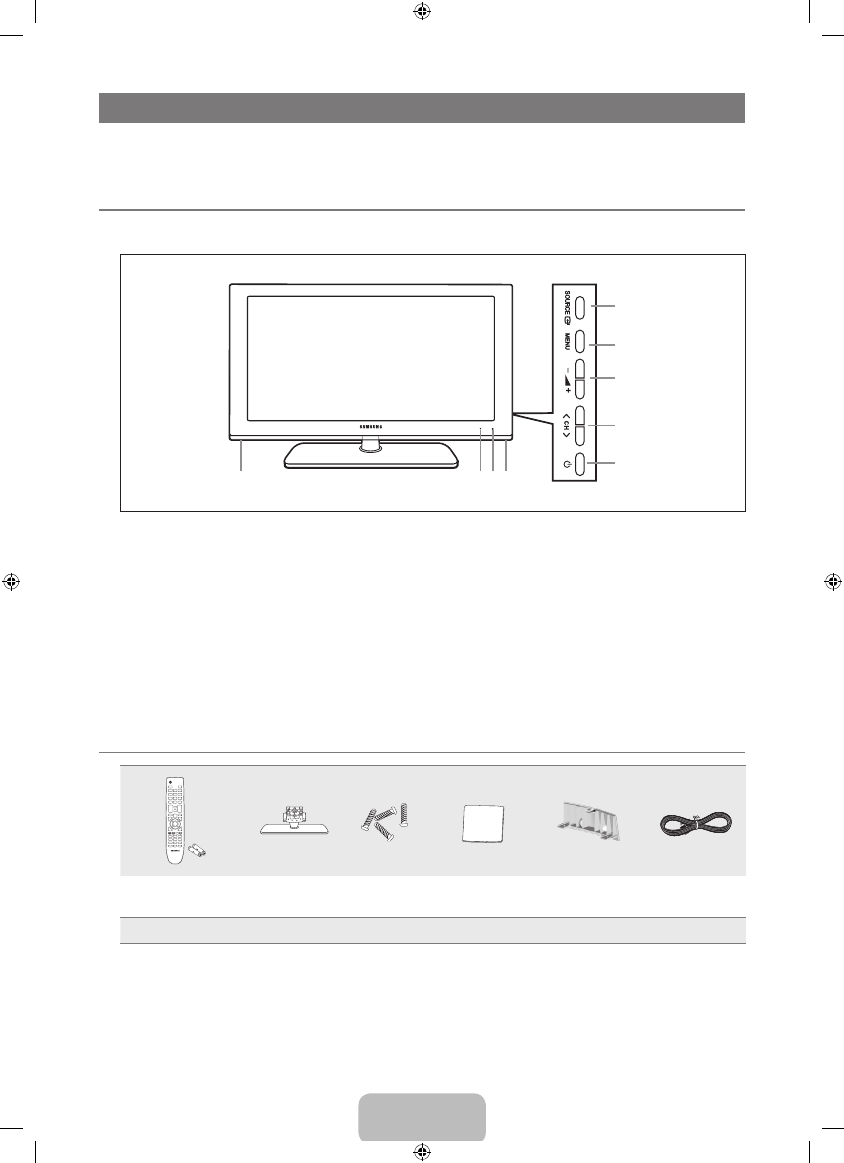
Viewing the Control Panel
The product colour and shape may vary depending on the model.
You can use a button by pressing the side panel buttons.
1
SOURCE
E
: Toggles between all the available input sources. In the on-screen menu, use this button as you would use the
ENTER
E
button on the remote control.
2
MENU
: Press to see an on-screen menu of your TV’s features.
3
Y
: Press to increase or decrease the volume.
In the on-screen menu, use the
Y
buttons as you would use the ◄ and ► buttons on the remote control.
4
Z
:
Press to change channels. In the on-screen menu, use the
Z
buttons as you would use the ▼ and ▲ buttons
on the remote control.
5
P
(POWER)
:
Press to turn the TV on and off.
6
SPEAKERS
7
REMOTE CONTROL SENSOR
: Aim the remote control towards this spot on the TV.
8
POWER INDICATOR
: Blinks and turns off when the power is on and lights up in stand-by mode.
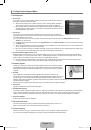
Accessories
Remote Control &
Batteries (AAA x 2)
Stand
Stand Screw X 4
Cleaning Cloth
Cover-Bottom
Power Cord
Owner’s Instructions
●
Warranty card
●
Safety Guide
●
Please make sure the following items are included with your LCD TV. If any items are missing, contact your dealer.
Warranty card / Safety Guide (Not available in all locations)
The items colour and shape may vary depending on the model.
N
¦
N
N
¦
N
N
N
(M4 X L16)
1
2
3
4
5
76
6
8
BN68-01893F-Eng.indd 2
2009-02-24 �� 2:57:18


