Инструкция для Samsung LE-37 B530P7, LE-37 B530 P7W
 1
 2
 3
 4
 5
 6
 7
 8
 9
 10
 11
 12
 13
 14
 15
 16
 17
 18
 19
 20
 21
 22
 23
 24
 25
 26
 27
 28
 29
 30
 31
 32
 33
 34
 35
 36
 37
 38
 39
 40
 41
 42
 43
 44
 45
 46
 47
 48
 49
 50
 51
 52
 53
 54
 55
 56
 57
 58
 59
 60
 61
English - 2
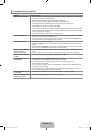
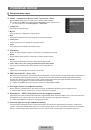
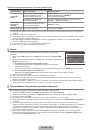
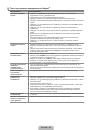
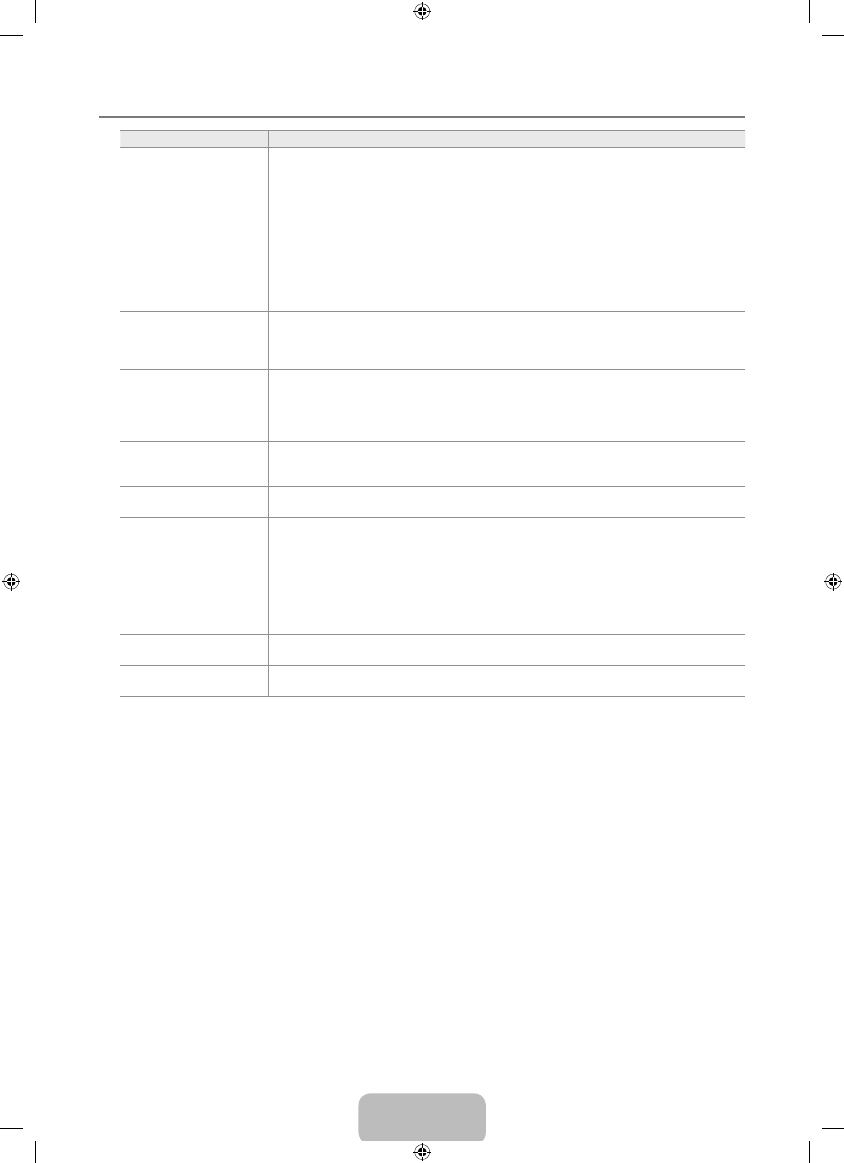
Troubleshooting for Anynet+
Problem
Possible Solution
Anynet
+
does not work.
Check if the device is an Anynet+ device. The Anynet+ system supports Anynet+ devices only.
Connect only one receiver (home theatre).
Check if the Anynet+ device power cord is properly connected.
Check the Anynet+ device’s Video/Audio/HDMI 1.3 cable connections.
Check whether Anynet+ (HDMI-CEC) is set to On in the Anynet+ setup menu.
Check whether the TV remote control is in TV mode.
Check whether it is Anynet+ exclusive remote control.
Anynet+ doesn’t work in certain situations. (Searching channels, Operating Plug & Play, etc.)
When connecting or removing the HDMI 1.3 cable, please make sure to search devices again
or turn your TV off and on again.
Check if the Anynet+ Function of Anynet+ device is set on.
●
●
●
●
●
●
●
●
●
●
I want to start Anynet
+
.
Check if the Anynet+ device is properly connected to the TV and check if the Anynet+ (HDMI-
CEC) is set to On in the Anynet+ Setup menu.
Press the
TV
button on the TV remote control to switch to TV. Then press the
TOOLS
button
to show the Anynet+ menu and select a menu you want.
●
●
I want to exit Anynet
+
.
Select View TV in the Anynet+ menu.
Press the
SOURCE
button on the TV remote control and select a device other than Anynet+
devices.
Press
P
>
/
<
and
PRE-CH
to change the TV mode. (Note that the channel button operates
only when a tuner-embedded Anynet+ device is not connected.)
●
●
●
The message Connecting
to Anynet
+
device...
appears on the screen.
You cannot use the remote control when you are configuring Anynet
+ or switching to a view
mode.
Use the remote control when the Anynet+ setting or switching to view mode is complete.
●
●
The Anynet
+
device does
not play.
You cannot use the play function when Plug & Play is in progress.
●
The connected device is
not displayed.
Check whether or not the device supports Anynet+ functions.
Check whether or not the HDMI 1.3 cable is properly connected.
Check whether Anynet+ (HDMI-CEC) is set to On in the Anynet+ setup menu.
Search Anynet+ devices again.
You can connect an Anynet+ device using the HDMI 1.3 cable only. Some HDMI cables may
not support Anynet+ functions.
If it is terminated by an abnormal situation such as disconnecting the HDMI cable or power
cord or a power failure, please repeat the device scan.
●
●
●
●
●
●
The TV programme cannot
be recorded.
Check whether the antenna jack on the recording device is properly connected.
●
The TV sound is not output
through the receiver.
Connect the optical cable between TV and the receiver.
●
¦
BN68-01893F-Eng.indd 25
2009-02-24 �� 2:57:23