Инструкция для Samsung LE-37 B530P7, LE-37 B530 P7W
 1
 2
 3
 4
 5
 6
 7
 8
 9
 10
 11
 12
 13
 14
 15
 16
 17
 18
 19
 20
 21
 22
 23
 24
 25
 26
 27
 28
 29
 30
 31
 32
 33
 34
 35
 36
 37
 38
 39
 40
 41
 42
 43
 44
 45
 46
 47
 48
 49
 50
 51
 52
 53
 54
 55
 56
 57
 58
 59
 60
 61
English - 10
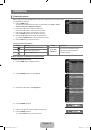
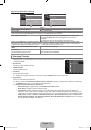
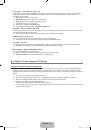
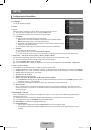
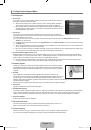
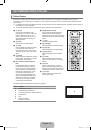
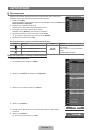
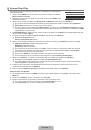
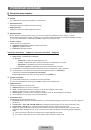
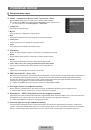
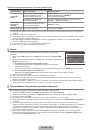
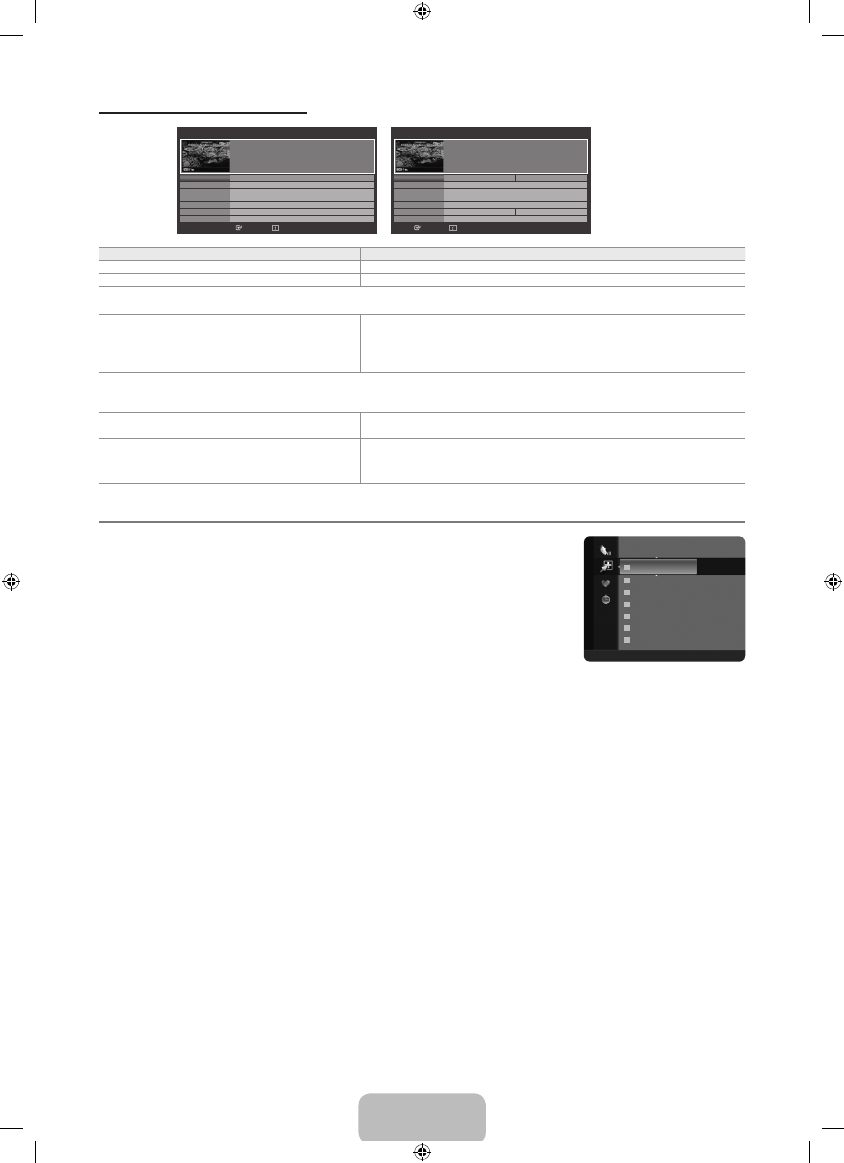
Using the Now & Next Guide / Full Guide
To...
Then...
Watch a programme in the EPG list
Select a programme by pressing the ▲, ▼, ◄, ► button.
Exit the guide
Press the blue button
If the next programme is selected, it is scheduled with the clock icon displayed. If the
ENTER
E
button is pressed again, press the
◄, ► button to select
Cancel Schedules
, the scheduling is cancelled with the clock icon gone.
View programme information
Select a programme of your choice by pressing the ▲, ▼, ◄, ► button.
Then press the
INFO
button when the programme of your choice is
highlighted.
The programme title is on the upper part of the screen centre.
Please click on
INFO
button for detailed information. Channel Number, Running Time, Status Bar, Parental Level, Video Quality
Information (HD / SD), Sound Modes, Subtitle or Teletext, languages of Subtitle or Teletext and brief summary of the highlighted
programme are included on the detailed information. “...” will be appeared if the summary is long.
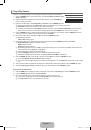
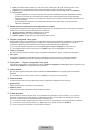
Toggle between the
Now & Next Guide
and
Full
Guide
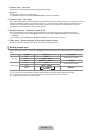
Press the red button repeatedly.
In Full Guide
Scrolls backwards quickly (24 hours).
Scrolls forwards quickly (24 hours).
Press the green button repeatedly.
Press the yellow button repeatedly.
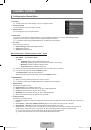
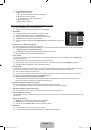
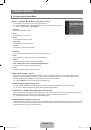
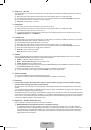
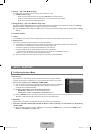
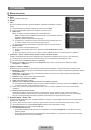
Managing Channels
Using this menu, you can Add / Delete or set Favourite channels and use the programme guide
for digital broadcasts.
All Channels
Shows all currently available channels.
Added Channels
Shows all added channels.
Favourites
Shows all favourite channels.
To select the Favourites channels you have set up, press the
FAV.CH
button on the remote control.
Programmed
Shows all current reserved programmes.
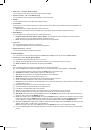
Select a channel in the
All Channels, Added Channels
or
Favourites
screen by pressing the ▲ / ▼ buttons, and pressing
the
ENTER
E
button. Then you can watch the selected channel.
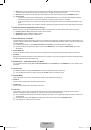
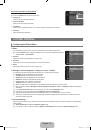
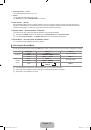
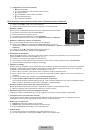
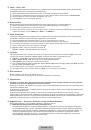
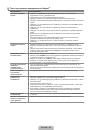
Using the Colour buttons with the Channel List
Red
(
Channel Type
): Toggle between your
TV, Radio, Data / Other
and
All
.
Green
(
Zoom
): Enlarges or shrinks a channel number.
Yellow
(
Select
): Selects multiple channel lists. You can perform the add / delete, add to Favourites / delete from
Favourites, or lock / unlock function for multiple channels at the same time. Select the required channels and press the
yellow button to set all the selected channels at the same time. The
c
mark appears to the left of the selected channels.
TOOLS
(
Tools
): Displays the
Delete
(or
Add
),
Add to Favourite
(or
Delete from Favourite
),
Lock
(or
Unlock
),
Timer
Viewing, Edit Channel Name, Sort, Edit Channel Number, Select All, Deselect All
or
Auto Store
menu. (The Options
menus may differ depending on the situation.)
¦
O
N
N
–
–
–
–
824 UKTV Gold
825 UKTV style
A
1 C --
A
2 C --
A
3 ♥ C --
A
4 C --
A
5 C --
A
6 C --
A
7 C --
Added Channels
All
■
Channel Type
■
Zoom
■ Select
T
Tools
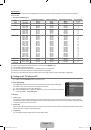
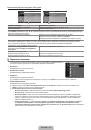
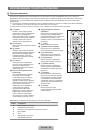
Now & Next Guide
DTV Cable 900 f tn 2:10 Tue 1 Jun
Freshmen On Campus
2:00 - 2:30
No Detailed Information
Now
Next
Mint Extra
Loaded
Fresh 40 with Dynamite MC
The Distillery
Smash Hits! Sunday
1 f tn
2 ITV Play
3 Kerrang!
4 Kiss
5 oneword
6 Smash Hits!
▼
Street Hypn..
Kisstory
No Information
No Information
No Information
Watch
Information
■ Full Guide ■
Exit
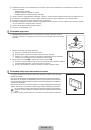
Full Guide
DTV Cable 900 f tn 2:10 Tue 1 Jun
Freshmen On Campus
2:00 - 2:30
No Detailed Information
Today
2:00 - 3:00
3:00 - 4:00
Mint Extra
Loaded
Fresh 40 with Dynamite MC
The Distillery
Smash Hits! Sunday
1 f tn
2 ITV Play
3 Kerrang!
4 Kiss
5 oneword
6 Smash Hits!
▼
No Information
Freshmen O..
Watch
Information
■ Now/Next ■
+24 Hours
■
Exit
BN68-01893F-Eng.indd 10
2009-02-24 �� 2:57:20