Инструкция для JVC KD-AVX22
 1
 2
 3
 4
 5
 6
 7
 8
 9
 10
 11
 12
 13
 14
 15
 16
 17
 18
 19
 20
 21
 22
 23
 24
 25
 26
 27
 28
 29
 30
 31
 32
 33
 34
 35
 36
 37
 38
 39
 40
 41
 42
 43
 44
 45
 46
 47
 48
 49
 50
 51
 52
 53
 54
 55
 56
 57
 58
 59
 60
 61
 62
 63
 64
 65
 66
 67
 68
 69
 70
 71
 72
 73
 74
 75
 76
 77
 78
 79
 80
 81
 82
 83
 84
 85
 86
 87
 88
 89
 90
 91
 92
 93
 94
 95
 96
 97
 98
 99
 100
 101
 102
 103
 104
 105
 106
 107
 108
 109
 110
 111
 112
 113
 114
 115
 116
 117
 118
 119
 120
 121
 122
 123
 124
 125
 126
 127
 128
 129
 130
 131
 132
 133
 134
 135
 136
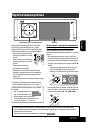 137
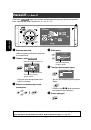 138
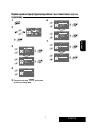 139
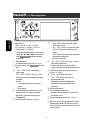 140
 141
 142
 143
 144
 145
 146
 147
 148
 149
 150
 151
 152
 153
 154
 155
 156
 157
 158
 159
 160
 161
 162
 163
 164
 165
 166
 167
 168
 169
 170
 171
 172
 173
 174
 175
 176
 177
 178
 179
 180
 181
 182
 183
 184
 185
 186
 187
 188
 189
 190
 191
 192
 193
 194
 195
 196
 197
 198
 199
 200
 201
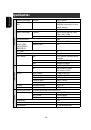
SETTINGS
53
ENGLISH
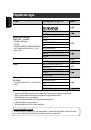
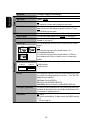
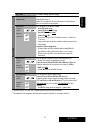
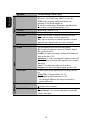
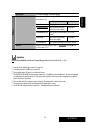
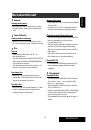
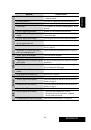
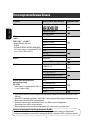
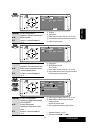
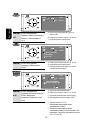
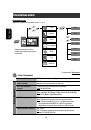
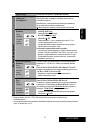
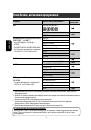
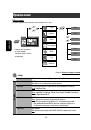
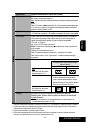
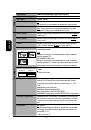
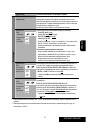
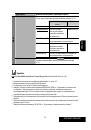
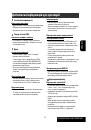
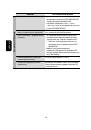
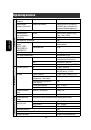
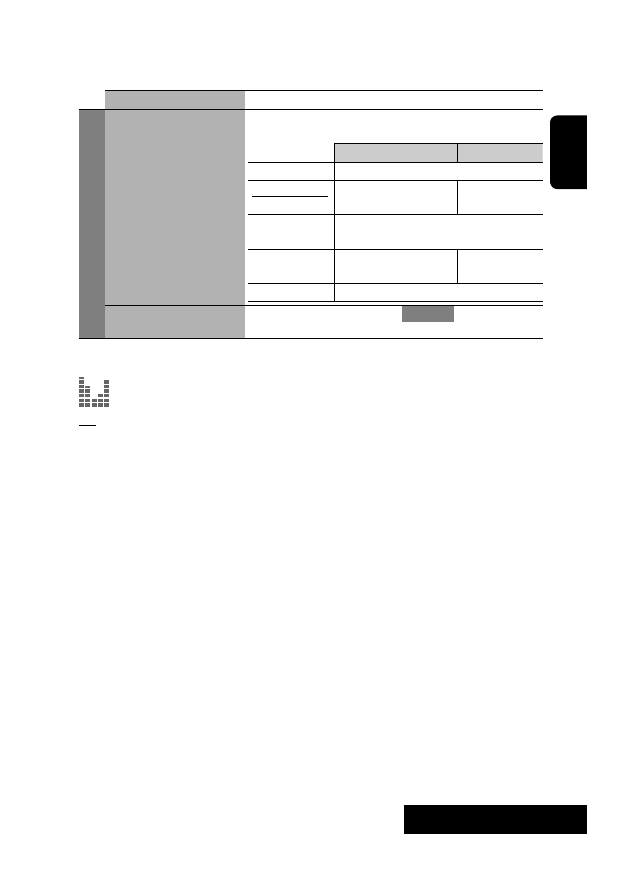
Menu items
Selectable settings, [reference page]
Others
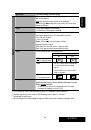
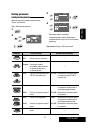
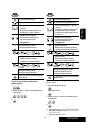
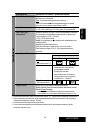
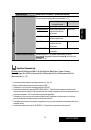
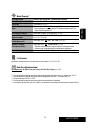
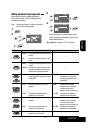
Illumination
You can turn off the touch pad controls and monitor lights while turning
on the unit.
☞
[5]
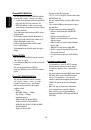
Touch pad controls
Monitor
Normal:
Always lights.
Proximity/Motion:
Lights up when your hand
moves close to the controls.
Always lights.
Proxi/Motion-LCD:
Light up when your hand moves close to the
controls.
Touch Pad:
Lights up when your finger
touches the controls.
Always lights.
Touch Pad-LCD:
Light up when your finger touches the controls.
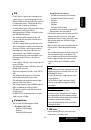
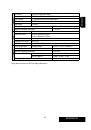
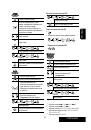
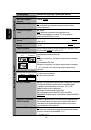
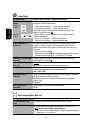
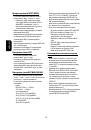
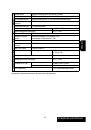
Initialize
Initialize all settings you have made in
<AV Menu>
. Hold
6
, then
reset the unit.
☞
[3]
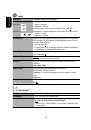
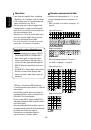
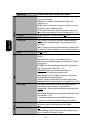
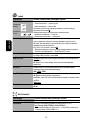
Equalizer
Flat
/
Hard Rock
/
R&B
/
Pop
/
Jazz
/
Dance
/
Country
/
Reggae
/
Classic
/
User1
/
User2
/
User3
,
☞
[46]
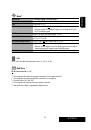
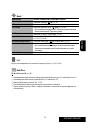
*
1
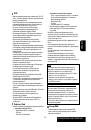
Depends on the amplifier gain control. (
☞
page 54)
*
2
Selectable only when a DAB tuner is connected.
*
3
Not selectable when “AV Input” is selected as the source.
*
4
The REVERSE GEAR SIGNAL lead connection is required
☞
“Installation/Connection Manual.” The rear view through
the camera appears on the monitor in “Full” aspect ratio (regardless of the aspect ratio setting) when you shift the
gear to the reverse (R) position.
*
5
Not selectable when the component connected to the CD changer jack is selected as the source.
*
6
The name of the component detected through the CD changer jack is shown.
*
7
The TEL MUTING lead connection is required.
☞
“Installation/Connection Manual.“