Инструкция для JVC KD-AVX22
 1
 2
 3
 4
 5
 6
 7
 8
 9
 10
 11
 12
 13
 14
 15
 16
 17
 18
 19
 20
 21
 22
 23
 24
 25
 26
 27
 28
 29
 30
 31
 32
 33
 34
 35
 36
 37
 38
 39
 40
 41
 42
 43
 44
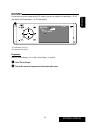 45
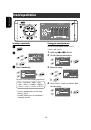 46
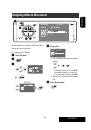 47
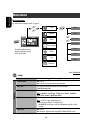 48
 49
 50
 51
 52
 53
 54
 55
 56
 57
 58
 59
 60
 61
 62
 63
 64
 65
 66
 67
 68
 69
 70
 71
 72
 73
 74
 75
 76
 77
 78
 79
 80
 81
 82
 83
 84
 85
 86
 87
 88
 89
 90
 91
 92
 93
 94
 95
 96
 97
 98
 99
 100
 101
 102
 103
 104
 105
 106
 107
 108
 109
 110
 111
 112
 113
 114
 115
 116
 117
 118
 119
 120
 121
 122
 123
 124
 125
 126
 127
 128
 129
 130
 131
 132
 133
 134
 135
 136
 137
 138
 139
 140
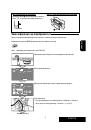 141
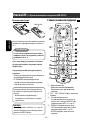 142
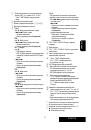 143
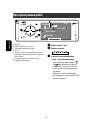 144
 145
 146
 147
 148
 149
 150
 151
 152
 153
 154
 155
 156
 157
 158
 159
 160
 161
 162
 163
 164
 165
 166
 167
 168
 169
 170
 171
 172
 173
 174
 175
 176
 177
 178
 179
 180
 181
 182
 183
 184
 185
 186
 187
 188
 189
 190
 191
 192
 193
 194
 195
 196
 197
 198
 199
 200
 201
20
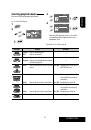
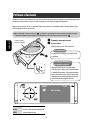
ENGLISH
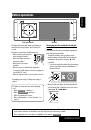
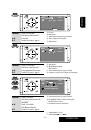
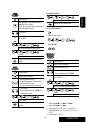
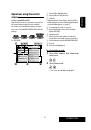
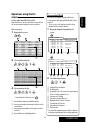
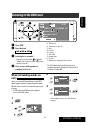
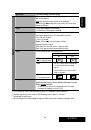
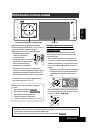
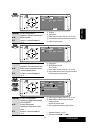
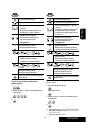
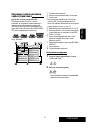
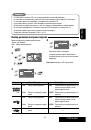
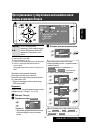
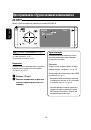
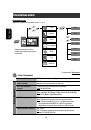
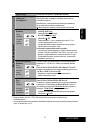
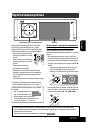
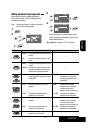
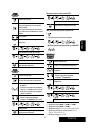
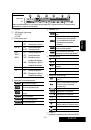
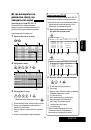
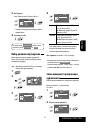
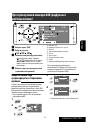
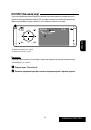
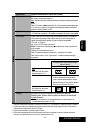
VCD
15: 45
02 0: 45: 38
FLAT
PBC
VCD
02 0:01:20
FLAT
PBC
15:45
4
¢
:
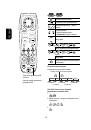
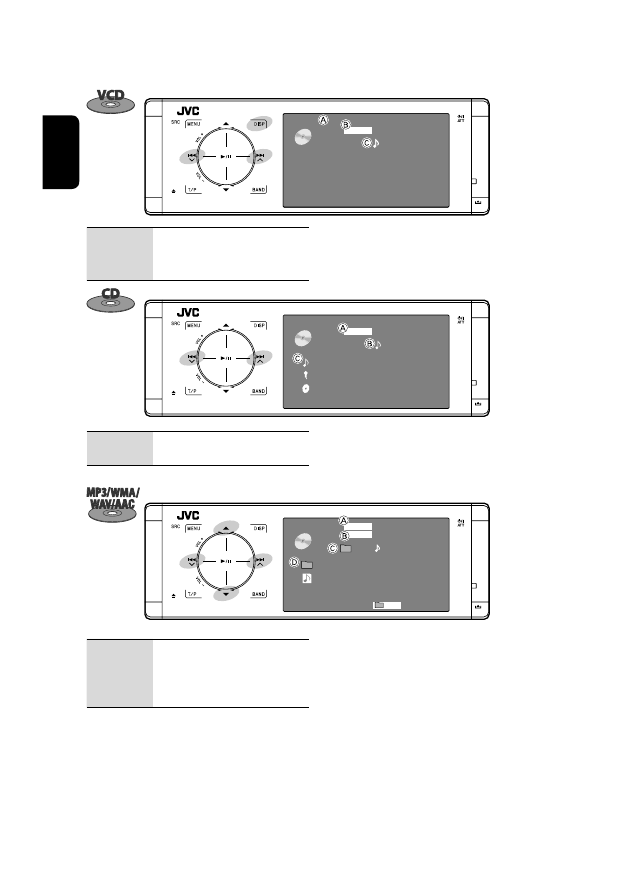
Touch: Selects track.
Hold: Reverse/forward search
*1
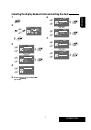
DISP:
Touch if necessary (
☞
page 9)
A
PBC indicator lights up when PBC is in use.
B
Sound/surround mode (
☞
pages 26 and 46)
C
Track no./Playing time
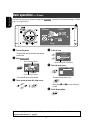
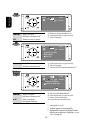
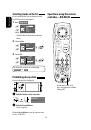
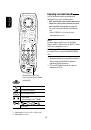
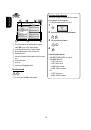
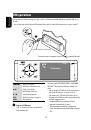
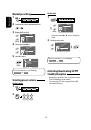
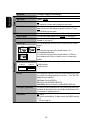
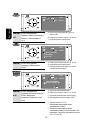
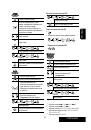
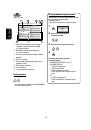
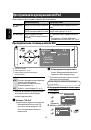
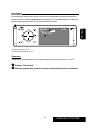
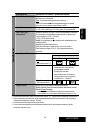
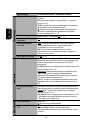
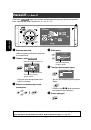
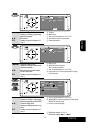
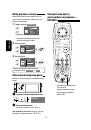
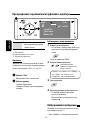
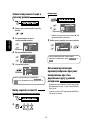
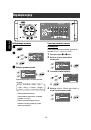
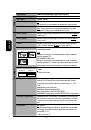
CD
02 0:01:20
FLAT
15:45
Current Track Title
Artist Name
Disc Title
4
¢
:
Touch: Selects track.
Hold: Reverse/forward search
*1
A
Sound/surround mode (
☞
pages 26 and 46)
B
Track no./Playing time
C
Track title (only for CD Text)/Artist Name/Disc title
*2
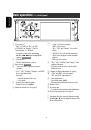
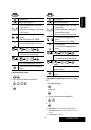
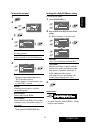
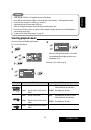
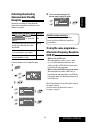
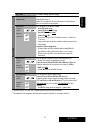
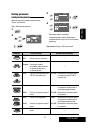
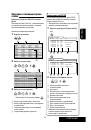
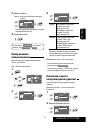
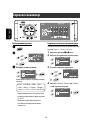
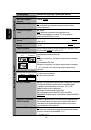
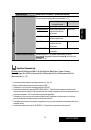
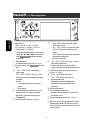
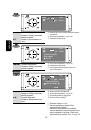
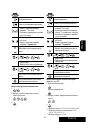
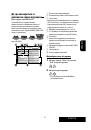
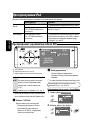
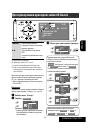
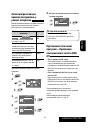
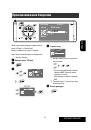
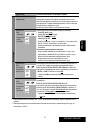
CD
01 02 0:01:20
FLAT
15:45
Current Folder Name
Current File Name.mp3
MP3
RPT
4
¢
:
Touch: Selects track.
Hold: Reverse/forward search
*1
5
∞
:
Touch: Selects folder.
Hold: Displays Folder List.
A
Audio format (MP3/WMA/WAV/AAC)
B
Sound/surround mode (
☞
pages 26 and 46)
C
Folder no./Track no./Playing time
D
Current folder name/current file name
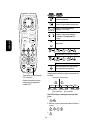
*3
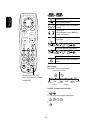
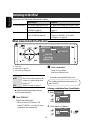
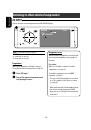
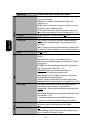
*
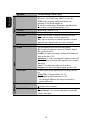
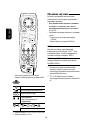
1
Search speed: x2
]
x10
*
2
“No Name” appears for conventional CDs.
*
3
Tag data will be shown instead of folder/file names
when they are recorded and <Tag Display> is set to
<On>. (
☞
page 48)