Инструкция для JVC KD-AVX22
 1
 2
 3
 4
 5
 6
 7
 8
 9
 10
 11
 12
 13
 14
 15
 16
 17
 18
 19
 20
 21
 22
 23
 24
 25
 26
 27
 28
 29
 30
 31
 32
 33
 34
 35
 36
 37
 38
 39
 40
 41
 42
 43
 44
 45
 46
 47
 48
 49
 50
 51
 52
 53
 54
 55
 56
 57
 58
 59
 60
 61
 62
 63
 64
 65
 66
 67
 68
 69
 70
 71
 72
 73
 74
 75
 76
 77
 78
 79
 80
 81
 82
 83
 84
 85
 86
 87
 88
 89
 90
 91
 92
 93
 94
 95
 96
 97
 98
 99
 100
 101
 102
 103
 104
 105
 106
 107
 108
 109
 110
 111
 112
 113
 114
 115
 116
 117
 118
 119
 120
 121
 122
 123
 124
 125
 126
 127
 128
 129
 130
 131
 132
 133
 134
 135
 136
 137
 138
 139
 140
 141
 142
 143
 144
 145
 146
 147
 148
 149
 150
 151
 152
 153
 154
 155
 156
 157
 158
 159
 160
 161
 162
 163
 164
 165
 166
 167
 168
 169
 170
 171
 172
 173
 174
 175
 176
 177
 178
 179
 180
 181
 182
 183
 184
 185
 186
 187
 188
 189
 190
 191
 192
 193
 194
 195
 196
 197
 198
 199
 200
 201
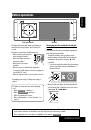
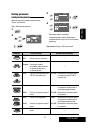
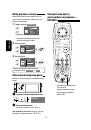
OPERATIONS
23
ENGLISH
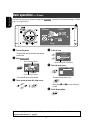
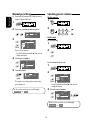
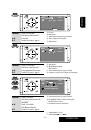
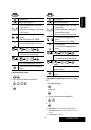
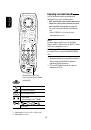
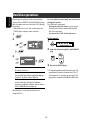
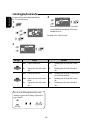
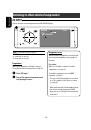
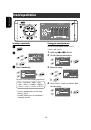
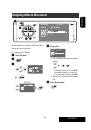
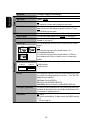
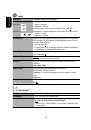
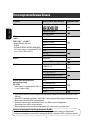
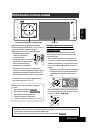
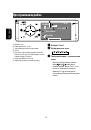
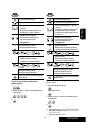
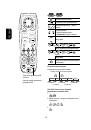
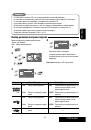
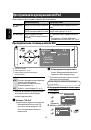
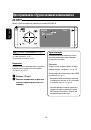
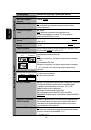
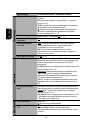
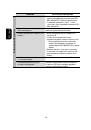
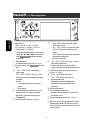
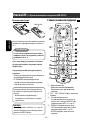
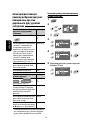
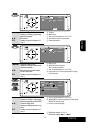
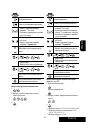
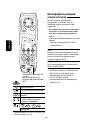
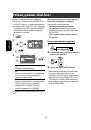
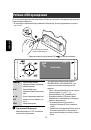
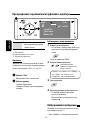
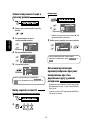
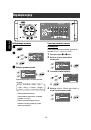
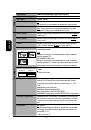
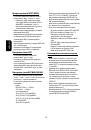
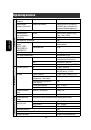
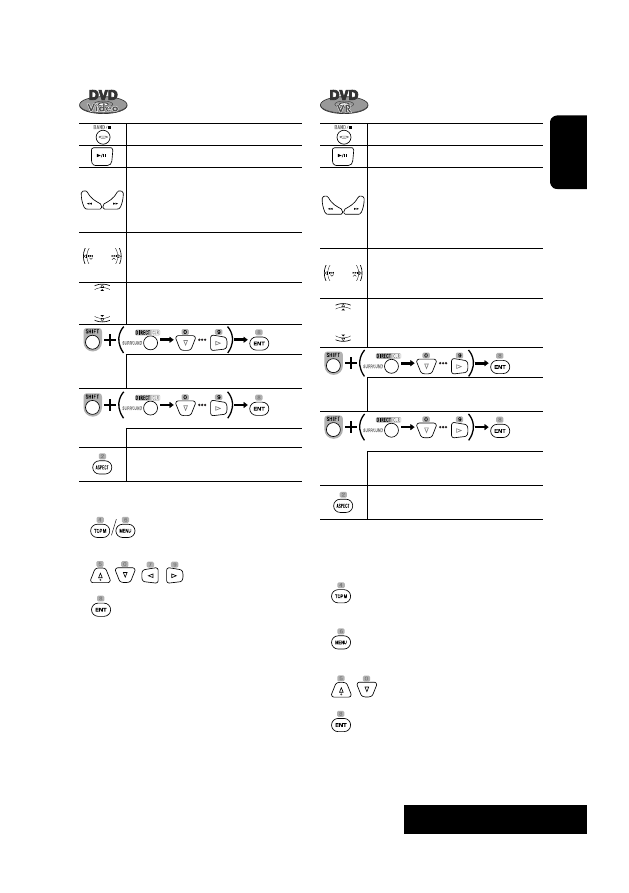
Stops playback.
Starts or pauses playback.
• Reverse/forward search
*1
(No sound
can be heard.)
• Slow motion
*2
during pause. (No sound
can be heard.)
• Selects chapter (during playback or
pause).
• Reverse/forward search
*3
[Hold]
Selects title (during playback or pause).
• Selects chapter.
• Selects title (when not playing).
Selects title (during playback or pause).
Changes the aspect ratio of the playback
pictures.
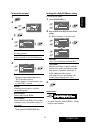
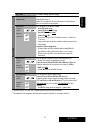
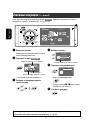
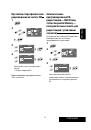
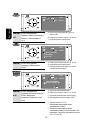
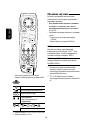
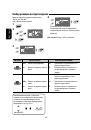
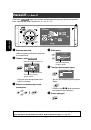
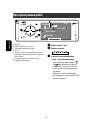
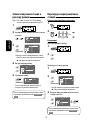
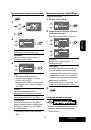
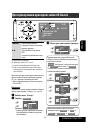
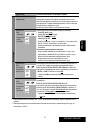
Using menu driven features
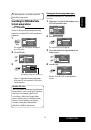
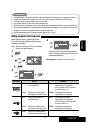
1.
2.
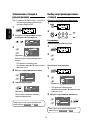
Select an item you want to start playback.
3.
[Twice]
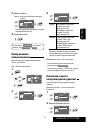
*
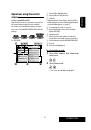
1
Search speed: x2
]
x5
]
x10
]
x20
]
x60
*
2
Slow motion speed: 1/32
]
1/16
]
1/8
]
1/4
]
1/2
*
3
Search speed: x2
]
x10
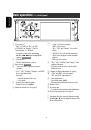
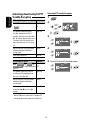
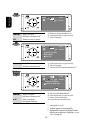
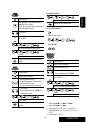
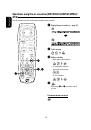
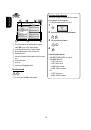
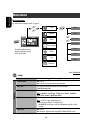
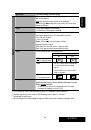
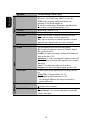
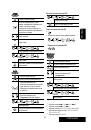
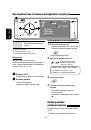
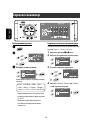
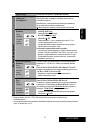
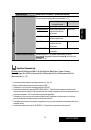
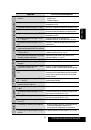
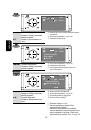
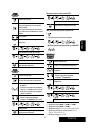
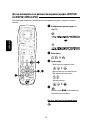
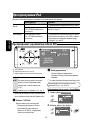
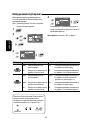
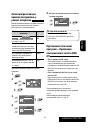
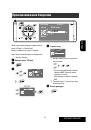
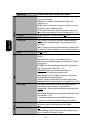
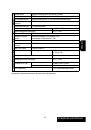
Stops playback.
Starts or pauses playback.
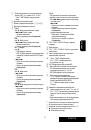
• Reverse/forward search
*1
(No sound
can be heard.)
• Forward slow motion
*2
during pause.
(No sound can be heard.)
• Reverse slow motion does not work.
• Select chapter (during playback or
pause).
• Reverse/forward search
*3
[Hold]
• Selects program.
• Selects Play List (during playback or
pause).
• Selects chapter.
• Selects program (when not playing).
Selects program/Play List (during
playback or pause).
Changes the aspect ratio of the playback
pictures.
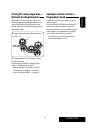
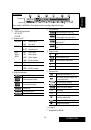
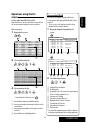
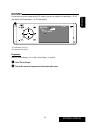
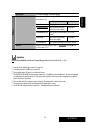
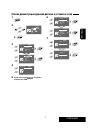
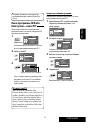
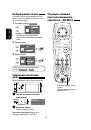
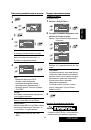
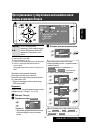
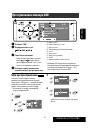
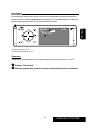
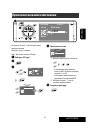
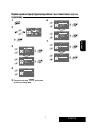
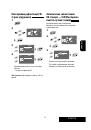
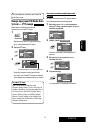
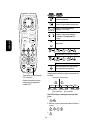
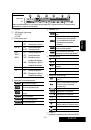
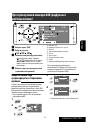
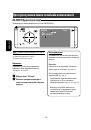
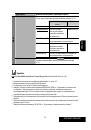
Using Original Program/Play List screens (
☞
page
33)
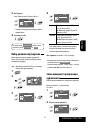
1.
For Original Programs:
For Play List:
2.
Select the item you want to start playback.
3.
[Twice]