Инструкция для JVC KW-AVX820
 1
 2
 3
 4
 5
 6
 7
 8
 9
 10
 11
 12
 13
 14
 15
 16
 17
 18
 19
 20
 21
 22
 23
 24
 25
 26
 27
 28
 29
 30
 31
 32
 33
 34
 35
 36
 37
 38
 39
 40
 41
 42
 43
 44
 45
 46
 47
 48
 49
 50
 51
 52
 53
 54
 55
 56
 57
 58
 59
 60
 61
 62
 63
 64
 65
 66
 67
 68
 69
 70
 71
 72
 73
 74
 75
 76
 77
 78
 79
 80
 81
 82
 83
 84
 85
 86
 87
 88
 89
 90
 91
 92
 93
 94
 95
 96
 97
 98
 99
 100
 101
 102
 103
 104
 105
 106
 107
 108
 109
 110
 111
 112
 113
 114
 115
 116
 117
 118
 119
 120
 121
 122
 123
 124
 125
 126
 127
 128
 129
 130
 131
 132
 133
 134
 135
 136
 137
 138
 139
 140
 141
 142
 143
 144
 145
 146
 147
 148
 149
 150
 151
 152
 153
 154
 155
 156
 157
 158
 159
 160
 161
 162
 163
 164
 165
 166
 167
 168
 169
 170
 171
 172
 173
 174
 175
 176
 177
 178
 179
 180
 181
 182
 183
 184
 185
 186
 187
 188
 189
 190
 191
 192
 193
 194
 195
 196
 197
 198
 199
 200
 201
 202
 203
 204
 205
 206
 207
 208
 209
 210
 211
 212
 213
9
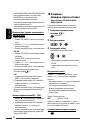
INTRODUCTIONS
ENGLISH
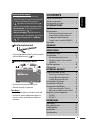
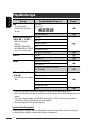
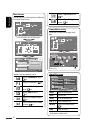
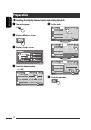
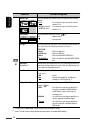
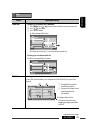
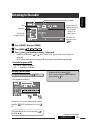
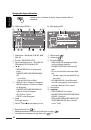
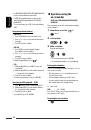
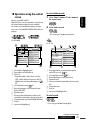
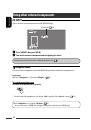
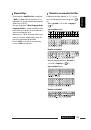
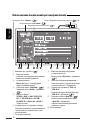
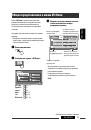
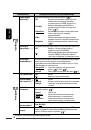
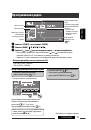
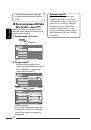
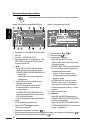
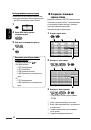
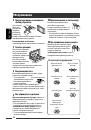
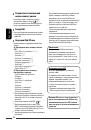
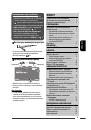
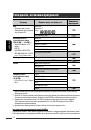
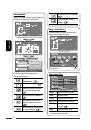
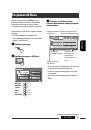
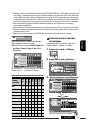
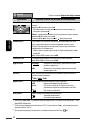
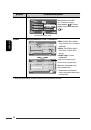
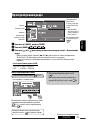
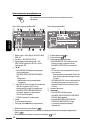
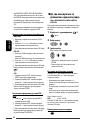
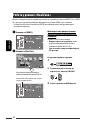
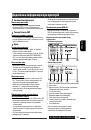
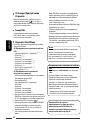
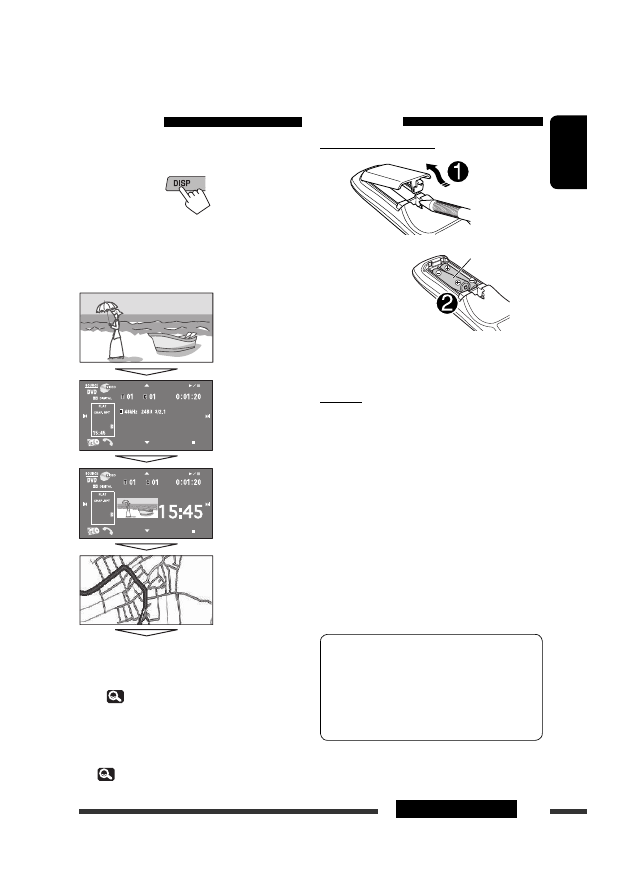
Changing the display
information
• Available display information varies among the
playback sources.
• Each time you press DISP, the display changes to
show the various information.
Ex.: When the playback source is a DVD video disc.
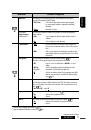
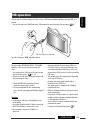
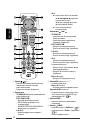
Using the remote controller
(RM-RK252)
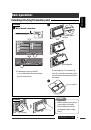
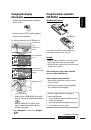
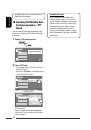
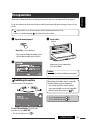
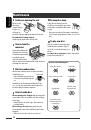
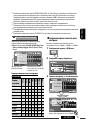
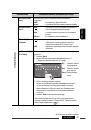
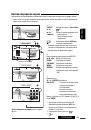
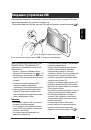
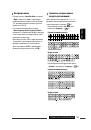
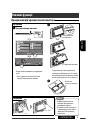
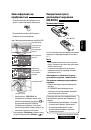
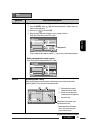
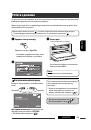
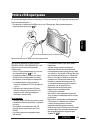
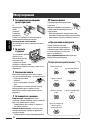
Installing the batteries
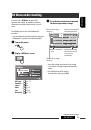
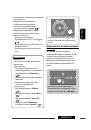
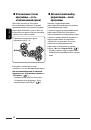
Insert the batteries into the remote controller by
matching the polarity (+ and –) correctly.
Caution:
• Danger of explosion if battery is incorrectly replaced.
Replace only with the same or equivalent type.
• Battery shall not be exposed to excessive heat such as
sunshine, fire, or the like.
If the effectiveness of the remote controller
decreases, replace the batteries.
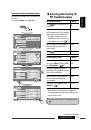
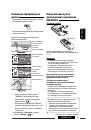
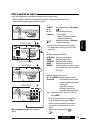
Before using the remote controller:
• Aim the remote controller directly at the remote
sensor on the unit.
• DO NOT expose the remote sensor to bright light
(direct sunlight or artificial lighting).
R03/LR03/AAA
Continued on the next page
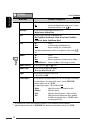
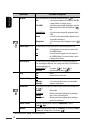
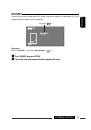
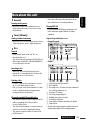
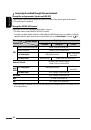
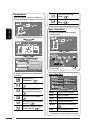
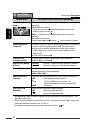
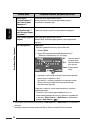
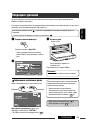
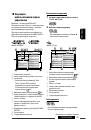
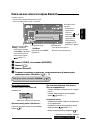
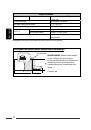
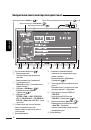
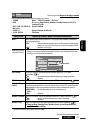
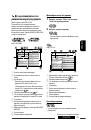
Source information
screen
Navigation screen
*
2
Back to the beginning
Playback picture
screen
(only for video
sources)
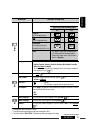
Playback picture
*
1
and clock time in large
numbers
*
1
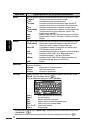
• When the source is “
USB-iPod
”, the Artwork of
the song is shown if the song has an Artwork data.
(
16
)
• While MP3/WMA/AAC file is played, “Jacket
picture” is shown if the file has the tag data
including “Jacket picture.”
*
2
When <
Navigation
> is selected for <
AV Input
>
(
18
)
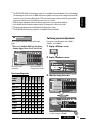
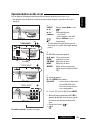
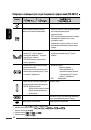
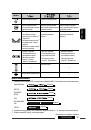
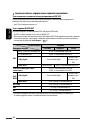
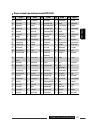
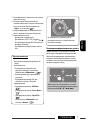
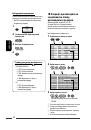
The unit is equipped with the steering wheel
remote control function.
• See the Installation/Connection Manual (separate
volume) for connection.
• Operations may differ depending on the types of
the steering wheel remote control.