Инструкция для JVC KW-AVX820
 1
 2
 3
 4
 5
 6
 7
 8
 9
 10
 11
 12
 13
 14
 15
 16
 17
 18
 19
 20
 21
 22
 23
 24
 25
 26
 27
 28
 29
 30
 31
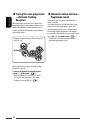 32
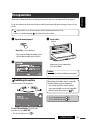 33
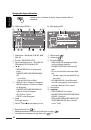 34
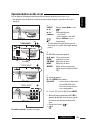 35
 36
 37
 38
 39
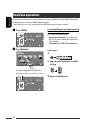 40
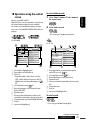 41
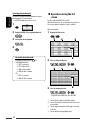 42
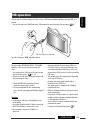 43
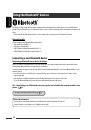 44
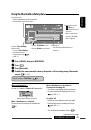 45
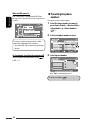 46
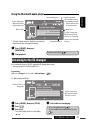 47
 48
 49
 50
 51
 52
 53
 54
 55
 56
 57
 58
 59
 60
 61
 62
 63
 64
 65
 66
 67
 68
 69
 70
 71
 72
 73
 74
 75
 76
 77
 78
 79
 80
 81
 82
 83
 84
 85
 86
 87
 88
 89
 90
 91
 92
 93
 94
 95
 96
 97
 98
 99
 100
 101
 102
 103
 104
 105
 106
 107
 108
 109
 110
 111
 112
 113
 114
 115
 116
 117
 118
 119
 120
 121
 122
 123
 124
 125
 126
 127
 128
 129
 130
 131
 132
 133
 134
 135
 136
 137
 138
 139
 140
 141
 142
 143
 144
 145
 146
 147
 148
 149
 150
 151
 152
 153
 154
 155
 156
 157
 158
 159
 160
 161
 162
 163
 164
 165
 166
 167
 168
 169
 170
 171
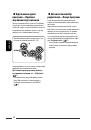 172
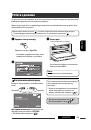 173
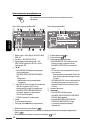 174
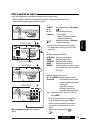 175
 176
 177
 178
 179
 180
 181
 182
 183
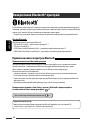 184
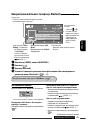 185
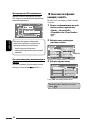 186
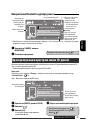 187
 188
 189
 190
 191
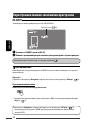 192
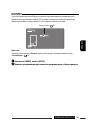 193
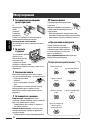 194
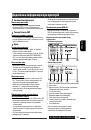 195
 196
 197
 198
 199
 200
 201
 202
 203
 204
 205
 206
 207
 208
 209
 210
 211
 212
 213
67
REFERENCES
ENGLISH
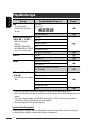
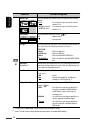
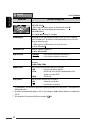
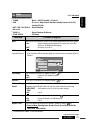
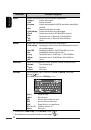
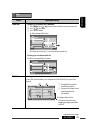
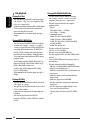
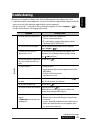
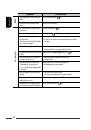
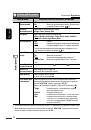
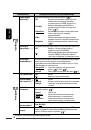
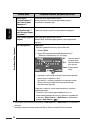
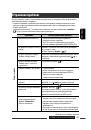
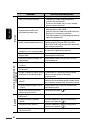
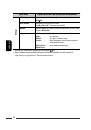
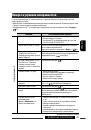
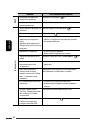
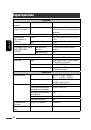
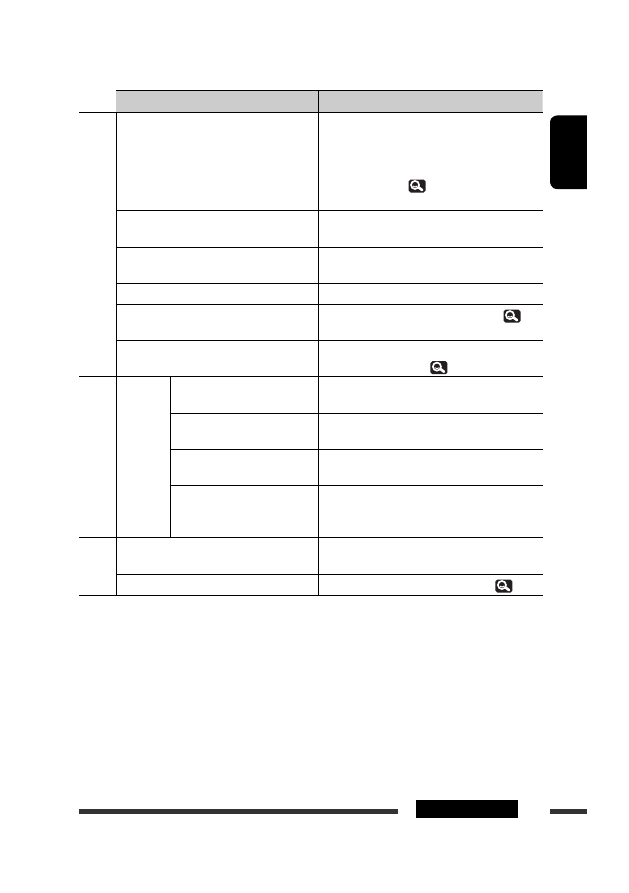
Symptom
Remedy/Cause
iPod/iPhone
• The iPod/iPhone does not turn on or does not
work.
• Check the connecting cable and its connection.
• Update the firmware version.
• Charge the battery.
• Check whether “HEAD MODE” or “iPod MODE” is
correctly selected. (
50)
• Reset the iPod/iPhone.
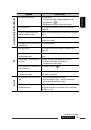
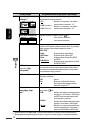
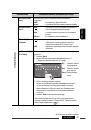
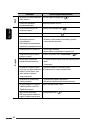
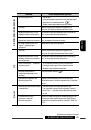
• Sound is distorted.
Deactivate the equalizer either on this unit or the
iPod/iPhone.
• Playback stops.
The headphones are disconnected during playback.
Restart playback.
• “No Files” appears on the screen.
No tracks are stored. Import tracks to the iPod/iPhone.
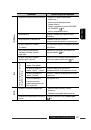
• No operations are available when playing back
a track containing Artwork.
Operate the unit after the Artwork is loaded. (
16)
• “Restricted Device” appears on the screen.
Check whether the connected iPod/iPhone is
compatible with this unit. (
58)
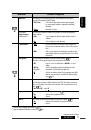
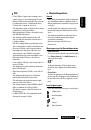
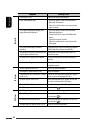
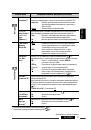
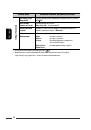
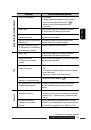
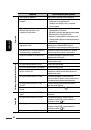
iPod
Only when connecting with the
interface adapter
• “Disconnect” appears on the
screen.
Check the connection.
• “Reset01” – “Reset07” appears
on the screen.
Disconnect the adapter from both this unit and iPod.
Then, connect them again.
• “Reset08” appears on the screen. Check the connection between the adapter and this
unit.
• The iPod’s controls do not work
after disconnecting from this
unit.
Reset the iPod.
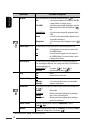
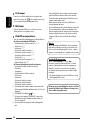
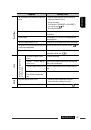
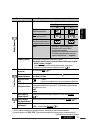
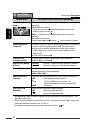
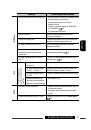
AV-IN
• No picture appears on the screen.
• Turn on the video component if it is not on.
• Connect the video component correctly.
• Playback picture is not clear and legible.
Adjust items in <
Picture Adjust
> menu. (
14)