Инструкция для JVC KW-AVX820
 1
 2
 3
 4
 5
 6
 7
 8
 9
 10
 11
 12
 13
 14
 15
 16
 17
 18
 19
 20
 21
 22
 23
 24
 25
 26
 27
 28
 29
 30
 31
 32
 33
 34
 35
 36
 37
 38
 39
 40
 41
 42
 43
 44
 45
 46
 47
 48
 49
 50
 51
 52
 53
 54
 55
 56
 57
 58
 59
 60
 61
 62
 63
 64
 65
 66
 67
 68
 69
 70
 71
 72
 73
 74
 75
 76
 77
 78
 79
 80
 81
 82
 83
 84
 85
 86
 87
 88
 89
 90
 91
 92
 93
 94
 95
 96
 97
 98
 99
 100
 101
 102
 103
 104
 105
 106
 107
 108
 109
 110
 111
 112
 113
 114
 115
 116
 117
 118
 119
 120
 121
 122
 123
 124
 125
 126
 127
 128
 129
 130
 131
 132
 133
 134
 135
 136
 137
 138
 139
 140
 141
 142
 143
 144
 145
 146
 147
 148
 149
 150
 151
 152
 153
 154
 155
 156
 157
 158
 159
 160
 161
 162
 163
 164
 165
 166
 167
 168
 169
 170
 171
 172
 173
 174
 175
 176
 177
 178
 179
 180
 181
 182
 183
 184
 185
 186
 187
 188
 189
 190
 191
 192
 193
 194
 195
 196
 197
 198
 199
 200
 201
 202
 203
 204
 205
 206
 207
 208
 209
 210
 211
 212
 213
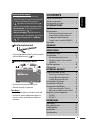
13
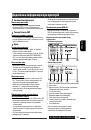
AV MENU
ENGLISH
Continued on the next page
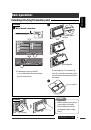
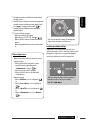
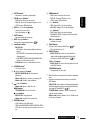
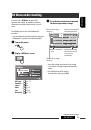
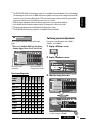
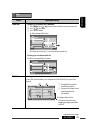
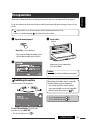
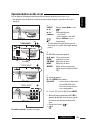
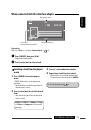
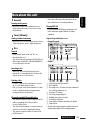
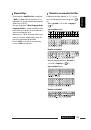
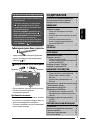
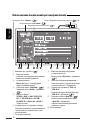
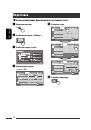
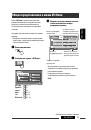
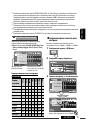
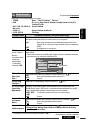
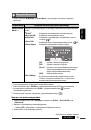
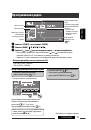
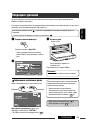
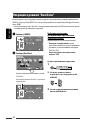
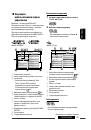
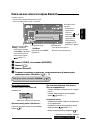
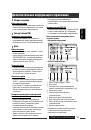
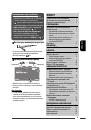
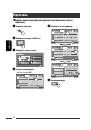
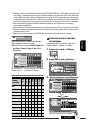
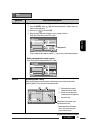
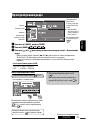
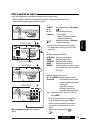
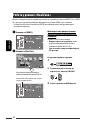
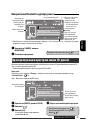
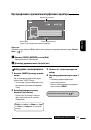
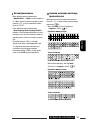
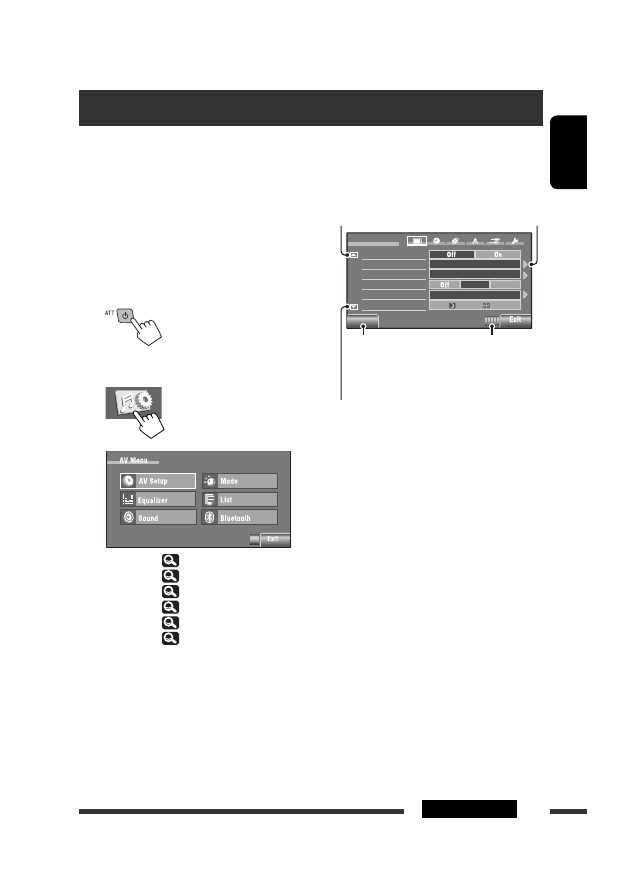
AV Menu understanding
You can use the <
AV Menu
> for most of the
operations and settings. The available menu items
shown on the touch panel depends on the selected
source.
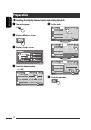
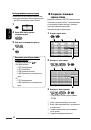
The following steps are one of the fundamental
procedures.
• You can perform the operations/make the settings by
following these steps unless mentioned otherwise.
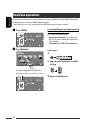
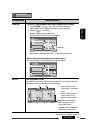
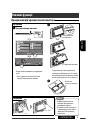
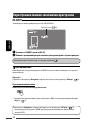
~
Turn on the power.
Ÿ
Display <AV Menu> screen.
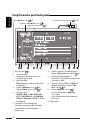
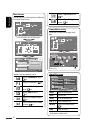
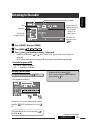
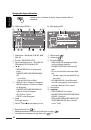
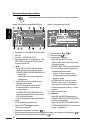
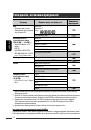
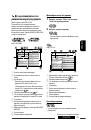
AV Setup
:
14 – 19
Equalizer
:
19
Sound
: 20
Mode
: 21, 22
List
:
23, 24
Bluetooth
:
25 – 28
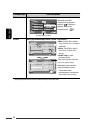
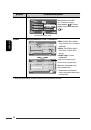
!
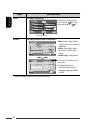
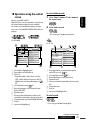
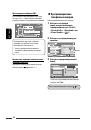
Press the desired icon/item to perform
the desired operations/settings.
• Some of the settings do not open the sub-setting
screen, but just selecting an option will change the
setting.
• Non-available items will be shaded.
• To exit from the setting, press [
Exit
].
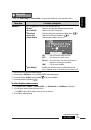
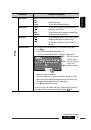
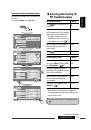
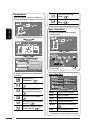
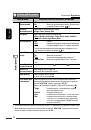
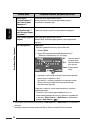
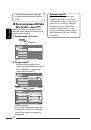
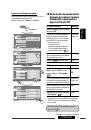
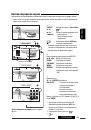
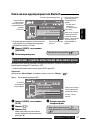
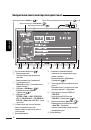
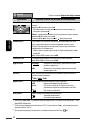
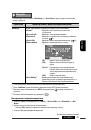
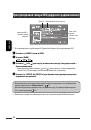
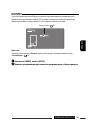
Setup
Demonstration
Wall Paper
Color
Scroll
Dimmer
Dimmer Time Set
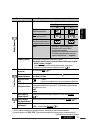
Blue
Auto
Auto
Once
7
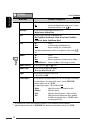
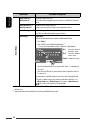
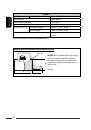
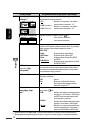
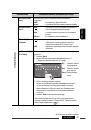
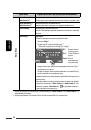
Back
Bright
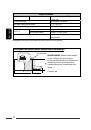
18
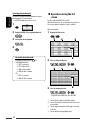
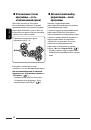
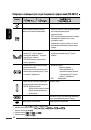
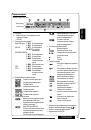
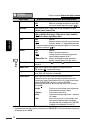
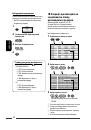
Returns to the previous
screen.
Indicates the remaining
time before the current
screen is erased
automatically.
Moves to the succeeding
menu page
Moves to the preceding
menu page
Indicates the next hierarchy
level/setting item exists.