Инструкция для LG 32LA660V
 1
 2
 3
 4
 5
 6
 7
 8
 9
 10
 11
 12
 13
 14
 15
 16
 17
 18
 19
 20
 21
 22
 23
 24
 25
 26
 27
 28
 29
 30
 31
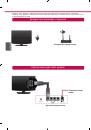 32
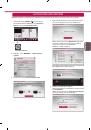 33
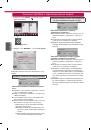 34
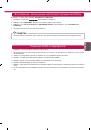 35
 36
 37
 38
 39
 40
ENG
ENGLISH
5
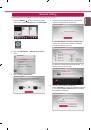
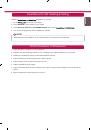
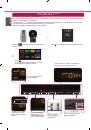
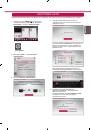
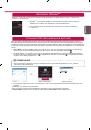
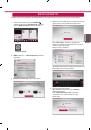
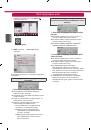
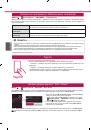
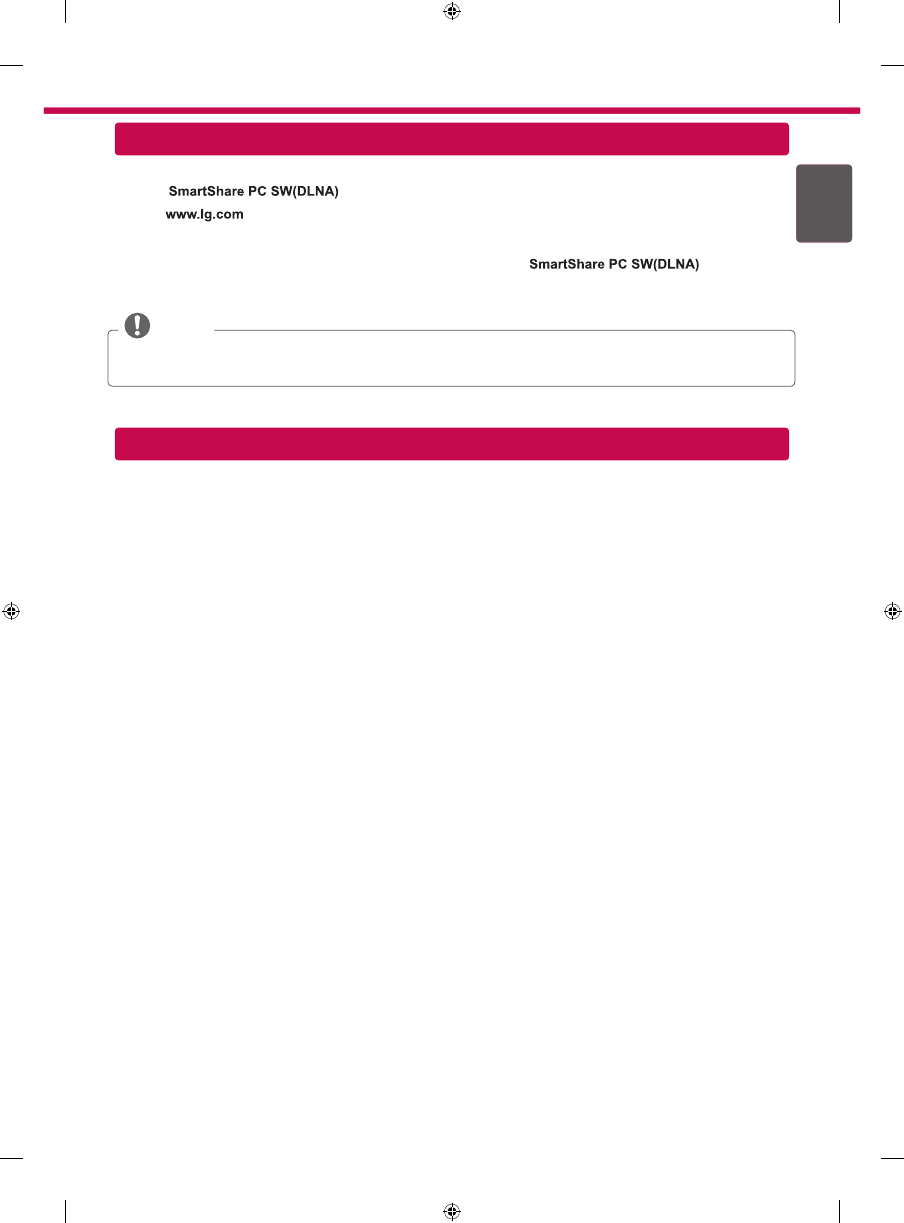
Install the
programme on your PC.
1 Go to
. Then, select your region.
2 Select
SUPPORT
. Then, Search for your model.
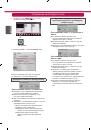
3 Select
Drivers & Software
or
SOFTWARE UPDATE
. Then, select
.
4 You can run the programme when installation is complete.
NOTE
y
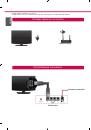
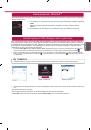
DLNA service is only available if TV and other devices are connected via a single router.
SmartShare PC SW Installing & Setting
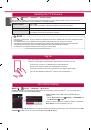
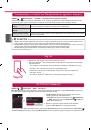
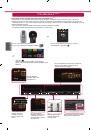
DLNA Connection to Smartphone
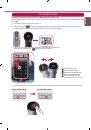
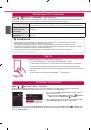
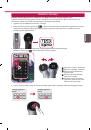
1 Check that Wi-Fi is enabled on your smartphone.
2 Install/run the app for sharing content on your smartphone (It's called SmartShare on LG phones).
3 Enable your smartphone to share content files with other devices.
4 Select the file type you want to play (movie, audio or photo).
5 Select a movie, music or photo file to play on the TV.
6 Add the selected file to the playlist.
7 Select a TV model name on which to play the files. (The TV model name is labelled on the rear side of the
panel.)
8 Play the media file to view and enjoy it on your TV.
Оглавление инструкции
- CIS_01_MBM63817852_Eng_Built in.pdf
- CIS_02_MBM63817852_Rus_Built in
- CIS_03_MBM63817852_Kaz_Built in
- CIS_04_MBM63817852_Ukr_Built in
- pagenation_Rev16_MBM63817852.pdf
- MFL