Инструкция для LG 32LA660V
 1
 2
 3
 4
 5
 6
 7
 8
 9
 10
 11
 12
 13
 14
 15
 16
 17
 18
 19
 20
 21
 22
 23
 24
 25
 26
 27
 28
 29
 30
 31
 32
 33
 34
 35
 36
 37
 38
 39
 40
ENG
ENGLISH
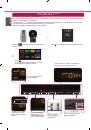
4
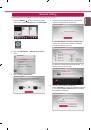
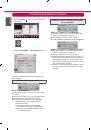
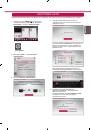
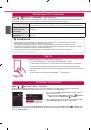
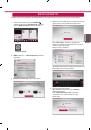
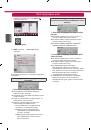
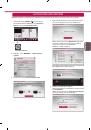
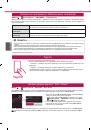
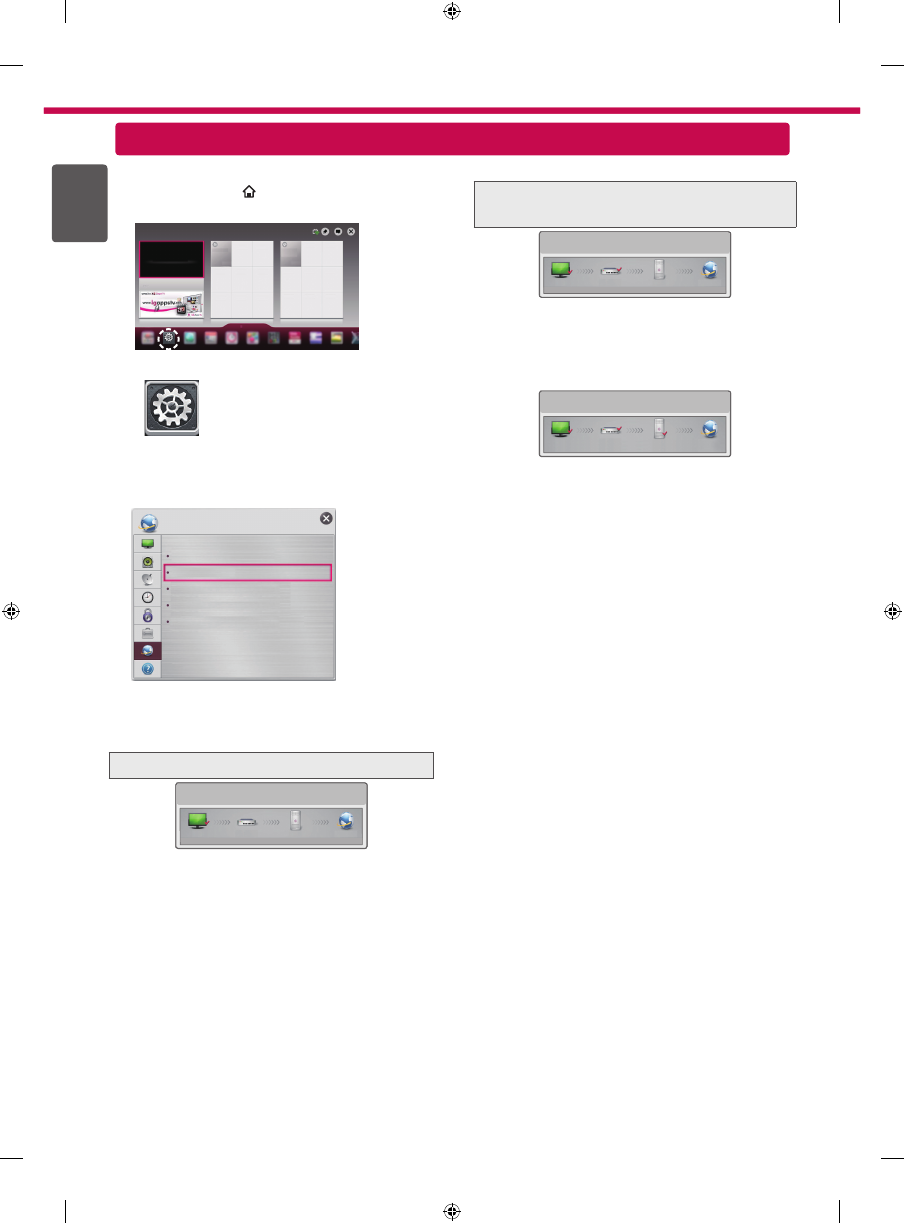
1 Press the
SMART
REC
button to access the Smart
Home menu.
Settings
More
More
Settings
2 Select the
NETWORK
→
Network Status
menu.
Network Connection
Network Status
Wi-Fi Direct
Miracast
TM
/Intel's WiDi
NETWORK
My TV Name : 42LA660S-ZA
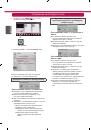
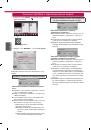
Follow the instructions below that correlate to your
network status.
Check the TV or the router.
Network Status
TV Gateway DNS Internet
When an
✔
appears TV.
1
Check the connection status of TV, AP and cable
modem.
2
Power off and power on TV, AP and cable modem.
3
If you are using a static IP, enter IP directly.
4
Contact internet companies or AP companies.
y
Additional points to check when using a
wireless connection
1
Check the password for the wireless
connection in the router settings window.
2
Change the router SSID (network name) or
the wireless channel.
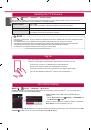
Check the router or consult your Internet
service provider.
Network Status
TV Gateway DNS Internet
When an
✔
appears TV and Gateway.
1
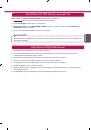
Unplug the power cord of the AP, cable modem
and try to connect after 5 seconds.
2
Initialize(Reset) the AP or cable modem.
3
Con
tact internet companies or AP companies.
Network Status
TV Gateway DNS Internet
When an
✔
appears TV, Gateway and DNS.
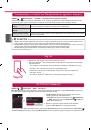
1
Unplug the power cord of the AP, cable modem
and try to connect after 5 seconds.
2
Initialize(Reset) the AP or cable modem.
3
Check that the MAC address of the TV/router is
registered with your Internet service provider. (The
MAC address displayed on the right pane of the
network status window should be registered with
your Internet service provider.)
4
Check the router manufacturer’s website to make
sure your router has the latest firmware version
installed.
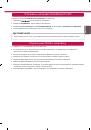
Troubleshooting Network Problems
Оглавление инструкции
- CIS_01_MBM63817852_Eng_Built in.pdf
- CIS_02_MBM63817852_Rus_Built in
- CIS_03_MBM63817852_Kaz_Built in
- CIS_04_MBM63817852_Ukr_Built in
- pagenation_Rev16_MBM63817852.pdf
- MFL