Инструкция для Samsung UE75H6400AK, UE65H6400AK, UE55H6400AK, UE48H6400AK, UE40H6400AK
 1
 2
 3
 4
 5
 6
 7
 8
 9
 10
 11
 12
 13
 14
 15
 16
 17
 18
 19
 20
 21
 22
 23
 24
 25
 26
 27
 28
 29
 30
 31
 32
 33
 34
 35
 36
 37
 38
 39
 40
 41
 42
 43
 44
 45
 46
 47
 48
 49
 50
 51
 52
 53
 54
 55
 56
 57
 58
 59
 60
 61
 62
 63
 64
 65
 66
 67
 68
 69
 70
 71
 72
 73
 74
 75
 76
 77
 78
 79
 80
 81
 82
 83
 84
 85
 86
 87
 88
 89
 90
 91
English - 11
English
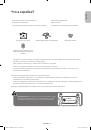
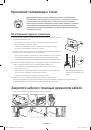
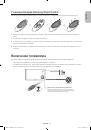
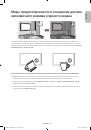
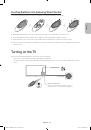
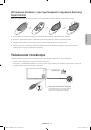
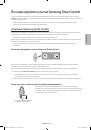
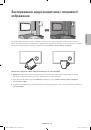
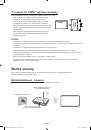
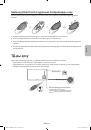
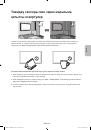
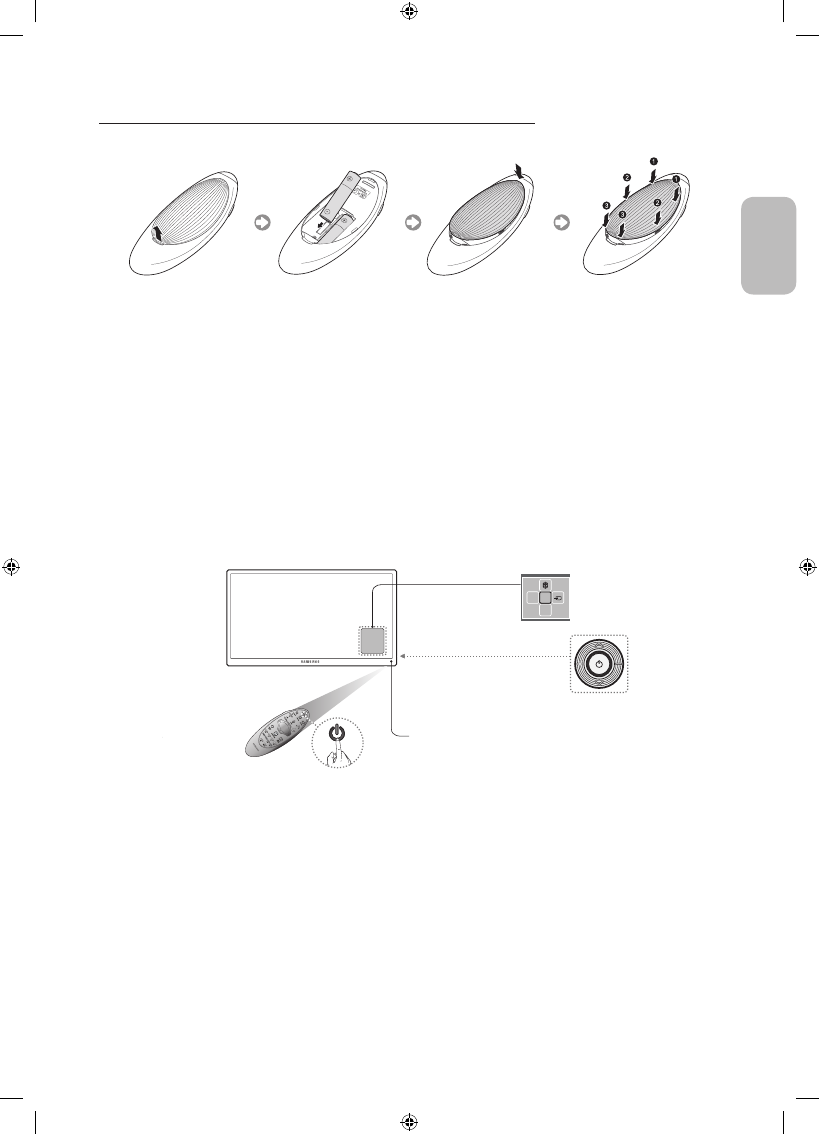
Inserting Batteries into Samsung Smart Control
To use Samsung Smart Control, first refer to the figure below and insert batteries into the unit.
1.
Gently pull on the battery cover's notch and then remove the cover completely once it comes loose.
2.
Insert 2 AA alkaline batteries, making sure to align the positive and negative polarities correctly.
3.
Place the battery cover on the remote control and insert the top part of the cover into the remote control.
4.
Press the catches on both sides of the battery cover in the order shown so that the cover is completely attached to the
remote control.
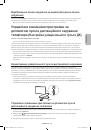
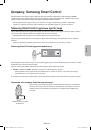
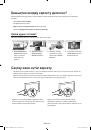
Turning on the TV
Turn on the TV using the
P
button on the remote control or TV panel.
- The product colour and shape may vary depending on the model.
- The TV’s Controller, a small joystick-like button at the right back of the TV, lets you control the TV without the remote
control.
m
R
P
Remote control sensor
When you use the Samsung Smart Control, the
standby LED does not work (except the
P
button).
Function menu
TV Controller
[UH6400-RU]BN68-05816A-03L04.indb 11
2014-05-23 3:04:01