Инструкция для Samsung UE75H6400AK, UE65H6400AK, UE55H6400AK, UE48H6400AK, UE40H6400AK
 1
 2
 3
 4
 5
 6
 7
 8
 9
 10
 11
 12
 13
 14
 15
 16
 17
 18
 19
 20
 21
 22
 23
 24
 25
 26
 27
 28
 29
 30
 31
 32
 33
 34
 35
 36
 37
 38
 39
 40
 41
 42
 43
 44
 45
 46
 47
 48
 49
 50
 51
 52
 53
 54
 55
 56
 57
 58
 59
 60
 61
 62
 63
 64
 65
 66
 67
 68
 69
 70
 71
 72
 73
 74
 75
 76
 77
 78
 79
 80
 81
 82
 83
 84
 85
 86
 87
 88
 89
 90
 91
English - 7
English
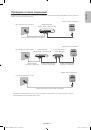
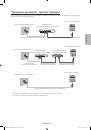
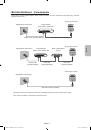
Connecting devices to your TV
You can connect various external devices using the connectors located at the back of the product. Check the connectors and
then refer to the assembly instructions provided for more information on supported external devices.
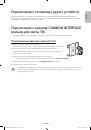
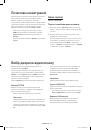
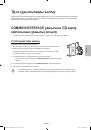
Connecting to a COMMON INTERFACE slot (Your
TV viewing Card Slot)
- Turn the TV off to connect or disconnect a CI card or CI card adapter.
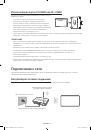
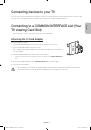
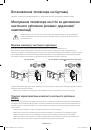
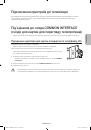
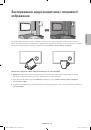
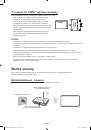
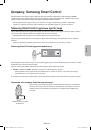
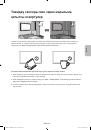
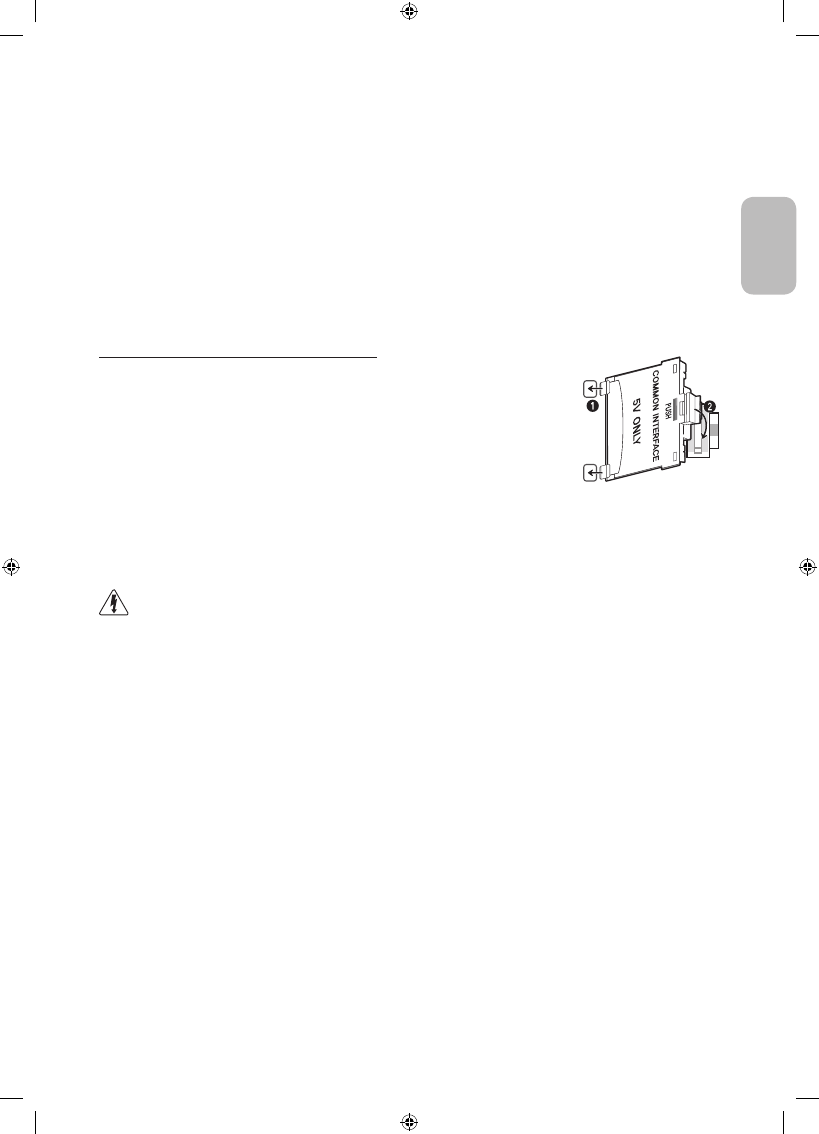
Attaching the CI Card Adapter
Attach the adapter as shown.
- To install the CI CARD Adapter, please remove the sticker attached to the TV.
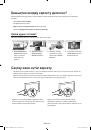
To connect the CI CARD Adapter, follow these steps.
- We recommend attaching the adapter before installing the wall mount, or inserting the
“CI or CI+ CARD”.
1.
Insert the CI CARD Adapter into the two holes on the product 1.
- Please locate the two holes at the back of the TV next to the
COMMON INTERFACE
port.
2.
Connect the CI CARD Adapter to the
COMMON INTERFACE
port on the product 2.
3.
Insert the “CI or CI+ CARD”.
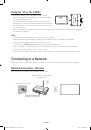
We recommend that you attach the CI Card adapter and insert the CI card (viewing card) before you mount the
TV on the wall because it may be difficult and dangerous to do this when it is on the wall.
03 Connections
[UH6400-RU]BN68-05816A-03L04.indb 7
2014-05-23 3:03:59