Инструкция для LG 29LN450U, 29LN457U, 28LN457U, 28LN450U, 26LN457U
Инструкция в формате - PDF
Количество страниц - 114 страниц
Размер - 22 МБ
Доступно - Бесплатное скачивание
Доступно - Онлайн чтение
 1
 2
 3
 4
 5
 6
 7
 8
 9
 10
 11
 12
 13
 14
 15
 16
 17
 18
 19
 20
 21
 22
 23
 24
 25
 26
 27
 28
 29
 30
 31
 32
 33
 34
 35
 36
 37
 38
 39
 40
 41
 42
 43
 44
 45
 46
 47
 48
 49
 50
 51
 52
 53
 54
 55
 56
 57
 58
 59
 60
 61
 62
 63
 64
 65
 66
 67
 68
 69
 70
 71
 72
 73
 74
 75
 76
 77
 78
 79
 80
 81
 82
 83
 84
 85
 86
 87
 88
 89
 90
 91
 92
 93
 94
 95
 96
 97
 98
 99
 100
 101
 102
 103
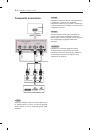 104
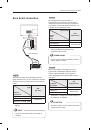 105
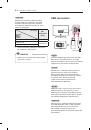 106
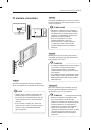 107
 108
 109
 110
 111
 112
 113
 114
13
ENG
ENGLISH
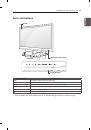
ASSEMBLING AND PREPARING
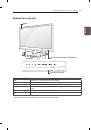
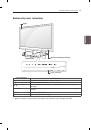
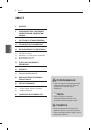
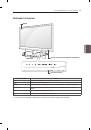
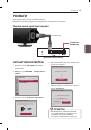
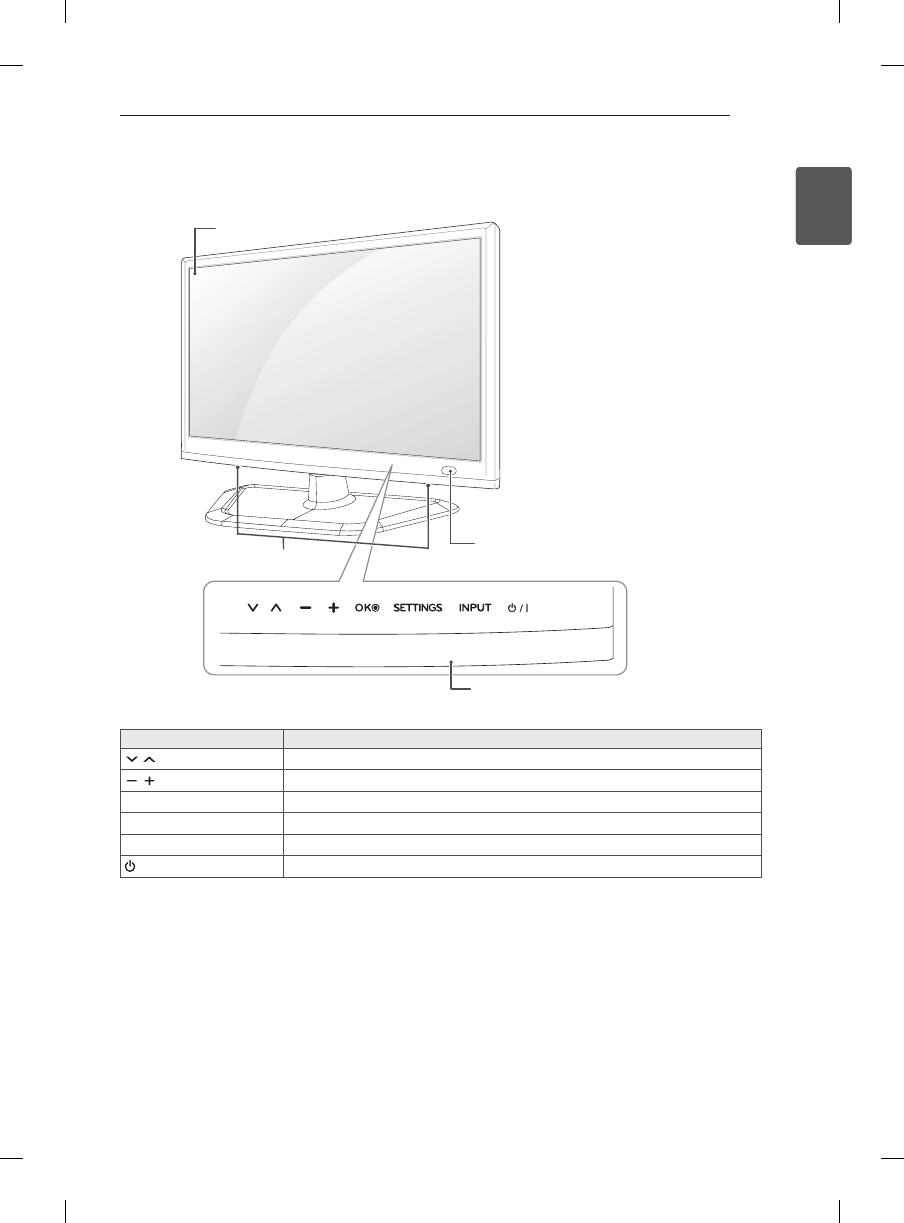
Parts and buttons
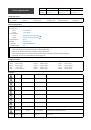
Touch Buttons
Description
H
Scrolls through the saved programmes.
H
Adjusts the volume level.
OK
ꔉ
Selects the highlighted menu option or confirms an input.
SETTINGS
Accesses the main menu, or saves your input and exits the menus.
INPUT
Changes the input source.
/
I
Turns the power on or off.
1
All of the buttons are touch sensitive and can be operated through simple touch with your finger.
Remote Control Sensor
Touch Buttons
1
Screen
Speakers
Оглавление инструкции
- MFL67707907_A
- MFL67707901_eng
- MFL67707907_rus
- MFL67707907_kaz
- MFL67707907_ukr
- MFL67707907_B
- MFL67707907_0.pdf