Инструкция для Samsung UE46D6530WS, UE40D6510WS, UE32D6530WS, UE32D6510WS, UE55D6530WS
 1
 2
 3
 4
 5
 6
 7
 8
 9
 10
 11
 12
 13
 14
 15
 16
 17
 18
 19
 20
 21
 22
 23
 24
 25
 26
 27
 28
 29
 30
 31
 32
 33
 34
 35
 36
 37
 38
 39
 40
 41
 42
 43
 44
 45
 46
 47
 48
 49
 50
 51
 52
 53
 54
 55
 56
 57
 58
 59
 60
 61
 62
 63
 64
 65
 66
 67
 68
 69
 70
 71
 72
 73
 74
 75
 76
 77
 78
 79
 80
 81
 82
English - 6
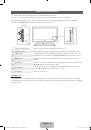
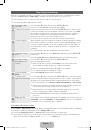
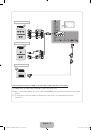
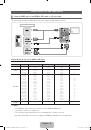
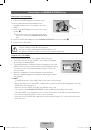
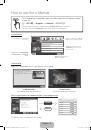
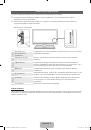
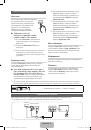
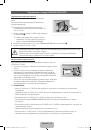
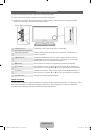
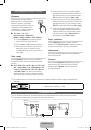
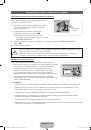
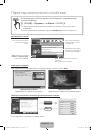
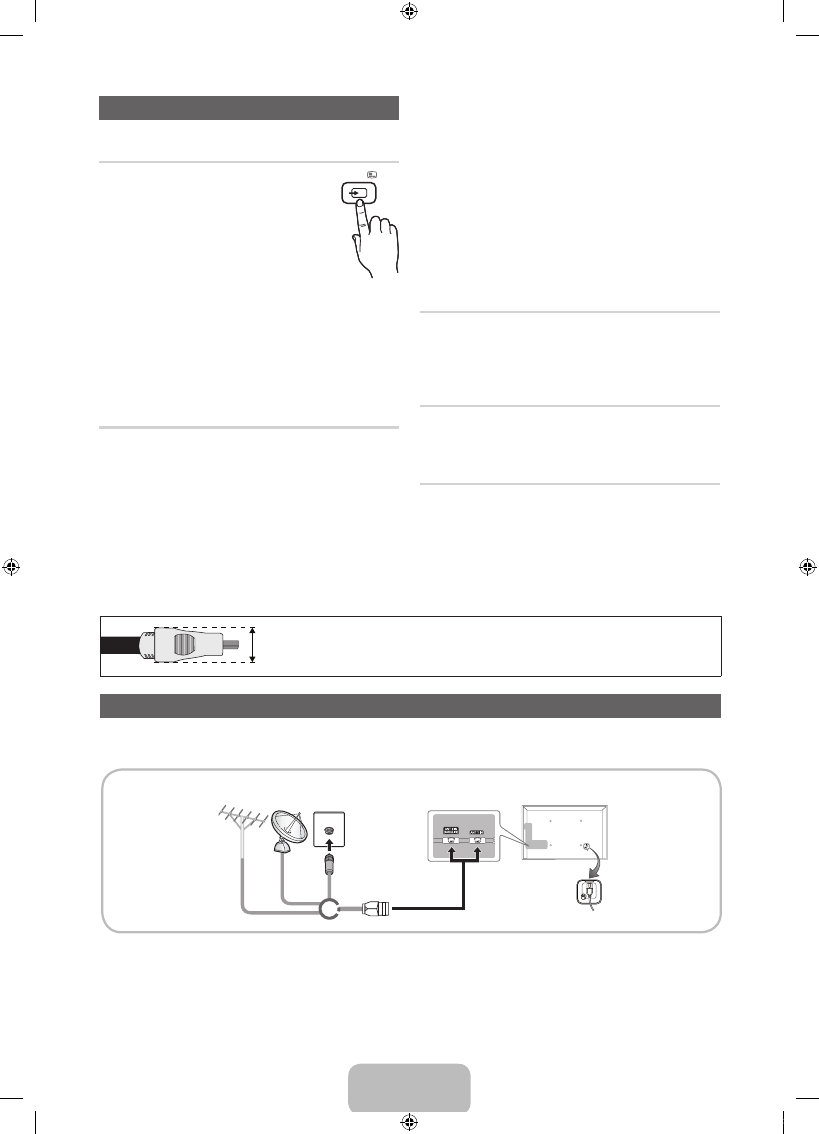
Changing the Input Source
Source
Use to select TV or an external input
sources such as a DVD / Blu-ray player /
cable box / STB satellite receiver.
■
TV / Ext. / PC / AV / Component
/ HDMI1/DVI / HDMI2 / HDMI3 /
HDMI4 / USB / AllShare
✎
In the
Source
, connected inputs
will be highlighted.
✎
Ext.
and
PC
always stay activated.
✎
If the connected external devices are not
highlighted, press the red button. The TV will
search for connected devices.
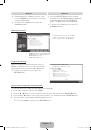
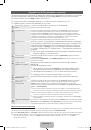
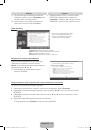
Edit Name
In the
Source
, press the
TOOLS
button, and then you
can set an external input sources name you want.
■
VCR / DVD / Cable STB / Satellite STB / PVR
STB / AV Receiver / Game / Camcorder / PC
/ DVI PC / DVI Devices / TV / IPTV / Blu-ray
/ HD DVD / DMA
: Name the device connected
to the input jacks to make your input source
selection easier.
✎
When connecting a PC to the
HDMI IN 1(DVI)
port with HDMI cable, you should set the
TV
to
PC
mode under
Edit Name
.
✎
When connecting a PC to the
HDMI IN 1(DVI)
port with HDMI to DVI cable, you should set
the
TV
to
DVI PC
mode under
Edit Name
.
✎
When connecting an AV devices to the
HDMI
IN 1(DVI)
port with HDMI to DVI cable, you
should set the TV to
DVI Devices
mode
under
Edit Name
.
Edit Favourites
In the
Source
, press the
TOOLS
button to select
Edit
Favourites
. You can set an external input source to
Favorites.
Information
You can see detailed information about the selected
external device.
Refresh
In the
Source
, If the external devices are not
displayed, press the
TOOLS
button to select
Refresh
.
Search for connected devices.
SOURCE
✎
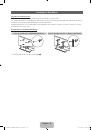
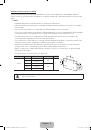
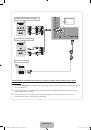
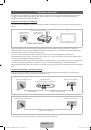
For best cable connection to this product, be sure to use cables with a maximum thickness as below:
•
Maximum thickness - 0.55 inches (14mm)
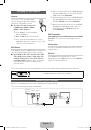
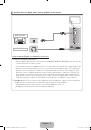
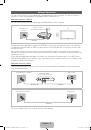
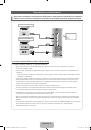
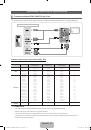
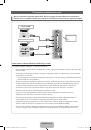
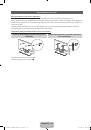
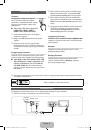
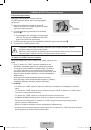
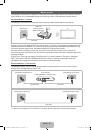
Connecting to an Antenna
When the TV is initially powered on, basic settings proceed automatically.
✎
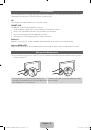
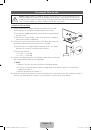
Preset: Connecting the mains and antenna.
VHF/UHF
Antenna
Cable
or
Satellite
[UD6500-RU]BN68-03482J-01L04.indb 6
2011-05-09 오후 3:59:39