Инструкция для Samsung UE46D6530WS, UE40D6510WS, UE32D6530WS, UE32D6510WS, UE55D6530WS
 1
 2
 3
 4
 5
 6
 7
 8
 9
 10
 11
 12
 13
 14
 15
 16
 17
 18
 19
 20
 21
 22
 23
 24
 25
 26
 27
 28
 29
 30
 31
 32
 33
 34
 35
 36
 37
 38
 39
 40
 41
 42
 43
 44
 45
 46
 47
 48
 49
 50
 51
 52
 53
 54
 55
 56
 57
 58
 59
 60
 61
 62
 63
 64
 65
 66
 67
 68
 69
 70
 71
 72
 73
 74
 75
 76
 77
 78
 79
 80
 81
 82
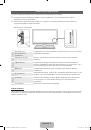
English - 15
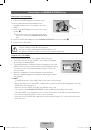
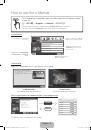
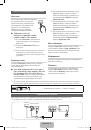
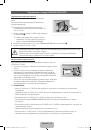
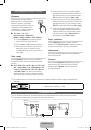
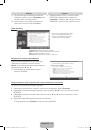
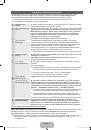
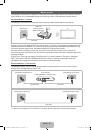
Method 1
Method 2
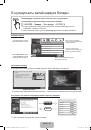
1.
During watching the e-Manual, move the cursor
to select
Try Now
, when you want to execute the
corresponding menu(s).
2.
To return to the e-Manual screen, press the
E-MANUAL
button.
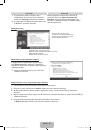
1.
Press the
ENTER
E
button when selecting
Contents Area. The “
Are you sure?
” is displayed.
Select
Yes
and then press the
ENTER
E
button. The OSD window will be displayed.
2.
To return to the e-Manual screen, press the
E-MANUAL
button.
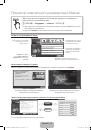
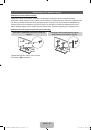
Viewing the Contents
Using the Zoom mode
When you view the e-Manual instruction, select the
Zoom
to magnify the screen. You can scroll through
the magnified screen by using the
u
or
d
buttons.
✎
To return to the previous screen, press the
RETURN
button.
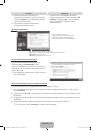
How to search a keyword by using index page
✎
This function may not supported depending on the language.
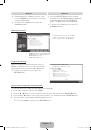
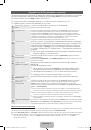
1.
If you want to search a keyword, select
Index
.
2.
Press the
l
or
r
button to select a character order you want, and then press the
ENTER
E
button.
3.
Press the
u
or
d
button to select a keyword you want to see, and then press the
ENTER
E
button.
4.
You can view the corresponding e-Manual instruction screen.
✎
To close the
Index
screen, press the
RETURN
button.
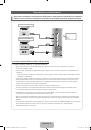
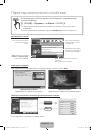
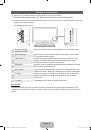
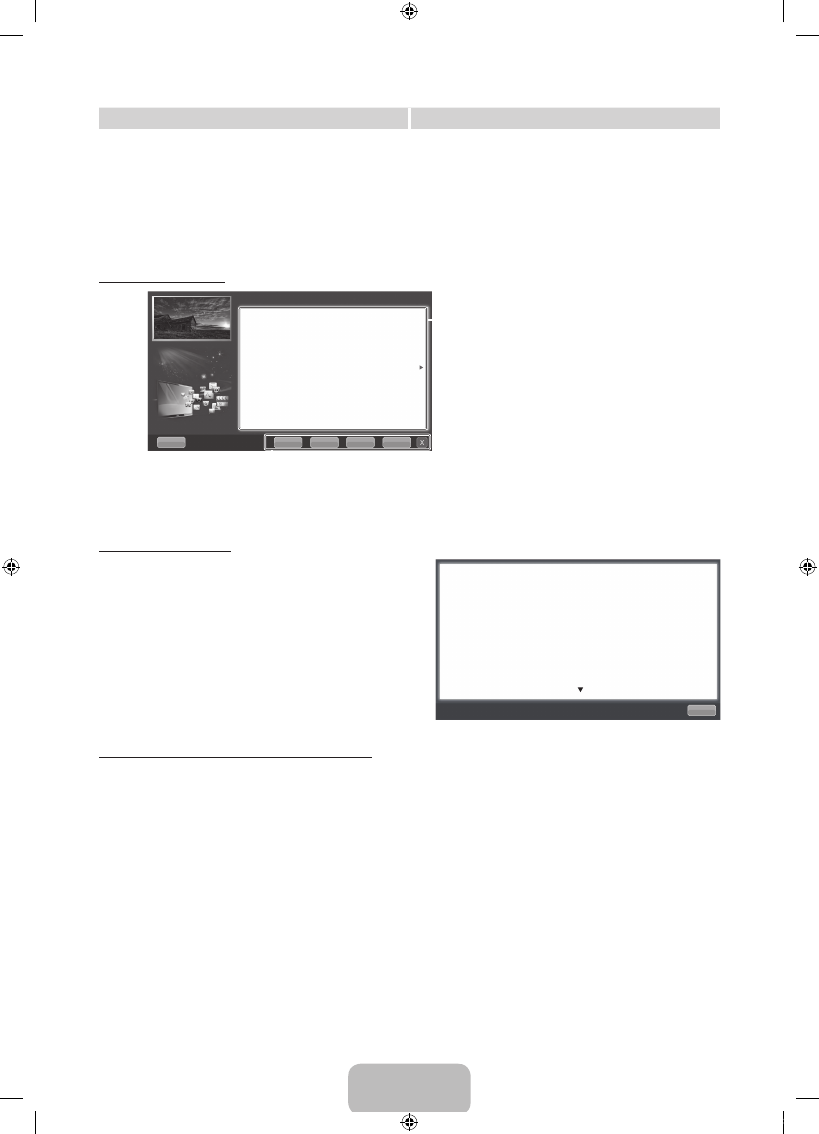
Basic Features > Changing the Preset Picture Mode (5/10)
Help
Try Now
Home
Zoom
Index
Changing the Preset Picture Mode
O
MENU
m
→
Picture
→
Picture Mode
→
ENTER
E
■
Picture Mode
t
Select your preferred picture type.
•
Dynamic
: Suitable for a bright room.
•
Standard
: Suitable for a normal environment.
•
Natural
: Suitable for reducing eye strain.
•
Movie
: Suitable for watching movies in a dark room.
•
Entertain
: Suitable for watching movies and games.
N
It is only available when connecting a PC.
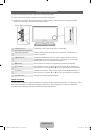
Try Now
: Displays the corresponding menu(s).
Home
: Moves to the e-Manual home screen.
Zoom
: Magnifies a screen.
Index
: Displays index screen.
Contents Area: You can view the corresponding
contents, if you selected a sub-menu. To move
previous or next page, press the
l
or
r
button.
Return
Changing the Preset Picture Mode
O
MENU
m
→
Picture
→
Picture Mode
→
ENTER
E
■
Picture Mode
t
Select your preferred picture type.
•
Dynamic
: Suitable for a bright room.
•
Standard
: Suitable for a normal environment.
•
Natural
: Suitable for reducing eye strain.
•
Movie
: Suitable for watching movies in a dark room.
•
Entertain
: Suitable for watching movies and games.
N
It is only available when connecting a PC.
[UD6500-RU]BN68-03482J-01L04.indb 15
2011-05-09 오후 3:59:56


