Инструкция для Samsung BD-C6900P, BD-C6900
 1
 2
 3
 4
 5
 6
 7
 8
 9
 10
 11
 12
 13
 14
 15
 16
 17
 18
 19
 20
 21
 22
 23
 24
 25
 26
 27
 28
 29
 30
 31
 32
 33
 34
 35
 36
 37
 38
 39
 40
 41
 42
 43
 44
 45
 46
 47
 48
 49
 50
 51
 52
 53
 54
 55
 56
 57
 58
 59
 60
 61
 62
 63
 64
 65
 66
 67
 68
 69
 70
 71
 72
 73
 74
 75
 76
 77
 78
 79
 80
 81
 82
 83
 84
 85
 86
 87
 88
 89
 90
 91
 92
 93
 94
 95
 96
 97
 98
 99
 100
 101
 102
 103
 104
 105
 106
 107
 108
 109
 110
 111
 112
 113
 114
 115
 116
 117
 118
 119
 120
 121
 122
 123
 124
 125
 126
 127
 128
 129
 130
 131
 132
 133
 134
 135
 136
 137
 138
 139
 140
 141
 142
 143
 144
 145
 146
 147
 148
 149
 150
 151
 152
 153
 154
 155
 156
 157
 158
 159
 160
 161
 162
 163
 164
 165
 166
 167
 168
 169
 170
 171
 172
 173
 174
 175
 176
 177
 178
 179
 180
 181
 182
 183
 184
 185
 186
 187
 188
 189
 190
 191
 192
 193
 194
 195
 196
 197
 198
 199
 200
 201
 202
 203
 204
 205
 206
 207
 208
 209
 210
 211
 212
 213
 214
 215
 216
 217
 218
 219
 220
 221
 222
 223
 224
 225
 226
 227
 228
 229
 230
 231
 232
 233
 234
 235
 236
 237
 238
 239
 240
 241
 242
 243
 244
 245
 246
 247
 248
 249
 250
 251
 252
 253
 254
 255
 256
 257
English
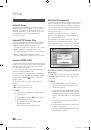
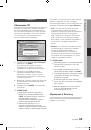
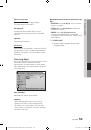
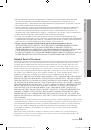
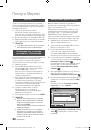
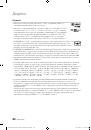
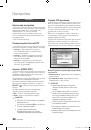
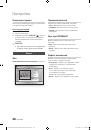
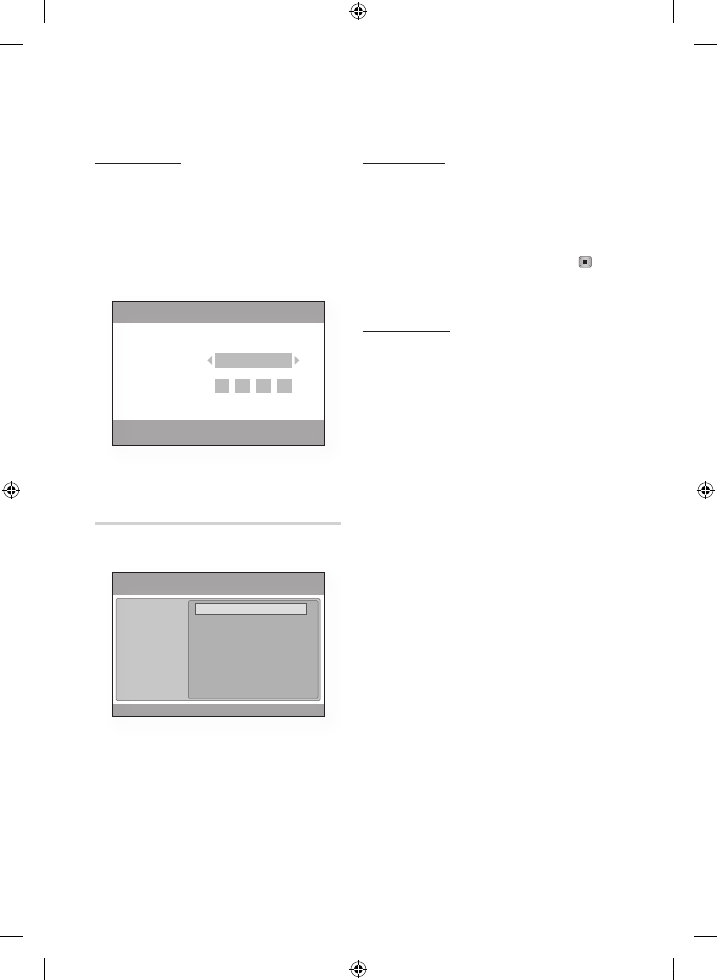
Network Services
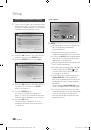
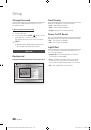
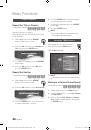
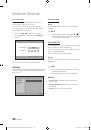
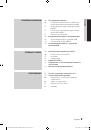
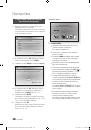
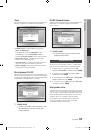
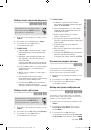
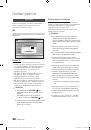
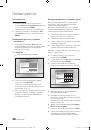
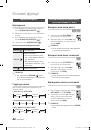
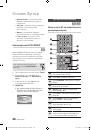
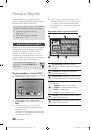
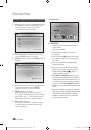
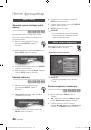
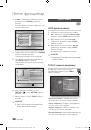
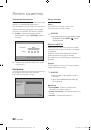
Account Login
For a more enjoyable application experience,
register and log in to your account.
To do this, you must create an account first.
(For instructions on creating an account, refer to
Internet@TV ID on this page)
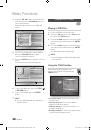
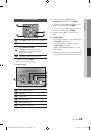
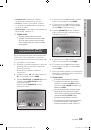
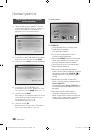
Press the ▲▼◄► buttons to select the
desired application and press the
RED (A)
button.
Enter the user account and password.
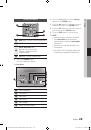
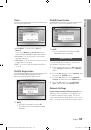
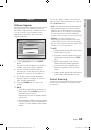
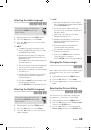
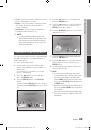
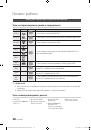
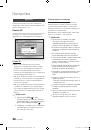
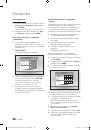
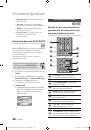
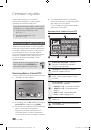
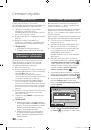
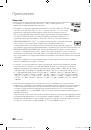
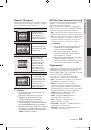
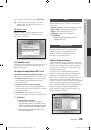
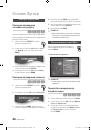
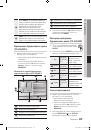
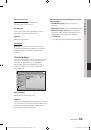
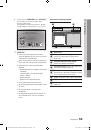
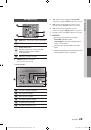
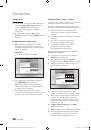
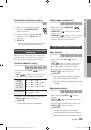
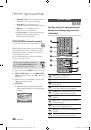
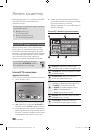
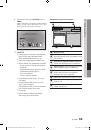
Settings
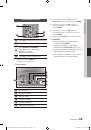
Create IDs and configure Internet@TV settings on
this screen.
1.
2.
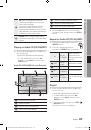
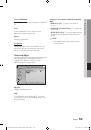
System Setup
reset
Resets Internet@TV settings to factory default
settings.
NOTE
If you forgot your password, press the
STOP
( )
button on the front panel of the product for more than
5 seconds with no disc inserted.
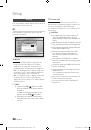
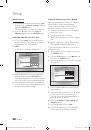
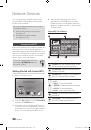
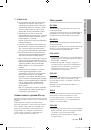
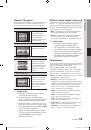
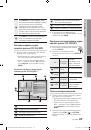
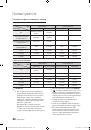
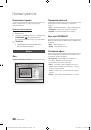
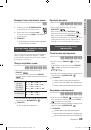
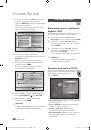
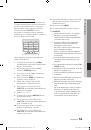
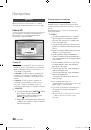
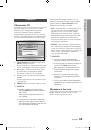
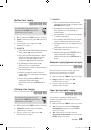
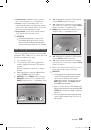
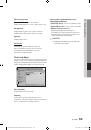
Internet@TV ID
Use this menu to create or delete an account and
enter or delete account information.
You can control your account including contents
site’s account information.
This account is only for Internet@TV.
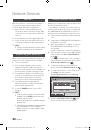
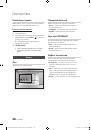
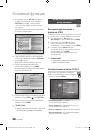
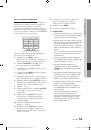
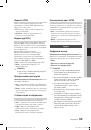
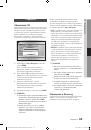
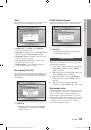
Create
Create an account and link it with desired service
applications.
NOTE
The account name must be at least 1 character in
length but no more than 8.
You can register up to 10 User Account Names.
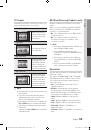
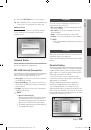
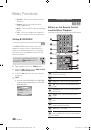
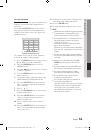
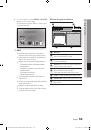
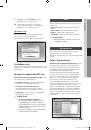
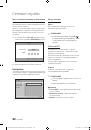
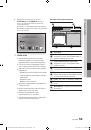
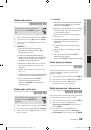
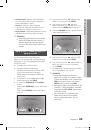
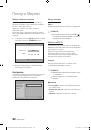
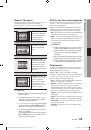
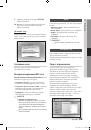
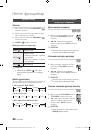
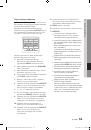
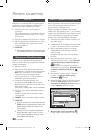
Manager
Service Site
: Register login information for
service sites.
Change Password
: Change account name
password.
Delete
: Delete the account name.
✎
▪
✎
▪
▪
•
•
•
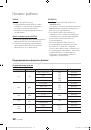
Login
a
Create
[0~9] Enter PIN
'
Cancel
admin
User Account :
Password :
System setup
Internet@TV ID
Service Manager
Properties
Settings
Change the Service Lock password
Reset
'
Cancel
01960K-BD-C6900-XER-ENG-TSEC.ind52 52
2010-03-30 오후 4:05:31