Инструкция для Samsung BD-C6900P, BD-C6900
 1
 2
 3
 4
 5
 6
 7
 8
 9
 10
 11
 12
 13
 14
 15
 16
 17
 18
 19
 20
 21
 22
 23
 24
 25
 26
 27
 28
 29
 30
 31
 32
 33
 34
 35
 36
 37
 38
 39
 40
 41
 42
 43
 44
 45
 46
 47
 48
 49
 50
 51
 52
 53
 54
 55
 56
 57
 58
 59
 60
 61
 62
 63
 64
 65
 66
 67
 68
 69
 70
 71
 72
 73
 74
 75
 76
 77
 78
 79
 80
 81
 82
 83
 84
 85
 86
 87
 88
 89
 90
 91
 92
 93
 94
 95
 96
 97
 98
 99
 100
 101
 102
 103
 104
 105
 106
 107
 108
 109
 110
 111
 112
 113
 114
 115
 116
 117
 118
 119
 120
 121
 122
 123
 124
 125
 126
 127
 128
 129
 130
 131
 132
 133
 134
 135
 136
 137
 138
 139
 140
 141
 142
 143
 144
 145
 146
 147
 148
 149
 150
 151
 152
 153
 154
 155
 156
 157
 158
 159
 160
 161
 162
 163
 164
 165
 166
 167
 168
 169
 170
 171
 172
 173
 174
 175
 176
 177
 178
 179
 180
 181
 182
 183
 184
 185
 186
 187
 188
 189
 190
 191
 192
 193
 194
 195
 196
 197
 198
 199
 200
 201
 202
 203
 204
 205
 206
 207
 208
 209
 210
 211
 212
 213
 214
 215
 216
 217
 218
 219
 220
 221
 222
 223
 224
 225
 226
 227
 228
 229
 230
 231
 232
 233
 234
 235
 236
 237
 238
 239
 240
 241
 242
 243
 244
 245
 246
 247
 248
 249
 250
 251
 252
 253
 254
 255
 256
 257
English
1
07
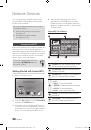
Network Services
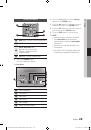
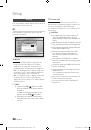
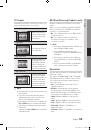
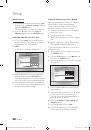
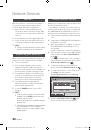
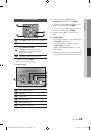
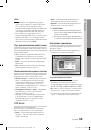
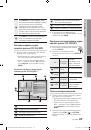
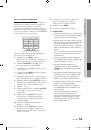
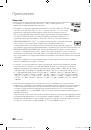
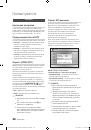
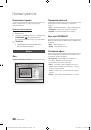
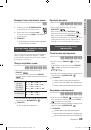
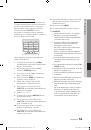
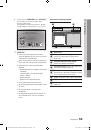
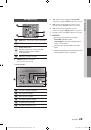
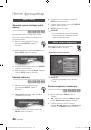
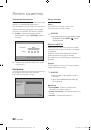
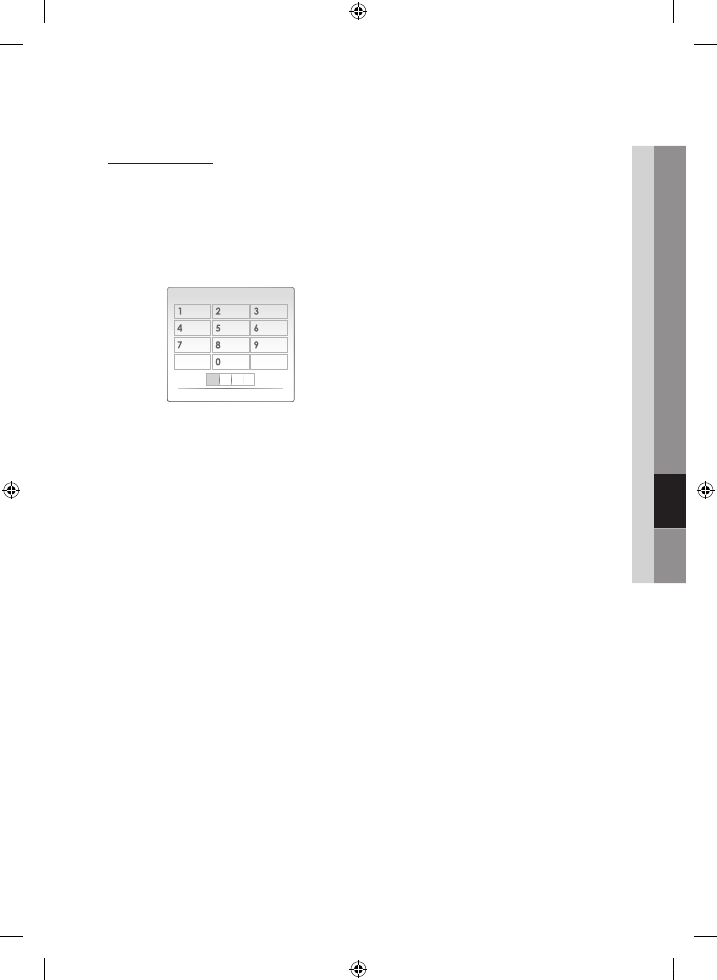
Using the Keypad
Through your remote, you can use the On-Screen
Keypad in several Internet@TV applications to
enter text.
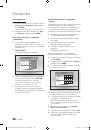
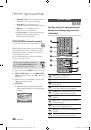
Pressing the
SUBTITLE
button on the remote
while you are using the Screen Keypad lets you
change the text fields to lower case, upper case,
numbers and icons.
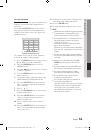
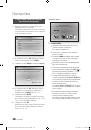
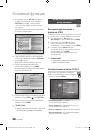
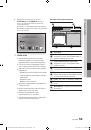
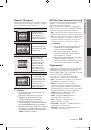
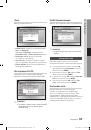
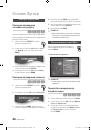
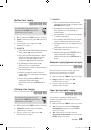
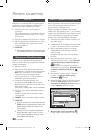
For example, here is how to use the Keypad to
search for an address in Google Maps:
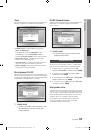
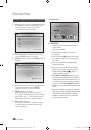
Press the
ENTER
button on the remote at the
Google Maps icon at the Internet@TV.
Press the
GREEN (B)
button to use the
SEARCH function.
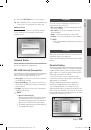
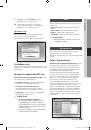
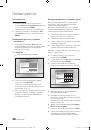
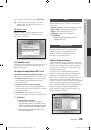
Press the ◄► buttons to move to the “Search
or address” window.
Press the
ENTER
button to use Search or
address function.
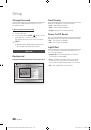
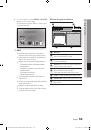
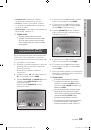
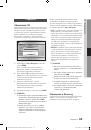
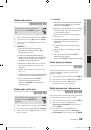
For example, suppose that you want to input
‘105 Challenger Rd., Ridgefield Park NJ’.
Press the
SUBTITLE
button on the remote
twice to change the input mode from lower
case to numbers.
Press ‘1’, ‘0’, ‘5’.
Press the
YELLOW (C)
button on the remote
to input a blank space.
Press the
SUBTITLE
button on the remote
3 times to change the input mode from
numbers to upper case.
Press ‘2’ button on the remote 3 times to
input
C
.
Press the
SUBTITLE
button on the remote 3
times to change the input mode from upper
case to lower case.
1.
2.
3.
4.
5.
6.
7.
8.
9.
10.
11.
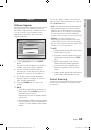
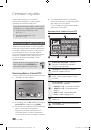
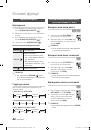
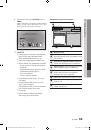
Press buttons on the remote to input the rest
of ‘Challenger Rd., Ridgefield Park NJ’.
Press the
ENTER
button.
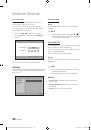
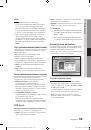
The map and address appear on the screen.
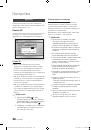
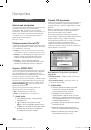
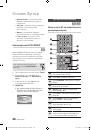
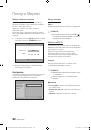
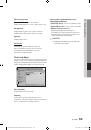
NOTE
Samsung Electronics shall take no legal responsibility
for any interruption of the Internet@TV service
caused by the service provider for any reasons.
The Internet@TV service is to download and process
data via the Internet so that you can enjoy the
contents on the TV screen.
If the Internet connection is unstable, the service
may be delayed or interrupted.
Furthermore, the product may be turned off automatically.
If this is the case, check the Internet connection and
try again.
The application service may be provided in English
only and the contents available may vary, depending
on the area.
When you use an application service, the
FULL
SCREEN
button on the remote control does not
operate.
For more information about the Internet@TV service,
visit the web site of the applicable service provider.
The services provided are subject to change,
depending on the Internet@TV service provider.
The Internet@TV service contents may differ
according to the firmware version.
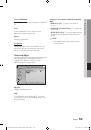
For-a-fee DivX contents with copy protection can
only be played using HDMI cable.
If you have connected your product to your TV using
Component or video cables, the DivX video signal
can not output or the popup message “Connect
with a HDMI cable to play this file.”or “Cannot play
current file” will be displayed.
12.
13.
14.
✎
▪
▪
▪
▪
▪
▪
▪
▪
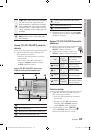
a A 1
abc
def
ghi
jkl
mno
pqrs
tuv
wxyz
Input Mode
Delete
01960K-BD-C6900-XER-ENG-TSEC.ind51 51
2010-03-30 오후 4:05:31


