Инструкция для LG 32LB561V
 1
 2
 3
 4
 5
 6
 7
 8
 9
 10
 11
 12
 13
 14
 15
 16
 17
 18
 19
 20
 21
 22
 23
 24
 25
 26
 27
 28
 29
 30
 31
 32
 33
 34
 35
 36
 37
 38
 39
 40
 41
 42
 43
 44
 45
 46
 47
 48
 49
 50
 51
 52
 53
 54
 55
 56
 57
 58
 59
 60
 61
 62
 63
 64
 65
 66
 67
 68
 69
 70
 71
 72
 73
 74
 75
 76
 77
 78
 79
 80
 81
 82
 83
 84
 85
 86
 87
 88
 89
 90
 91
 92
 93
 94
 95
 96
 97
 98
 99
 100
 101
 102
 103
 104
 105
 106
 107
 108
 109
 110
 111
 112
 113
 114
 115
 116
 117
 118
 119
 120
 121
 122
 123
 124
 125
 126
 127
 128
 129
 130
 131
 132
 133
 134
 135
 136
 137
 138
 139
 140
 141
 142
 143
 144
 145
 146
 147
 148
 149
 150
 151
 152
 153
 154
 155
 156
 157
 158
 159
 160
 161
 162
 163
 164
 165
 166
 167
 168
 169
 170
 171
 172
 173
 174
 175
 176
 177
 178
 179
 180
 181
 182
 183
 184
 185
 186
 187
 188
 189
 190
 191
 192
 193
 194
 195
 196
 197
 198
 199
 200
 201
 202
 203
 204
 205
 206
 207
 208
 209
 210
 211
 212
 213
 214
 215
 216
 217
 218
 219
 220
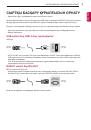 221
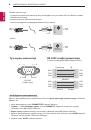 222
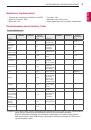 223
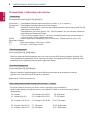 224
 225
 226
 227
 228
 229
 230
 231
 232
 233
 234
 235
 236
 237
 238
 239
 240
 241
 242
 243
 244
 245
 246
 247
 248
 249
 250
 251
 252
 253
 254
 255
 256
 257
 258
 259
 260
 261
 262
 263
 264
 265
 266
 267
 268
 269
 270
21
ENG
EN
G
LIS
H
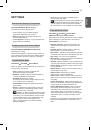
SETTINGS
SETTINGS
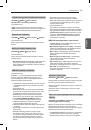
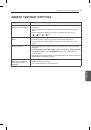
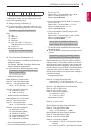
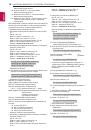
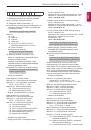
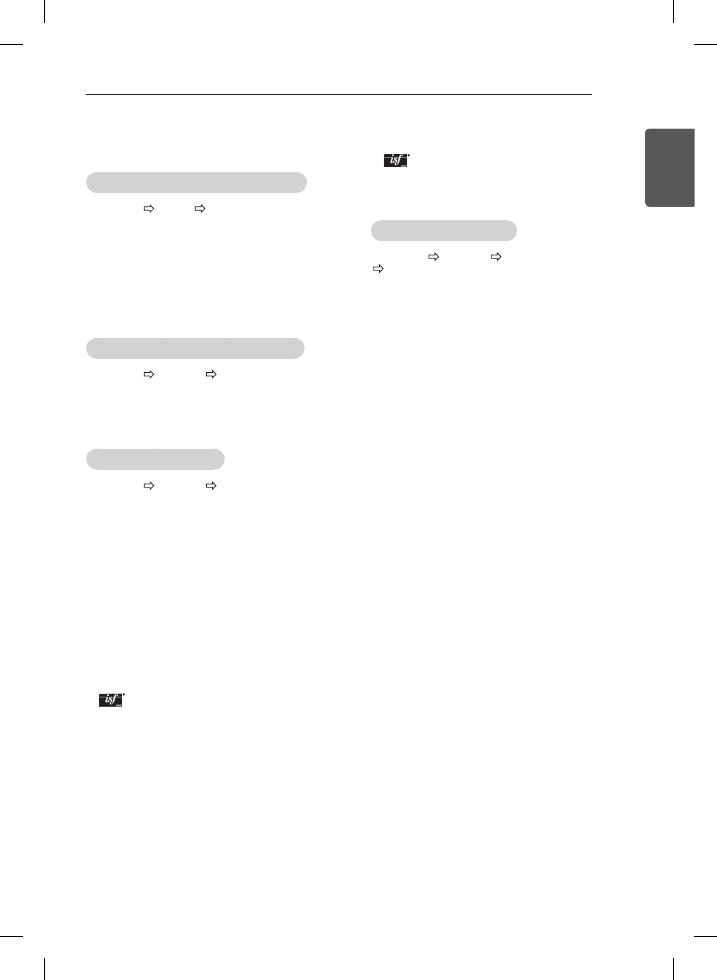
Automatically Setting Up Programme
SETTINGS SETUP Auto Tuning
Automatically tunes the programmes.
y
If Input Source is not connected properly,
programme registration may not work.
y
Auto Tuning
only finds programmes that are
currently broadcasting.
y
If
Lock System
is turned on, a pop-up window will
appear asking for password.
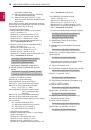
To adjust picture with Picture Wizard
SETTINGS PICTURE Picture Wizard III
[Depending on model]
Calibrates and adjusts for optimum picture quality us-
ing the remote control and the Picture Wizard without
expensive pattern devices or help from a specialist.
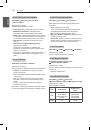
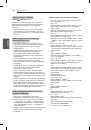
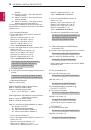
To select Picture Mode
SETTINGS PICTURE Picture Mode
Select the picture mode optimized for the viewing envi-
ronment or the programme.
y
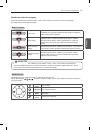
Vivid
: Heightens contrast, brightness and
sharpness to display vivid images.
y
Standard
: Displays images in standard levels of
contrast, brightness and sharpness.
y
Eco/APS
: [Depending on model]
The Energy Saver feature changes settings on the
TV to reduce power consumption.
y
Cinema/Game
: Displays the optimum picture for
movie, game.
y
Sports
: Optimizes the video image for high and
dynamic actions by emphasizing primary colours
such as white, grass, or sky blue.
y
Expert
1, 2 : Menu for adjusting picture quality
that allows experts and amateurs to enjoy the best
TV viewing. This is the adjustment menu provided
for ISF-certified picture tuning professionals. (ISF
logo can only be used on ISF-certified TVs.)
ISFccc: Imaging Science Foundation Certified
Calibration Control
y
Depending on input signal, available range of
picture modes may differ.
y
Expert mode is for picture tuning professionals
to control and fine-tune using a specific image. For
normal images, the effects may not be dramatic.
y
The ISF function is only available on some models.
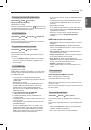
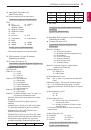
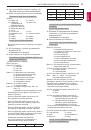
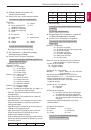
To set advanced control
SETTINGS PICTURE Picture Mode
Advanced Control / Expert Control
Calibrates the screen for each picture mode; or adjusts
picture settings for a special screen. First select a
Picture Mode
of your choice.
y
Dynamic Contrast
: Adjusts the contrast to the
optimal level according to the brightness of the
image.
y
Dynamic Colour
: Adjusts colours to make the
image appear in more natural colours.
y
Skin Colour
: Sets Skin colour spectrum separately
to implement the skin colour as defined by the user.
y
Sky Colour
: Sky colour is set separately.
y
Grass Colour
: Natural colour spectrum (meadows,
hills, etc.) can be separately set.
y
Gamma
: Sets the gradation curve according to the
output of picture signal in relation to the input signal.
y
Colour Gamut
: Selects the range of colours that
can be expressed.
y
Edge Enhancer
: Shows clearer and distinctive yet
natural edges of the video.
y
Expert Pattern
: [Depending on model]
Patterns used for expert adjustment.
y
Colour Filter
: Filters a specific colour spectrum in
RGB colours to fine-tune colour saturation and hue
accurately.
y
Colour Temperature
: Adjusts the overall tone of
the screen as desired. In Expert mode, detailed fine-
tuning can be set via Gamma method, etc.
y
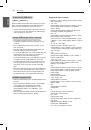
Colour Management System
: This is a system
that experts use when they adjust colour with a
test pattern. They can select from six colour areas
(Red / Green / Blue / Cyan / Magenta / Yellow)
without affecting other colours. For normal images,
adjustments may not result in noticeable colour
changes.
y
Depending on input signal or other picture settings,
the range of detailed items for adjustment may
differ.