Инструкция для Samsung LE22B450C4W, LE19B450C4W
Инструкция в формате - PDF
Количество страниц - 91 страница
Размер - 8 МБ
Доступно - Бесплатное скачивание
Доступно - Онлайн чтение
 1
 2
 3
 4
 5
 6
 7
 8
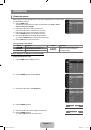 9
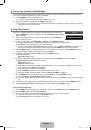 10
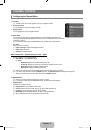 11
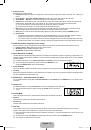 12
 13
 14
 15
 16
 17
 18
 19
 20
 21
 22
 23
 24
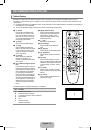 25
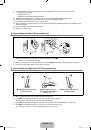 26
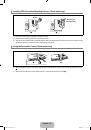 27
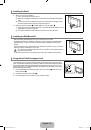 28
 29
 30
 31
 32
 33
 34
 35
 36
 37
 38
 39
 40
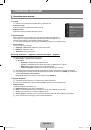 41
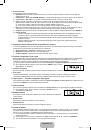 42
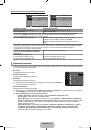 43
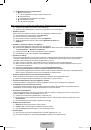 44
 45
 46
 47
 48
 49
 50
 51
 52
 53
 54
 55
 56
 57
 58
 59
 60
 61
 62
 63
 64
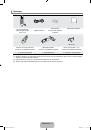 65
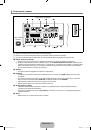 66
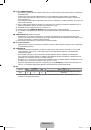 67
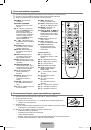 68
 69
 70
 71
 72
 73
 74
 75
 76
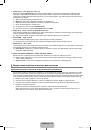 77
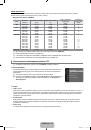 78
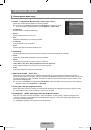 79
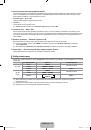 80
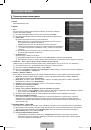 81
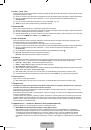 82
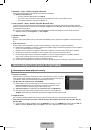 83
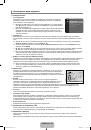 84
 85
 86
 87
 88
 89
 90
 91

Оглавление инструкции
- GENERAL INFORMATION
- OPERATION
- CHANNEL CONTROL
- PICTURE CONTROL
- SOUND CONTROL
- SETUP
- INPUT / SUPPORT
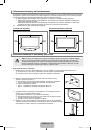
- RECOMMENDATIONS FOR USE
- Teletext Feature
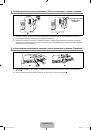
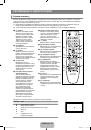
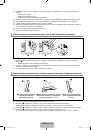
- How to Adjust the Stand (19inch model only)
- How to Adjust the Angle of the TV (19inch model only)
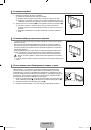
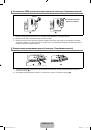
- Installing VESA Compliant Mounting Devices (19inch model only)
- Using the Decoration Covers (19inch model only)
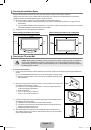
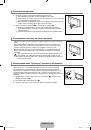
- Installing the Stand
- Installing the Wall Mount Kit
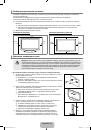
- Using the Anti-Theft Kensington Lock
- Securing the Installation Space
- Securing the TV to the Wall
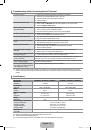
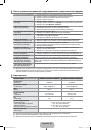
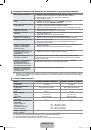
- Troubleshooting: Before Contacting Service Personnel
- Specifications