Инструкция для Samsung LE22B450C4W, LE19B450C4W
 1
 2
 3
 4
 5
 6
 7
 8
 9
 10
 11
 12
 13
 14
 15
 16
 17
 18
 19
 20
 21
 22
 23
 24
 25
 26
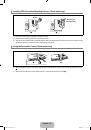 27
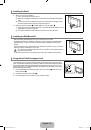 28
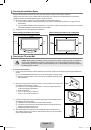 29
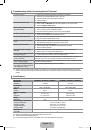 30
 31
 32
 33
 34
 35
 36
 37
 38
 39
 40
 41
 42
 43
 44
 45
 46
 47
 48
 49
 50
 51
 52
 53
 54
 55
 56
 57
 58
 59
 60
 61
 62
 63
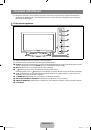 64
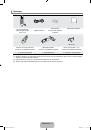 65
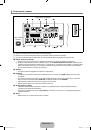 66
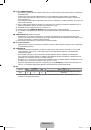 67
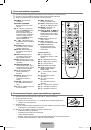 68
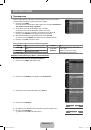 69
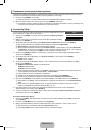 70
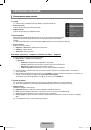 71
 72
 73
 74
 75
 76
 77
 78
 79
 80
 81
 82
 83
 84
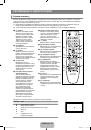 85
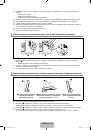 86
 87
 88
 89
 90
 91
English - 1
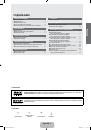
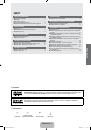
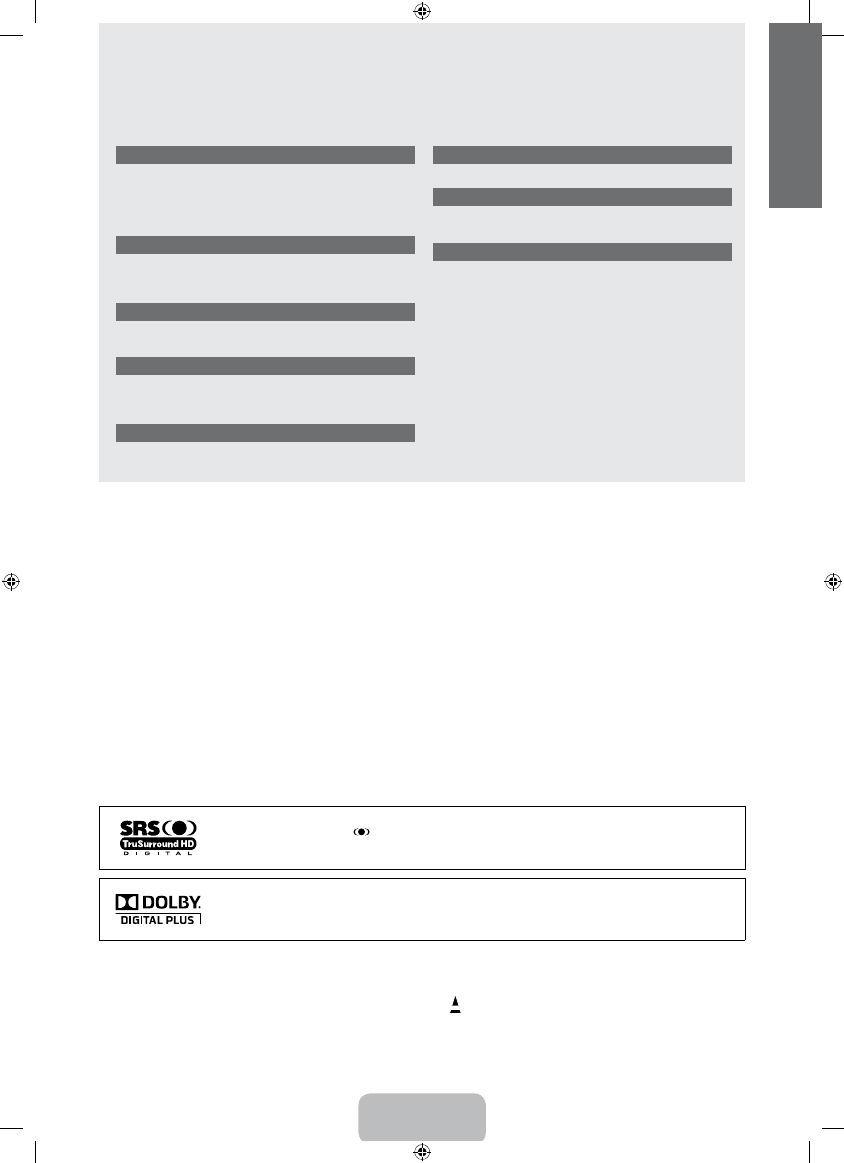
GENERAL INFORMATION
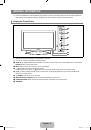
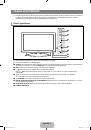
Viewing the Control Panel ................................................................. 2
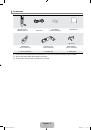
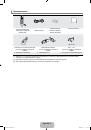
Accessories ....................................................................................... 3
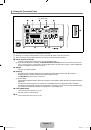
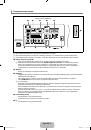
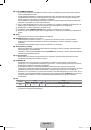
Viewing the Connection Panel ........................................................... 4
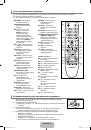
Remote Control ................................................................................. 6
Installing Batteries in the Remote Control ......................................... 6
OPERATION
Viewing the menus ............................................................................ 7
Placing Your Television in Standby Mode .......................................... 8
Plug & Play Feature ........................................................................... 8
CHANNEL CONTROL
Configuring the Channel Menu .......................................................... 9
Managing Channels .........................................................................11
PICTURE CONTROL
Configuring the Picture Menu .......................................................... 13
Using Your TV as a Computer (PC) Display .................................... 15
Setting up the TV with your PC........................................................ 16
SOUND CONTROL
Configuring the Sound Menu ........................................................... 17
Selecting the Sound Mode .............................................................. 18
■
■
■
■
■
■
■
■
■
■
■
■
■
■
■
SETU
P
Configuring the Setup Menu ............................................................ 19
INPUT / SUPPORT
Configuring the Input Menu ............................................................. 21
Configuring the Support Menu ......................................................... 22
RECOMMENDATIONS FOR US
E
Teletext Feature ............................................................................... 23
How to Adjust the Stand (19inch model only) .................................. 24
How to Adjust the Angle of the TV (19inch model only) ................... 24
Installing VESA Compliant Mounting Devices (19inch model only) . 25
Using the Decoration Covers (19inch model only) .......................... 25
Installing the Stand .......................................................................... 26
Installing the Wall Mount Kit ............................................................ 26
Using the Anti-Theft Kensington Lock ............................................. 26
Securing the Installation Space ....................................................... 27
Securing the TV to the Wall ............................................................. 27
Troubleshooting: Before Contacting Service Personnel .................. 28
Specifications .................................................................................. 28
■
■
■
■
■
■
■
■
■
■
■
■
■
■
■
CONTENTS
License
TruSurround HD
, SRS and
symbol are trademarks of SRS Labs, Inc.
TruSurround HD
technology is
incorporated under license from SRS Labs, Inc.
Manufactured under license from Dolby Laboratories. Dolby and the double-D symbol are trademarks of
Dolby Laboratories.
Symbol
N
O
T
Note
One-Touch Button
TOOL Button
Press
❑
❑
Eng
lish
BN68-01980G.indb 1
2009-04-21 �� 5:53:12
Оглавление инструкции
- GENERAL INFORMATION
- OPERATION
- CHANNEL CONTROL
- PICTURE CONTROL
- SOUND CONTROL
- SETUP
- INPUT / SUPPORT
- RECOMMENDATIONS FOR USE
- Teletext Feature
- How to Adjust the Stand (19inch model only)
- How to Adjust the Angle of the TV (19inch model only)
- Installing VESA Compliant Mounting Devices (19inch model only)
- Using the Decoration Covers (19inch model only)
- Installing the Stand
- Installing the Wall Mount Kit
- Using the Anti-Theft Kensington Lock
- Securing the Installation Space
- Securing the TV to the Wall
- Troubleshooting: Before Contacting Service Personnel
- Specifications