Инструкция для Samsung UE27D5000NW
 1
 2
 3
 4
 5
 6
 7
 8
 9
 10
 11
 12
 13
 14
 15
 16
 17
 18
 19
 20
 21
 22
 23
 24
 25
 26
 27
 28
 29
 30
 31
 32
 33
 34
 35
 36
 37
 38
 39
 40
 41
 42
 43
 44
 45
 46
 47
 48
 49
 50
 51
 52
 53
 54
 55
 56
 57
 58
 59
 60
 61
 62
 63
 64
 65
English - 6
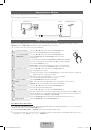
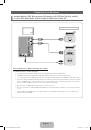
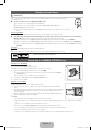
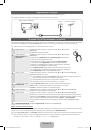
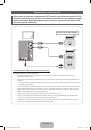
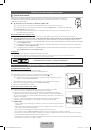
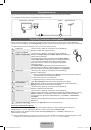
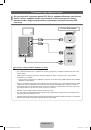
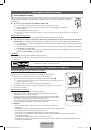
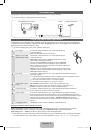
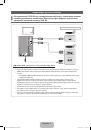
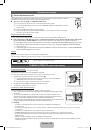
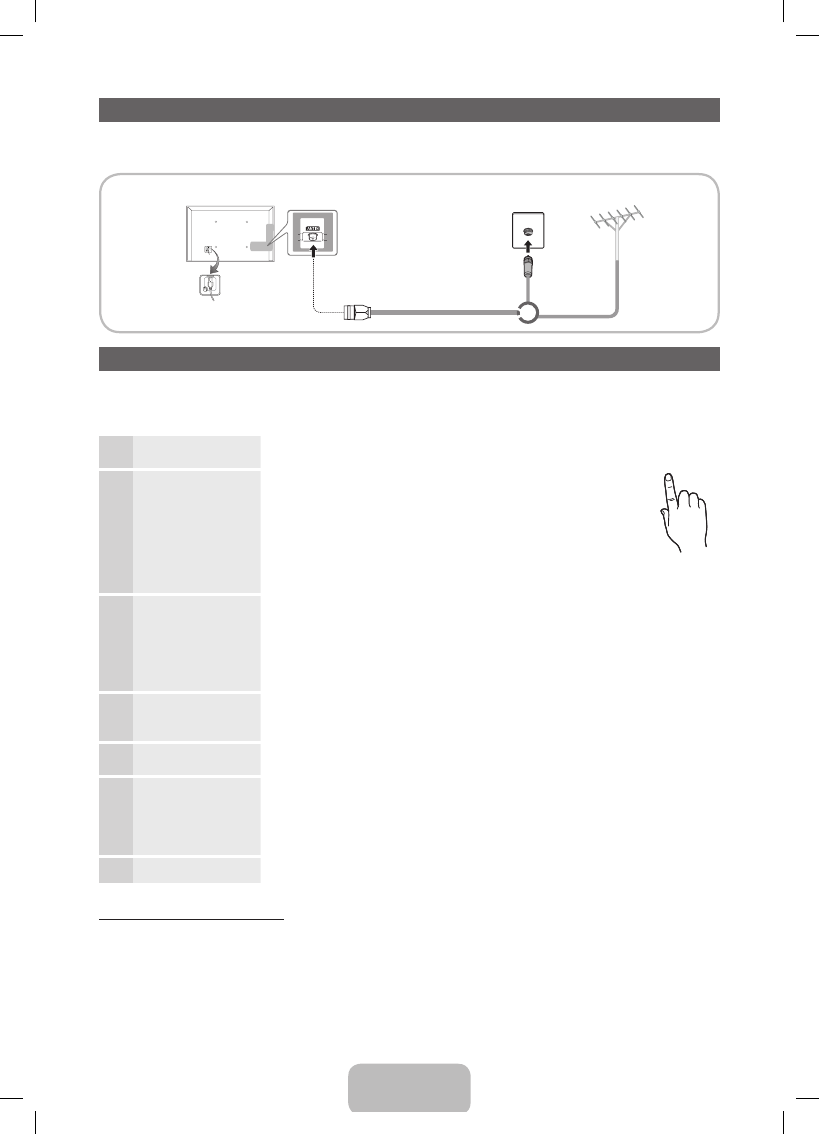
Connecting to an Antenna
When the TV is initially powered on, basic settings proceed automatically.
✎
Preset: Connecting the mains and antenna.
Plug & Play (Initial Setup)
When the TV is initially powered on, a sequence of on-screen prompts will assist in configuring basic settings. Press the
POWER
P
button.
Plug & Play
is available only when the input source is set to TV.
✎
To return to the previous step, press the Red button.
1
Selecting a language
Press the
▲
or
▼
button, then press the
ENTER
E
button.
Select the desired OSD (On Screen Display) language.
P
POWER
2
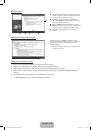
Selecting
Store Demo
or
Home Use
Press the
◄
or
►
button, then press the
ENTER
E
button.
Select the
Home Use
mode.
Store Demo
mode is for retail
environments.
To return the unit’s settings from
Store Demo
to
Home Use
(standard):
Press the volume button on the TV. When the OSD volume is displayed,
press and hold
MENU
for 5 sec.
Store Demo
is only for shop display. If you select it, several functions
are not able to use. Please select
Home Use
when you watch at home.
3
Selecting a country
Press the
▲
or
▼
button, then press the
ENTER
E
button.
Select the appropriate country.
✎
After selecting the country in the
Country
menu, some models may proceed with an
additional option to setup the pin number.
✎
When you input the PIN number, 0-0-0-0 is not available.
✎
The option may differ depending on country
.
4
Setting the
Clock
Mode
Set the
Clock Mode
automatically or manually.
Auto
: Select the time zone (depending on the country) where you are located.
Manual
: Allows you to manually set the current date and time.
5
Selecting an antenna
Press the
▲
or
▼
button, then press the
ENTER
E
button.
Select the desired broadcasting signal.
6
Selecting a channel
Press the
▲
or
▼
button, then press the
ENTER
E
button.
Select the channel source to memorise. When setting the antenna source to
Cable
, a step
appears allowing you to assign numerical values (channel frequencies) to the channels. For
more information, refer to
Channel
→
Auto Tuning
.
Press the
ENTER
E
button at any time to interrupt the memorisation process.
7
Enjoy your TV.
Select the
Watch TV
. Press the
ENTER
E
button.
If You Want to Reset This Feature...
Select
System
-
Plug & Play
(Initial Setup). Enter your 4 digit PIN number. The default PIN number is “0-0-0-0”. If you want to
change the PIN number, use the
Change PIN
function.
You should do
Plug & Play
(
MENU
→
System
) again at home although you did in shop.
✎
If you forget the PIN code, press the remote control buttons in the following sequence in Standby mode, which resets
the PIN to “0-0-0-0”:
MUTE
→
8
→
2
→
4
→
POWER
(on).
VHF/UHF Antenna
Cable
or
TV Rear Panel
[UD5000-RU]BN68-03432S.indb 6
2011-04-29 �� 9:55:46