Инструкция для Samsung UE27D5000NW
 1
 2
 3
 4
 5
 6
 7
 8
 9
 10
 11
 12
 13
 14
 15
 16
 17
 18
 19
 20
 21
 22
 23
 24
 25
 26
 27
 28
 29
 30
 31
 32
 33
 34
 35
 36
 37
 38
 39
 40
 41
 42
 43
 44
 45
 46
 47
 48
 49
 50
 51
 52
 53
 54
 55
 56
 57
 58
 59
 60
 61
 62
 63
 64
 65
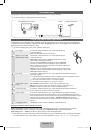
English - 13
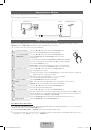
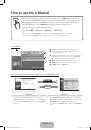
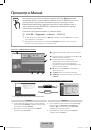
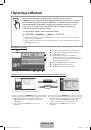
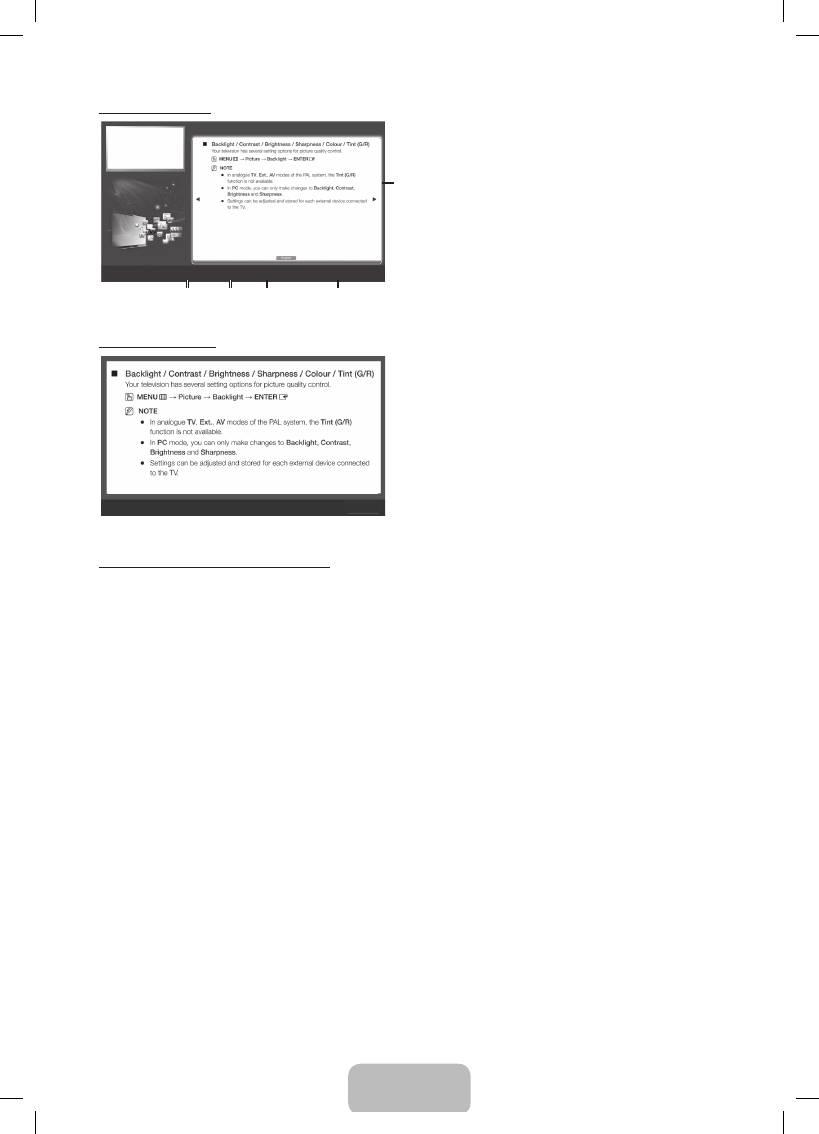
Viewing the Contents
BasicxFeaturesx>xPicturexMenux(3/17)
2
3
4
5
a
xTryxNowxxx
b
xHomexxx
{
xZoomxx
}
xIndexxxx
L
xPagexxx
e
xExitx
1
1
Contents Area: Contains the topic contents, if you
selected a sub-menu. To move previous or next
page, press the
◄
/
►
button.
2
Try Now
: Displays the OSD menu that corresponds
to the topic. To return to the
e-Manual
screen, press
the
E-MANUAL
button.
3
Home
: Moves to the
e-Manual
home screen.
4
Zoom
: Magnifies a screen. You can scroll through the
magnified screen by using
▲
/
▼
buttons.
5
L
(
Page
): Moves to previous or next page.
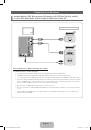
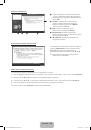
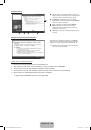
Using the Zoom mode
U
x
Movexxx
R
xReturnx
Select the
Zoom
, and then press
ENTER
E
to magnify
the screen. You can scroll through the magnified screen
by using the
▲
or
▼
buttons.
✎
To return to the screen to normal size, press the
RETURN
button.
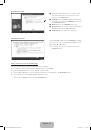
How to search for a topic on the index page
✎
This function may not supported depending on the language.
1.
If you want to search a keyword, press the blue button to select
Index
.
2.
Press the
◄
or
►
button to select a character order you want.
3.
Press the
▲
or
▼
button to select a keyword you want to see, and then press the
ENTER
E
button.
4.
You can view the corresponding e-Manual instruction screen.
✎
To close the
Index
screen, press the
RETURN
button.
[UD5000-RU]BN68-03432S.indb 13
2011-04-29 �� 9:56:02