Инструкция для Samsung LE32B450C7W, LE32B450C4W, LE26B450C4W
 1
 2
 3
 4
 5
 6
 7
 8
 9
 10
 11
 12
 13
 14
 15
 16
 17
 18
 19
 20
 21
 22
 23
 24
 25
 26
 27
 28
 29
 30
 31
 32
 33
 34
 35
 36
 37
 38
 39
 40
 41
 42
 43
 44
 45
 46
 47
 48
 49
 50
 51
 52
 53
English - 1
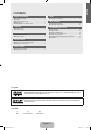
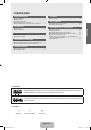
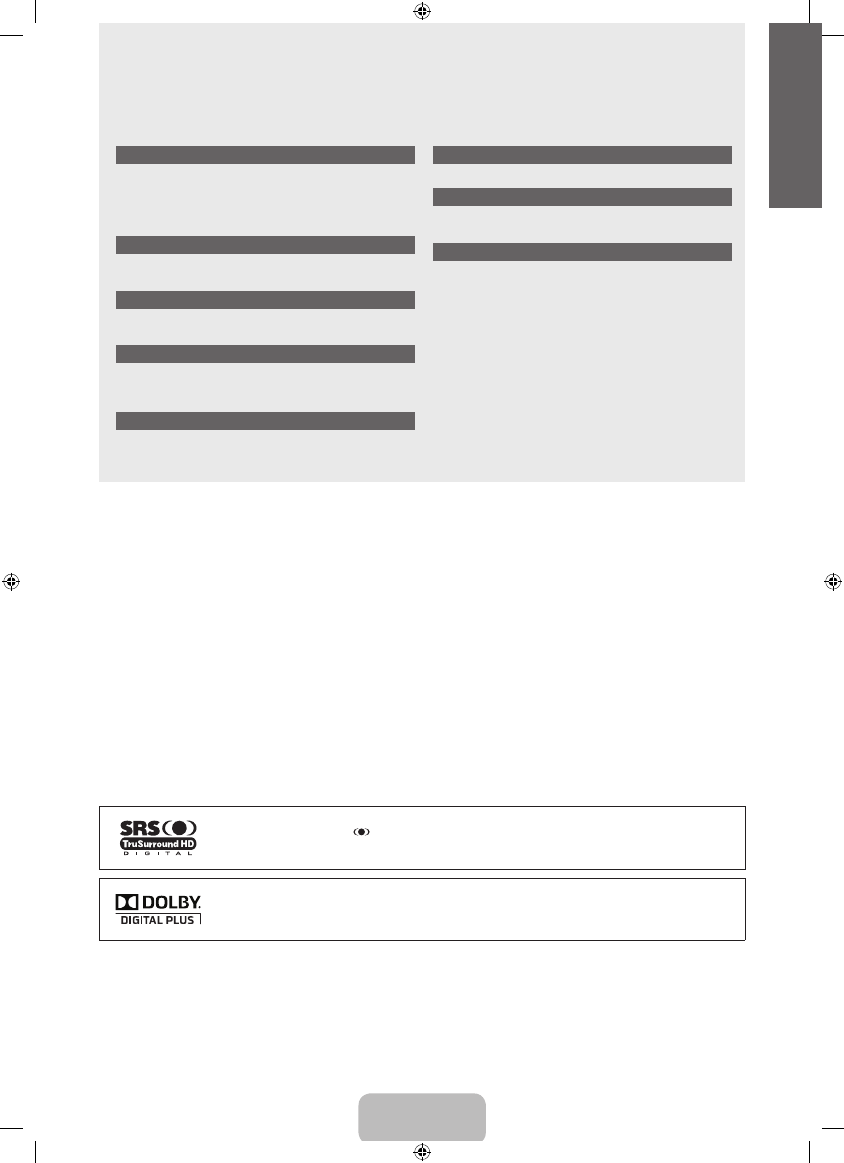
GENERAL INFORMATION
Viewing the Control Panel .................................................................
2
Accessories .......................................................................................
2
Viewing the Connection Panel ...........................................................
3
Remote Control .................................................................................
5
Installing Batteries in the Remote Control .........................................
5
OPERATION
Viewing the menus ............................................................................
6
Plug & Play Feature ........................................................................... 7
CHANNEL CONTROL
Configuring the Channel Menu ..........................................................
8
Managing Channels ........................................................................ 1
0
PICTURE CONTROL
Configuring the Picture Menu .......................................................... 1
2
Using Your TV as a Computer (PC) Display .................................... 1
4
Setting up the TV with your PC
........................................................
1
5
SOUND CONTROL
Configuring the Sound Menu ........................................................... 1
6
Selecting the Sound Mode .............................................................. 17
■
■
■
■
■
■
■
■
■
■
■
■
■
■
SETUP
Configuring the Setup Menu ............................................................ 1
8
INPUT / SUPPORT
Configuring the Input Menu .............................................................
20
Configuring the Support Menu .........................................................
2
1
RECOMMENDATIONS FOR USE
Teletext Feature ...............................................................................
22
Installing the Stand ..........................................................................
23
Installing the Wall Mount Kit ............................................................
23
Using the Anti-Theft Kensington Lock .............................................
23
Securing the TV to the Wall .............................................................
24
Troubleshooting: Before Contacting Service Personnel ..................
25
Specifications ..................................................................................
25
■
■
■
■
■
■
■
■
■
■
CONTENTS
License
TruSurround HD
, SRS and
symbol are trademarks of SRS Labs, Inc.
TruSurround HD
technology is
incorporated under license from SRS Labs, Inc.
Manufactured under license from Dolby Laboratories. Dolby and the double-D symbol are trademarks of
Dolby Laboratories.
Symbol
N
O
T
Note
One-Touch Button
TOOL Button
❑
❑
Eng
lish
BN68-01981F.indb 1
2009-03-09 �� 11:20:30