Инструкция для Samsung LE32B450C7W, LE32B450C4W, LE26B450C4W
 1
 2
 3
 4
 5
 6
 7
 8
 9
 10
 11
 12
 13
 14
 15
 16
 17
 18
 19
 20
 21
 22
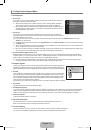 23
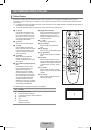 24
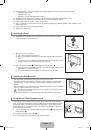 25
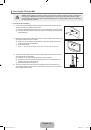 26
 27
 28
 29
 30
 31
 32
 33
 34
 35
 36
 37
 38
 39
 40
 41
 42
 43
 44
 45
 46
 47
 48
 49
 50
 51
 52
 53
English - 18
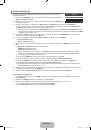
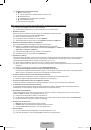
SETUP
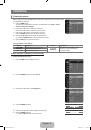
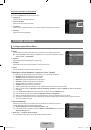
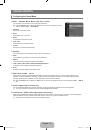
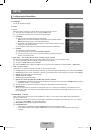
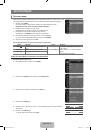
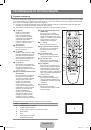
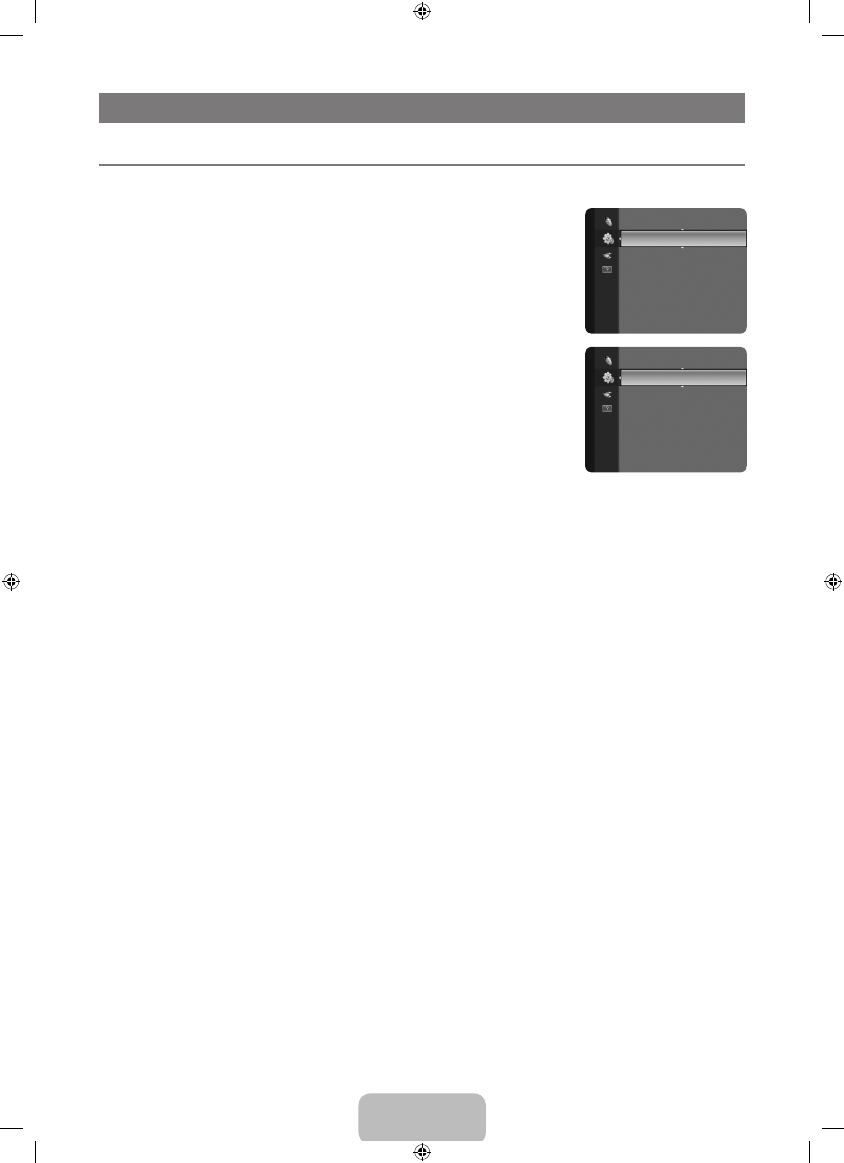
Configuring the Setup Menu
Language
You can set the menu language.
Time
Clock
Setting the clock is necessary in order to use the various timer features of the TV.
The current time will appear every time you press the
INFO
button.
If you disconnect the power cord, you have to set the clock again.
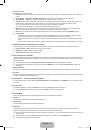
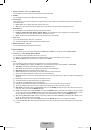
Clock Mode
You can set up the current time manually or automatically.
Auto
: Set the current time automatically using the time from the digital broadcast.
Manual
: Set the current time to a manually specified time.
Depending on the broadcast station and signal, the auto time may not be set correctly.
If this occurs, set the time manually.
The Antenna or cable must be connected in order to set the time automatically.
Clock Set
You can set the current time manually.
Set up this item when you have set
Clock Mode
to
Manual
.
You can set the day, month, year, hour and minute directly by pressing the number
buttons on the remote control.
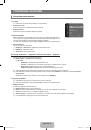
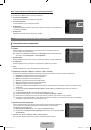
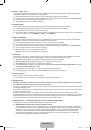
Sleep Timer → Off / 30 min / 0 min / 90 min / 120 min / 10 min / 180 min
The sleep timer automatically shuts off the TV after a preset time (30, 60, 90, 120, 150 and 180 minutes).
The TV automatically switches to standby mode when the timer reaches 0.
To cancel the
Sleep Timer
function, select
Off
.
Press the
TOOLS
button to display the
Tools
menu. You can also set the sleep timer by selecting
Tools → Sleep Timer
.
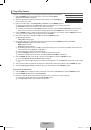
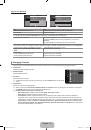
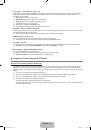
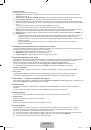
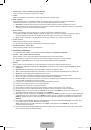
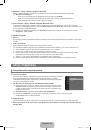
Timer 1 / Timer 2 / Timer 3
Three different on / off timer settings can be made. You must set the clock first.
On Time
: Set the hour, minute, and activate / inactivate. (To activate the timer with the setting you’ve chosen, set to
Activate
.)
Off Time
: Set the hour, minute, and activate / inactivate. (To activate the timer with the setting you’ve chosen, set to
Activate
.)
Volume
: Select the desired turn on volume level.
Antenna
: Select
Air
or
Cable
.
Channel
: Select the desired channel.
Repeat
:
Select
Once, Everyday, Mon~Fri, Mon~Sat, Sat~Sun
, or
Manual.
When
Manual
is selected, press the ► button to select the desired day of the week. Press the
ENTER
E
button over the
desired day and the
c
mark will appear.
You can set the hour, minute and channel by pressing the number buttons on the remote control.
Auto Power Off
When you set the timer On, the television will eventually turn off, if no controls are operated for 3 hours after the TV was
turned on by the timer. This function is only available in timer On mode and prevents overheating, which may occur if a TV is
on for too long time.
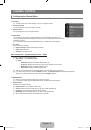
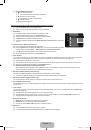
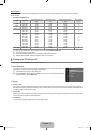
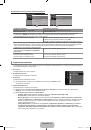
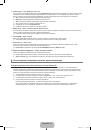
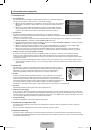
Game Mode → Off / On
When connecting to a game console such as PlayStation™ or Xbox™, you can enjoy a more realistic gaming experience by
selecting the game menu.
To disconnect the game console and connect another external device, cancel game mode in the setup menu. If you display
the TV menu in
Game Mode
, the screen shakes slightly.
Game Mode
is not available in regular
TV
and
PC
mode.
If Game Mode is On:
Picture mode is automatically changed to
Standard
and users cannot change the mode.
Sound mode is automatically changed to
Custom
and users cannot change the mode. Adjust the sound using the
equalizer.
¦
❑
❑
N
N
●
–
–
N
N
●
N
N
N
N
T
●
●
●
●
●
●
N
N
N
❑
N
N
N
–
–
Plug & Play
Language
: English ►
Time
Game Mode
: off
Child Lock
: On
Change PIN
Parental Lock
Subtitle
Setup
Subtitle
Teletext Language
: - - -
Preference
►
Digital Text
: Enable
Melody
: Medium
Game Mode
: Off
Energy Saving
: Off
Common Interface
Setup
BN68-01981F.indb 18
2009-03-09 �� 11:20:33