Инструкция для Samsung SR-L36NMB
 1
 2
 3
 4
 5
 6
 7
 8
 9
 10
 11
 12
 13
 14
 15
 16
 17
 18
 19
14
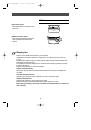
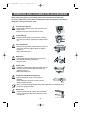
CLEANING THE WATER DISPENSER
Connection path
Wipe out the connection path and surrounding area with a clean
damp cloth.
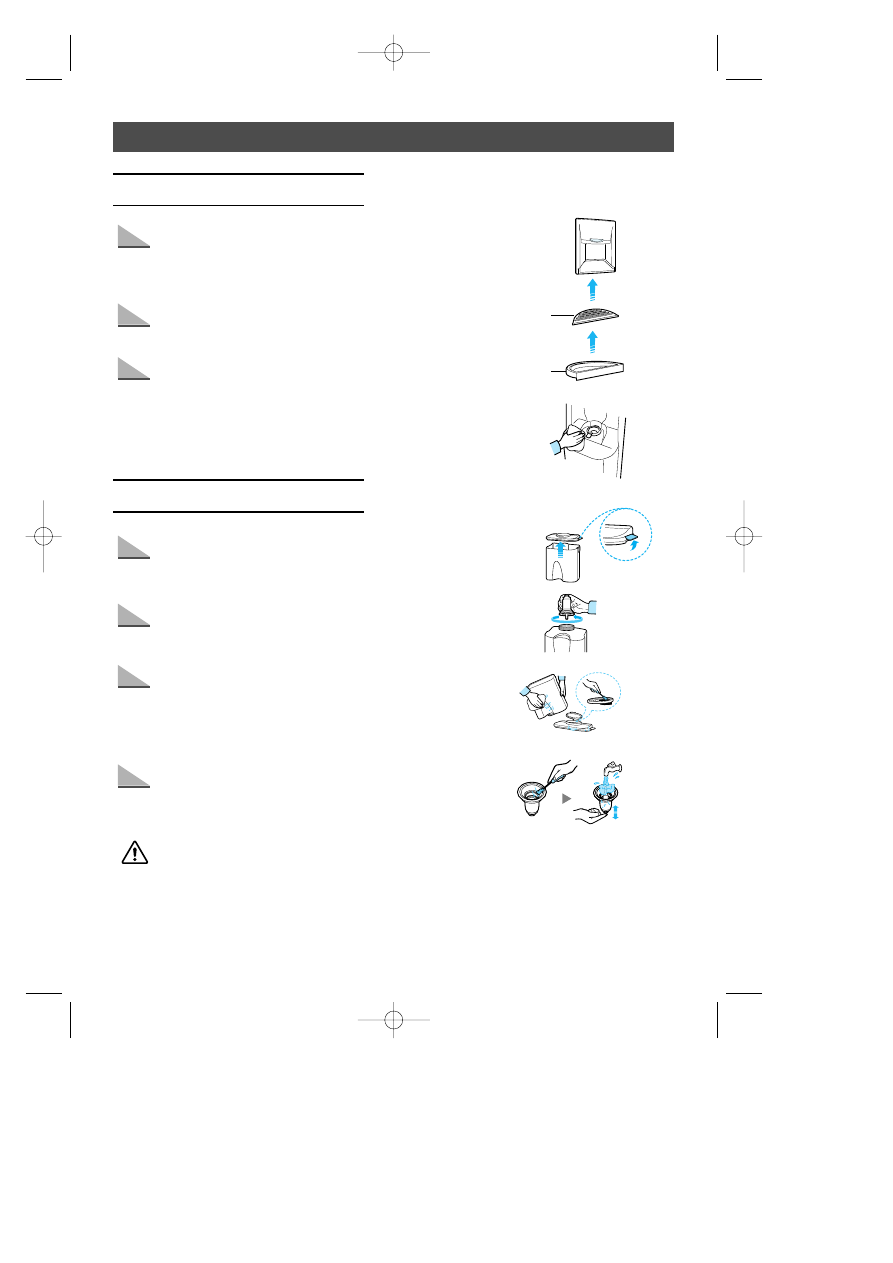
Cup Support / Dispenser Tray
1
Cup support/Dispenser tray
Press “PUSH” behind the cup support slightly, then
remove the cup support.
2
Using the dispenser tray handle, remove the tray.
3
Empty the water in the dispenser tray, then clean it using
warm water and detergent.
Dispenser tray
Cup support
Water Tank / Supply Device
1
Pull upward and disassemble the hooks on both
sides of the large-sized cap.
2
Loosen the water supply device by turning it in the
direction of the arrow and removing it.
3
Wipe the large-sized cap and the exclusive water tank
with warm water and detergent.
• Hold the cap and pull it upwards to remove it. Clean the
cap and waste filtering bottle attached to the cap with a
soft brush.
4
After cleaning the water supply device with a soft
brush, press the water supply device operation lever,
then wash it in running water.
• Clean the water tank frequently if it used to dispense tea or other such beverages. Only use
filtered tea. For better hygiene, beverages with a high sugar content (juice, soft drinks) are not
recommended.
• Deposits can be cleaned by wiping the tank with a cloth dampened in vinegar or salt water.
• Check that the rubber seal on the water supply device has not slipped off or is not damaged
by a sharp-edged object. Otherwise, it may leak.
Caution
SR-L39-ENG(NEW) 3/30/59 9:38 AM Page 14
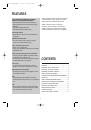
Оглавление инструкции
- WARNINGS / SAFETY PRECAUTIONS
- INSTALLING THE FRIDGE/FREEZER
- PREPARING THE FRIDGE/FREEZER
- USING THE CONTROL FEATURES
- STORING FOOD IN THE REFRIGERATOR OR FREEZER
- MAKING ICE
- USING THE WATER DISPENSER (OPTION)
- REMOVING AND CLEANING THE ACCESSORIES
- CLEANING THE WATER DISPENSER
- REPLACING THE INTERIOR LIGHT
- PROBLEMS AND SOLUTIONS
- USAGE PRECAUTIONS
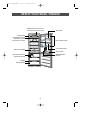
- VIEW OF YOUR FRIDGE / FREEZER