Инструкция для Samsung SR-L36NMB
 1
 2
 3
 4
 5
 6
 7
 8
 9
 10
 11
 12
 13
 14
 15
 16
 17
 18
 19
13
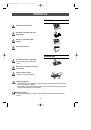
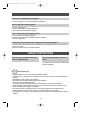
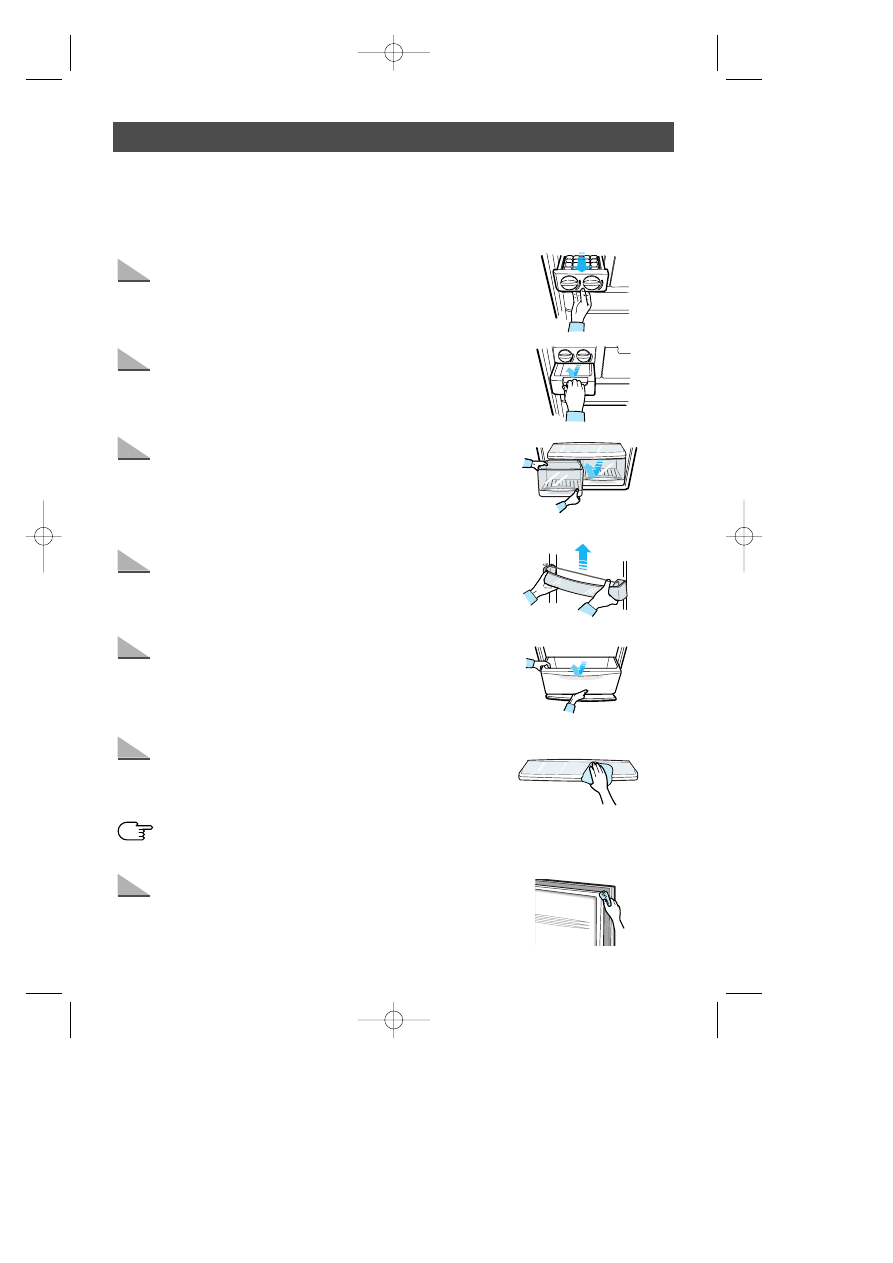
REMOVING AND CLEANING THE ACCESSORIES
1
Ice cube maker (optional)
• Place a hand in the lower groove, then pull the ice cube
maker forward.
• Remove the ice cube maker and rinse it in water.
2
Ice tray (optional)
• Using the handle, pull the ice tray out as far as it will go,
then remove it by lifting it up slightly and pulling it towards
you.
3
Fresh salad drawers
• Pull the super high-humidity salad drawers out as far as it
will go, then remove it by lifting it slightly and pulling it
towards you.
• Wipe it with a damp cloth.
4
Bottle guard
• Hold the bottle guard in both hands, then remove it by
lifting it slightly and pulling it towards you.
• Wash it in water.
5
Freezer drawer
• Holding the freezer drawer in both hands, pull it out as far
as it will go, then remove it by lifting it up slightly and
pulling it towards you.
• Wipe it with a damp cloth.
Transparent, unbreakable shelf (optional)
• Remove the shelf, then clean it using water and
detergent.
• When replacing the shelves, do not mix up the top,
middle and bottom shelves.
6
7
Rubber seals
• Clean the rubber seals with a damp cloth and detergent.
Use a wooden skewer wrapped in a small cloth to clean
in the grooves.
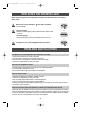
Before cleaning the appliance, you must always switch it off and unplug it from the wall socket.
Do not use a steam cleaner. The hot steam could damage the surface of the appliance or the electrical
components, causing a risk of electric shock.
When you remove the temperad glass shelfes, load a glass and a trim simuttaneously to
prevent from dropping the glass.
Note
SR-L39-ENG(NEW) 3/30/59 9:38 AM Page 13
Оглавление инструкции
- WARNINGS / SAFETY PRECAUTIONS
- INSTALLING THE FRIDGE/FREEZER
- PREPARING THE FRIDGE/FREEZER
- USING THE CONTROL FEATURES
- STORING FOOD IN THE REFRIGERATOR OR FREEZER
- MAKING ICE
- USING THE WATER DISPENSER (OPTION)
- REMOVING AND CLEANING THE ACCESSORIES
- CLEANING THE WATER DISPENSER
- REPLACING THE INTERIOR LIGHT
- PROBLEMS AND SOLUTIONS
- USAGE PRECAUTIONS
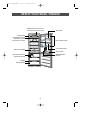
- VIEW OF YOUR FRIDGE / FREEZER