Инструкция для Timberk Tornado series AC TIM...S4, Tornado DC Inverter series AC TIM...HDN S5, AC TIM 12HDN S5/S5-01, AC TIM 09HDN S5/S5-01
 1
 2
 3
 4
 5
 6
 7
 8
 9
 10
 11
 12
 13
 14
 15
 16
 17
 18
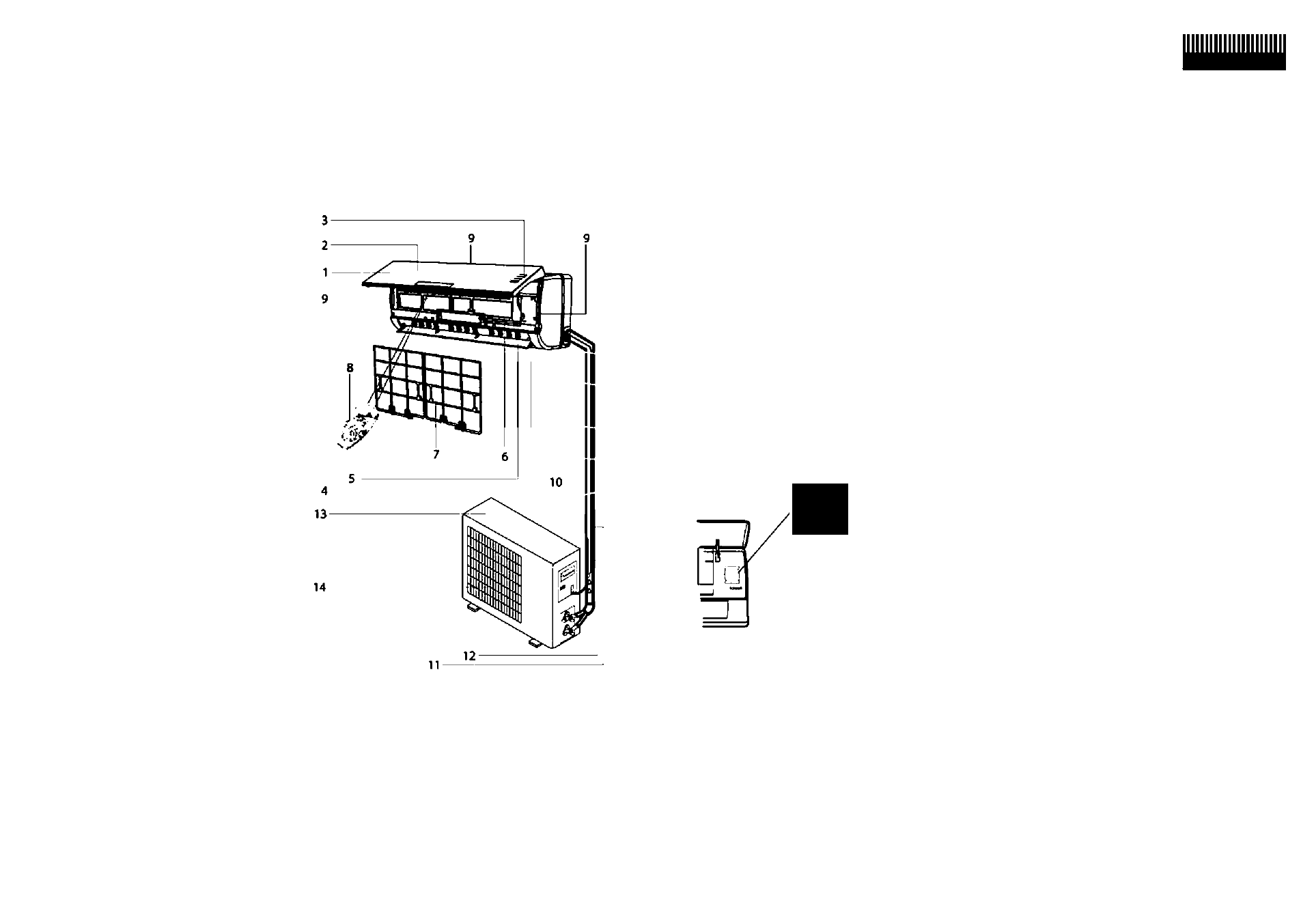
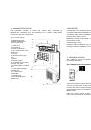
4. APPLIANCE DESCRIPTION
The conditioner consists of indoor and outdoor units connected by
pipelines.The conditioner may be controlled from a remote control board
or from an indoor unit control panel.
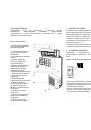
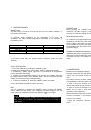
Figure 1. Appliance desaiption*
* The appearance of your air
conditioner may differ from the
5chen>atic graphic images.
1. Indoor unit.
2. Front panel.
3. Panel of Indicators.
4. The control panel of the
indoor unit.
5. Louver.
6. Air outlet of the indoor
unit.
7. Filters.
8. Remote control.
9. Air intakes of the indoor
unit (top, left, right)
10. Intake grilles of outdoor
unit.
11 .The copper tube gas,
capillary line.
12. Tube to drain
condensate.
13. Outdoor unit.
14. Air discharge grill of
outdoor unit
ENGLISH
5.DEUVERYSET
Complete set of air conditioner (split system) includes:
Conditionerunitforindoorinstallation-I piece
Conditioner unitfor outdoor installation-1 piece
Remote control board-1 piece
Batteries for remote control board - 2 pcs.
User manual-1 piece
Guarantee slip-1 piece
Packing of indoor-installation unit-1 piece
Packing of outdoor-installation unit-1 piece
6. APPLIANCE CONTROL
The conditioner may be controlled from a remote control board or from an
indoorunitcontrol panel.
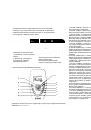
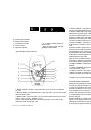
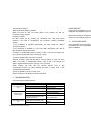
Figur« 2. D€scription of indoor unit control panol
□
If the remote control board is lost or cannot be used at the moment, you
may use a control button «on/off» located behind the front panel.
For that, open the front panel carefully by pulling it from the left and
right. Press the button, air-conditioner will start operating in automatic
SMART mode.
There are remote control receiver and indicators^ipower, night mode,
timer on the front panel of Air conditioner (see Figure below)^
vvww.tlmberk.m •
ho\rt^ofdoifConditk>ntf
13