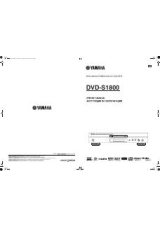
Инструкция для Yamaha DVD-S1800
 1
 2
 3
 4
 5
 6
 7
 8
 9
 10
 11
 12
 13
 14
 15
 16
 17
 18
 19
 20
 21
 22
 23
 24
 25
 26
 27
 28
 29
 30
 31
 32
 33
 34
 35
 36
 37
 38
 39
 40
 41
 42
 43
 44
 45
 46
 47
 48
 49
 50
 51
 52
 53
 54
 55
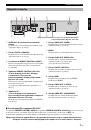 56
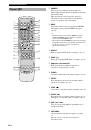 57
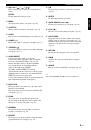 58
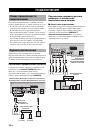 59
 60
 61
 62
 63
 64
 65
 66
 67
 68
 69
 70
 71
 72
 73
 74
 75
 76
 77
 78
 79
 80
 81
 82
 83
 84
 85
 86
 87
 88
 89
 90
 91
 92
 93
 94
19
En
DISC OPERATION
Eng
lish
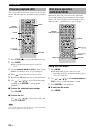
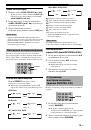
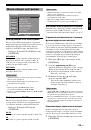
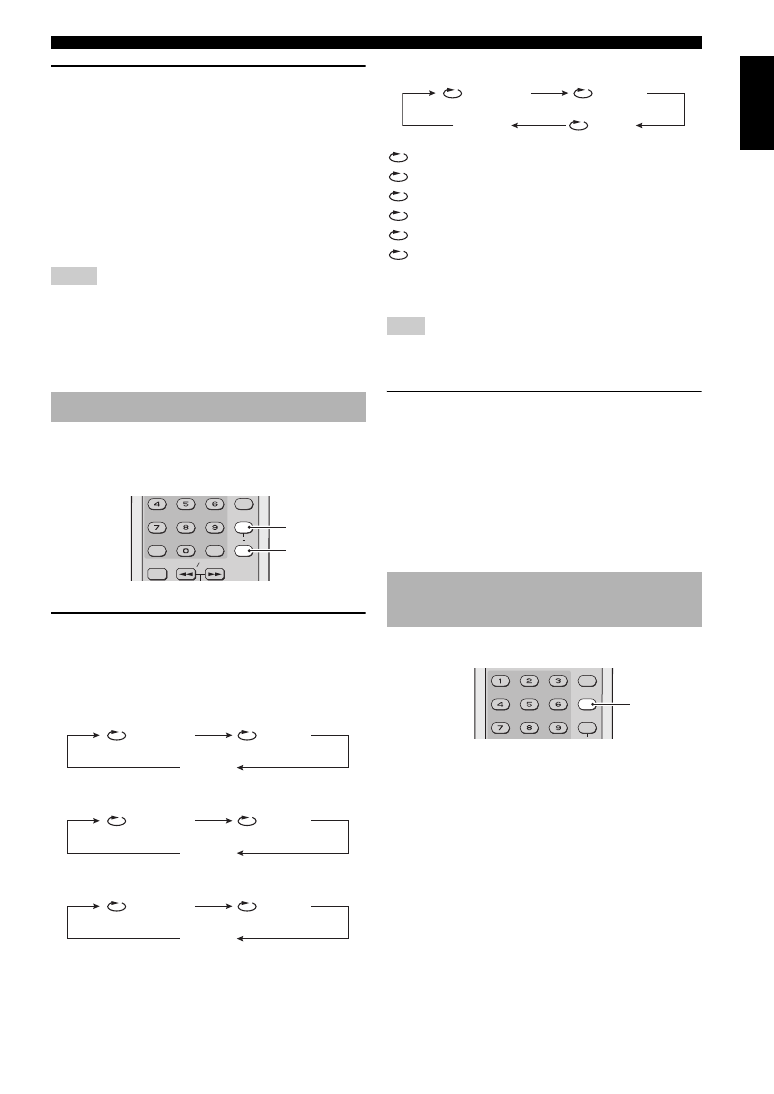
Searching backward/forward
1
Press
SLOW
/
SEARCH (
22
/
33
)
.
•
For slow search, press
PAUSE (
8
)
to
pause playback before pressing
SLOW
/
SEARCH (
22
/
33
)
.
2
While searching, press
SLOW
/
SEARCH (
22
/
33
)
repeatedly
to select the desired speed.
3
To resume normal playback, press
PLAY (
3
)
.
• For WMA, DTS-CD and JPEG, the search function (backward,
forward and slow playback) is not available.
• For MP3, slow playback is not available.
• For VCD, SVCD and DivX
®
, the slow backward function is
not available.
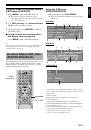
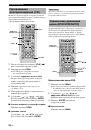
You can repeat single chapter/track, single title/group or
entire disc. Also, you can set two points (start and end
points) to repeat the specified section.
Repeating playback
Press
REPEAT
to select the repeat play mode.
➜
Each time you press the button, the display on the
TV screen changes as follows:
DVD-Video
DVD-Audio
CD, SA-CD, VCD, SVCD
MP3, WMA, JPEG, DivX
®
Chapter: repeats the current chapter
Title: repeats the current title
Track: repeats the current track
Group: repeats the current group
Folder: repeats the current folder
All*: repeats the entire disc
OFF: exits from repeat mode
*: This feature may not be available with some discs.
For VCD and SVCD, repeat playback is not available when the
PBC mode is selected.
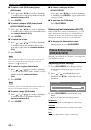
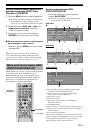
Repeating a section
(except DVD-Audio/MP3/WMA/JPEG)
1
During playback, press
A-B
at the desired
starting point.
2
Press
A-B
again at the desired end point.
➜
The selected section repeats continuously.
3
To exit from the sequence, press
A-B
.
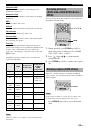
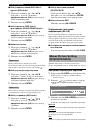
You can play tracks in random order.
1
During playback, press
RANDOM
.
➜
“RANDOM” appears in the front panel display
and all tracks are played in random order.
2
To resume normal playback, press
RANDOM
again.
Notes
Repeat playback
REPEAT
SETUP
A B
SLOW SEARCH
ENTER
CLEAR
A-B
REPEAT
Chapter
Title
OFF
Track
Group
OFF
Track
All
OFF
Note
Random playback
(except DVD/SA-CD)
Track
Folder
All
OFF
RANDOM
PROG
REPEAT
RANDOM
Оглавление инструкции
- English
- CAUTION: READ THIS BEFORE OPERATING THIS UNIT.
- INTRODUCTION
- FUNCTIONAL OVERVIEW
- CONNECTIONS
- GETTING STARTED
- DISC OPERATION
- Basic operation
- Repeat playback
- Random playback (except DVD/SA-CD)
- Program playback (CD)
- Disc menu operation (DVD/VCD/SVCD)
- On-screen display (OSD) menu (DVD/VCD/SVCD/SA-CD)
- Picture Setting menu (DVD/VCD/SVCD)
- Zooming pictures (DVD-Video/VCD/SVCD/DivX®/ JPEG)
- Viewing angles (DVD-Video)
- Audio and Subtitle languages (DVD-Video/VCD)
- DivX® external subtitle files
- Changing pages (DVD-Audio)
- Group/File selection (DVD-Audio/ DivX®/MP3/WMA/Kodak picture CD)
- Bonus group playback (DVD-Audio)
- Changing the playback area and layer (SA-CD)
- Multimedia file playback (MP3/WMA/DivX®/JPEG)
- SETUP MENU
- Menu overview
- Setup menu operation
- General setup menu
- Audio setup menu
- Speaker setup menu
- Video setup menu
- Setting the TV display
- Setting the TV type
- Selecting the wide screen format
- Selecting the black level (U.S.A. and Canada models only)
- Selecting the closed caption (U.S.A. and Canada models only)
- Setting the still mode
- Selecting the scan function
- Switching the SCART video out (U.K., Europe, and Russia models only)
- HDMI setup menu
- DISC setup menu
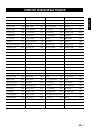
- LANGUAGE CODE LIST
- TROUBLESHOOTING
- GLOSSARY
- SPECIFICATIONS
- Русский
- ПРЕДУПРЕЖДЕНИЕ: ВНИМАТЕЛЬНО ИЗУЧИТЕ ЭТО ПЕРЕД ИСПОЛЬЗОВАНИЕМ АППАРАТА.
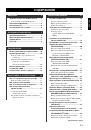
- СОДЕРЖАНИЕ
- ВВЕДЕНИЕ
- ФУНКЦИОНАЛЬНЫЙ ОБЗОР
- ПОДКЛЮЧЕНИЯ
- ПОДГОТОВКА К ЭКСПЛУАТАЦИИ
- УПРАВЛЕНИЕ ДИСКОМ
- Основное управление
- Повторное воспроизведение
- Случайное воспроизведение (кроме DVD/SA-CD)
- Программное воспроизведение (CD)
- Управление дисковым меню (DVD/VCD/SVCD)
- Меню дисплея-на-экране (OSD) (DVD/VCD/SVCD/SA-CD)
- Меню Picture Setting (DVD/VCD/SVCD)
- Изменение масшатаба картинок (DVD-Video/VCD/ SVCD/DivX®/JPEG)
- Просмотр углов (DVD-Video)
- Языки звучания и субтитров (DVD-Video/VCD)
- Внешние файлы субтитров DivX®
- Переключение страниц (DVD-Audio)
- Выбор группы/файла (DVD-Audio/DivX®/MP3/WMA/Графический Kodak CD)
- Воспроизведение бонусной группы (DVD-Audio)
- Переключение зоны воспроизведения и слоя (SA-CD)
- Воспроизведение мультимедийного файла (MP3/WMA/DivX®/JPEG)
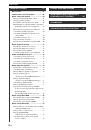
- МЕНЮ НАСТРОЙКИ
- Обзор меню
- Управление меню настройки
- Меню общей настройки
- Выбор режима DVD-Audio-диска
- Выбор режима SA-CD
- Настройка языка дисплея-на-экране
- Ограничение воспроизведения с помощью функции родительского контроля
- Изменение пароля родительского контроля
- Установка хранителя экрана
- Установка функции автоматического отключения
- Установка таймера сна
- Переустановка системы
- Отображение регистрационного кода DivX® VOD
- Меню аудионастройки
- Меню настройки колонок
- Меню видеонастройки
- Настройка телевизионного экрана
- Установка типа телевизора
- Выбор широкоэкранного формата
- Выбор уровня черного (Только модели для США и Канады)
- Выбор скрытых титров (Только модели для США и Канады)
- Установка режима снимка
- Выбор функции развертки
- Переключение видеовыхода SCART (Только модели для Соединенного Королевства Великобритании и Северной Ирландии, Европы, и России)
- Меню настройки HDMI
- Меню настройки DISC
- СПИСОК ЯЗЫКОВЫХ КОДОВ
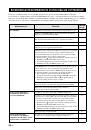
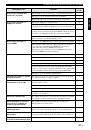
- ВОЗМОЖНЫЕ НЕИСПРАВНОСТИ И СПОСОБЫ ИХ УСТРАНЕНИЯ
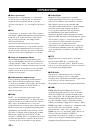
- СПРАВОЧНИК
- ТЕХНИЧЕСКИЕ ХАРАКТЕРИСТИКИ