Инструкция для Samsung LE32B450C4W, LE26B450C4W
 1
 2
 3
 4
 5
 6
 7
 8
 9
 10
 11
 12
 13
 14
 15
 16
 17
 18
 19
 20
 21
 22
 23
 24
 25
 26
 27
 28
 29
 30
 31
 32
 33
 34
 35
 36
 37
 38
 39
 40
 41
 42
 43
 44
 45
 46
 47
 48
 49
 50
 51
 52
 53
 54
 55
 56
 57
 58
 59
 60
 61
 62
 63
 64
 65
 66
 67
 68
 69
 70
 71
 72
 73
 74
 75
 76
 77
 78
 79
 80
 81
 82
 83
 84
 85
 86
 87
 88
 89
 90
 91
 92
 93
 94
 95
 96
 97
 98
 99
 100
 101
 102
 103
 104
 105
English - 1
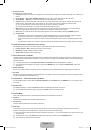
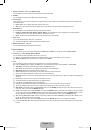
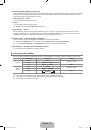
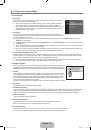
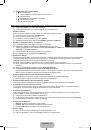
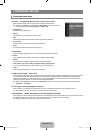
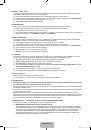
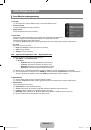
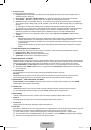
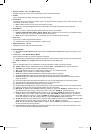
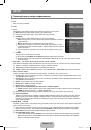
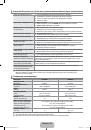
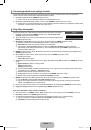
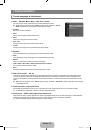
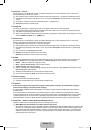
Audio Description (digital channels only)
This is an auxiliary audio function that provides an additional audio track for visually challenged persons. This function handles the
Audio Stream for the AD (Audio Description), when it is sent along with the Main audio from the broadcaster. Users can turn the
Audio Description On or Off and control the volume.
Audio Description → Off / On
Turn the audio description function on or off.
Volume
You can adjust the audio description volume.
Volume
is active when
Audio Description
is set to
On
.
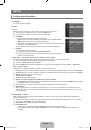
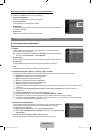
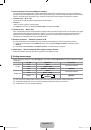
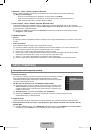
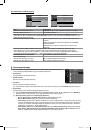
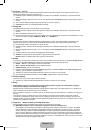
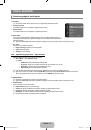
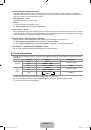
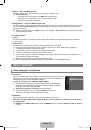
Auto Volume → Off / On
Each broadcasting station has its own signal conditions, and so it is not easy to adjust the volume every time the channel is
changed. This feature lets you automatically adjust the volume of the desired channel by lowering the sound output when the
modulation signal is high or by raising the sound output when the modulation signal is low.
Speaker Select → External Speaker / TV Speaker
If you want to hear the sound through separate speakers, cancel the internal amplifier.
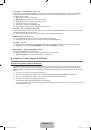
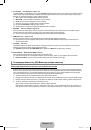
The volume and
MUTE
buttons do not operate when the
Speaker Select
is set to
External Speaker
.
If you select
External Speaker
in the
Speaker Select
menu, the sound settings will be limited.
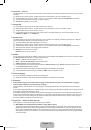
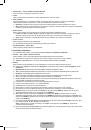
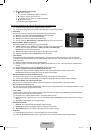
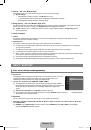
Sound Reset → Reset All / Reset Sound Mode / Cancel
You can restore the Sound settings to the factory defaults.
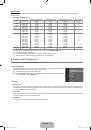
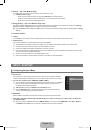
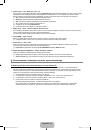
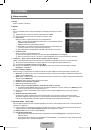
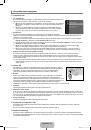
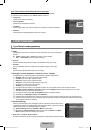
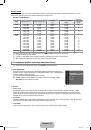
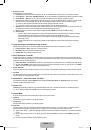
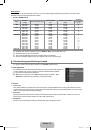
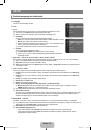
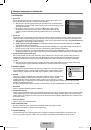
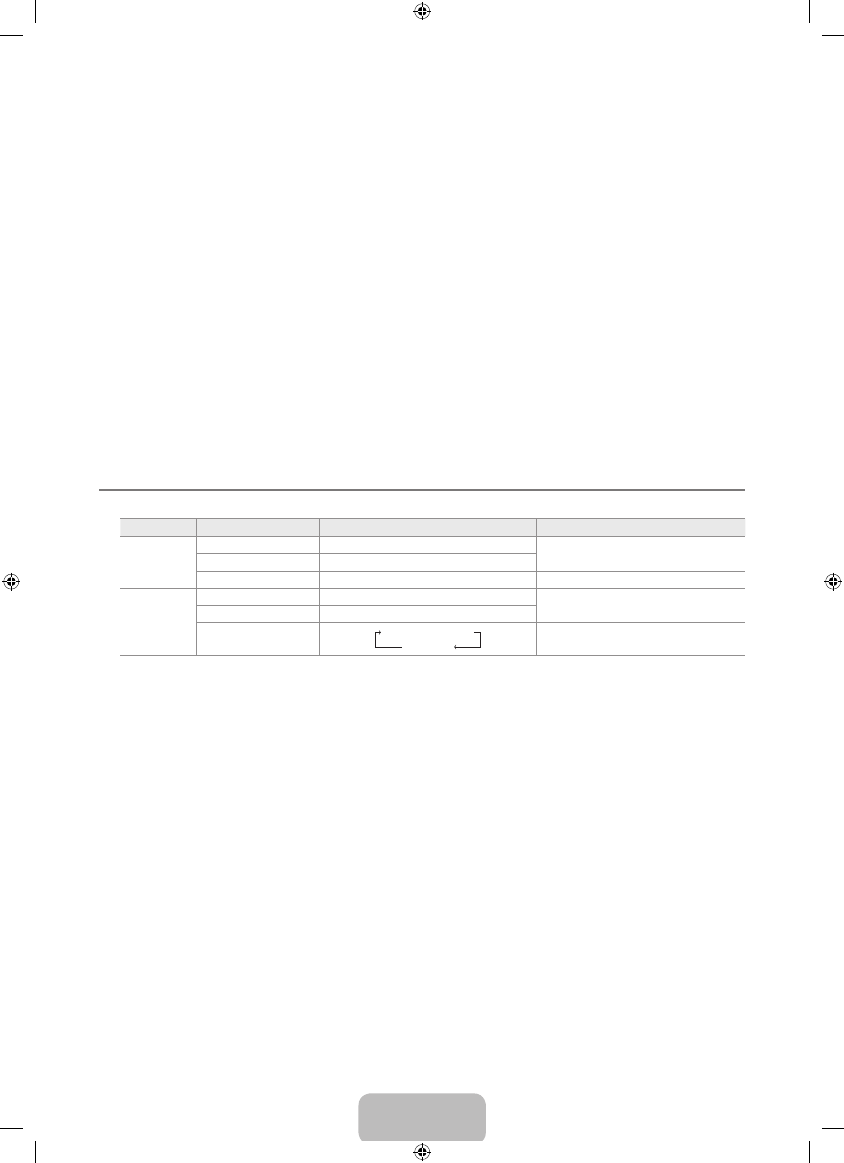
Selecting the Sound Mode
You can set the sound mode in the
Tools
menu. When you set to
Dual l ll
, the current sound mode is displayed on the screen.
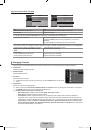
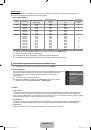
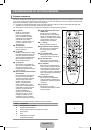
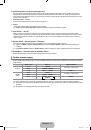
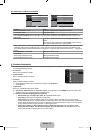
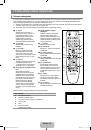
Audio Type
Dual 1 / 2
Default
A2 Stereo
Mono
MONO
Automatic change
Stereo
STEREO ↔ MONO
Dual
DUAL 1 ↔ DUAL 2
DUAL 1
NICAM
Stereo
Mono
MONO
Automatic change
Stereo
MONO ↔ STEREO
Dual
MONO ↔ DUAL 1
DUAL 2
DUAL 1
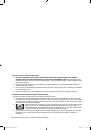
If the stereo signal is weak and an automatic switching occurs, then switch to the mono.
This function is only activated in stereo sound signal. It is deactivated in mono sound signal.
This function is only available in TV mode.
❑
N
❑
❑
N
N
❑
¦
N
N
N
BN68-01981H-00.indb 17
2009-03-18 �� 1:58:15