Инструкция для Panasonic KX-FT902RU
Инструкция в формате - PDF
Количество страниц - 72 страницы
Размер - 3.5 МБ
Доступно - Бесплатное скачивание
Доступно - Онлайн чтение
 1
 2
 3
 4
 5
 6
 7
 8
 9
 10
 11
 12
 13
 14
 15
 16
 17
 18
 19
 20
 21
 22
 23
 24
 25
 26
 27
 28
 29
 30
 31
 32
 33
 34
 35
 36
 37
 38
 39
 40
 41
 42
 43
 44
 45
 46
 47
 48
 49
 50
 51
 52
 53
 54
 55
 56
 57
 58
 59
 60
 61
 62
 63
 64
 65
 66
 67
 68
 69
 70
 71
 72
67
11
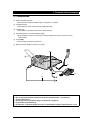
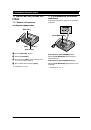
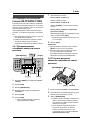
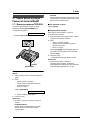
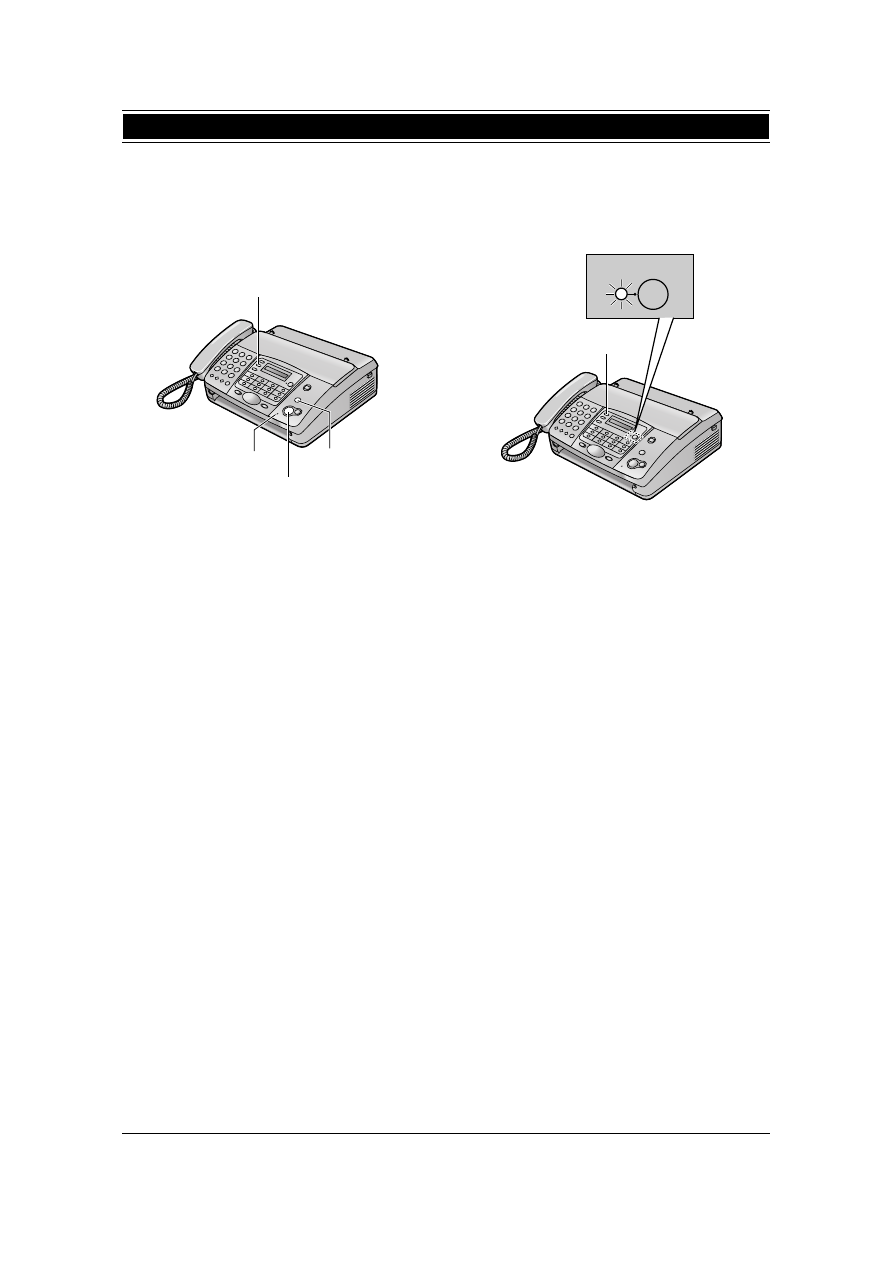
. English Quick Start
11
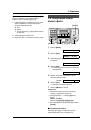
.7 Answering device (KX-
FT908 only)
11
.7.
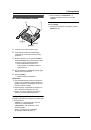
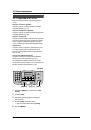
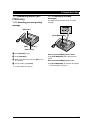
1
Recording your own greeting
message
A
Press
{
RECORD
}
2 times.
B
Press
{
FAX/START
}
.
C
Speak clearly about 20 cm away from
{
MIC
}
, for up
to
1
6 seconds.
D
To stop recording, press
{
STOP
}
.
L
For further details, see page 40.
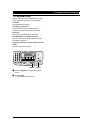
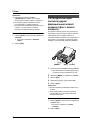
11
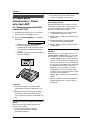
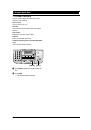
.7.2 Listening to recorded
messages
The display will show the total number of recorded
messages.
When the
{
AUTO ANSWER
}
indicator flashes:
Press
{
PLAY MESSAGES
}
. New messages will be
played.
When the
{
AUTO ANSWER
}
indicator is ON:
Press
{
PLAY MESSAGES
}
. All messages will be played.
L
For further details, see page 4
1
.
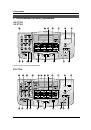
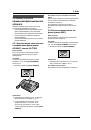
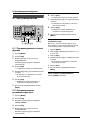
{
RECORD
}
{
FAX/START
}
{
STOP
}
{
MIC
}
AUTO ANSWER
{
PLAY MESSAGES
}
Оглавление инструкции
- Ñîäåpæàíèå
- Óñòàíîâêà è áûñò²ûé çàïóñê
- ÂàæíàØ èíôî²ìàöèØ
- Ïîäãîòîâêà
- Òåëåôîí
- Ôàêñ
- Îòï²àâêà ôàêñîâ
- 5.1 Îòï²àâêà ôàêñà â²ó÷íó
- 5.2 Äîêóìåíòû, ï²èãîäíûå äëØ îòï²àâêè
- 5.3 Îòï²àâêà ôàêñîâ ñ ïîìîùü ôóíêöèè ñåíñî²íîãî íàáî²à íîìå²à è òåëåôîííîãî ñï²àâî÷íèêà óï²îùåí...
- 5.4 Ïå²åäà÷à ïî ²àññûëêå (òîëüêî KX-FT904/KX-FT908)
- 5.5 Ïå²åäà÷à ìåòîäîì ïîëëèíãà (ä²óãîé ôàêñèìèëüíûé àïïà²àò èçâëåêàåò ôàêñ ñ âàøåãî àïïà²àòà)
- ϲèåì ôàêñîâ
- Îòï²àâêà ôàêñîâ
- Êîïè²îâàíèå
- Àâòîîòâåò÷èê (òîëüêî KX-FT908)
- ϲîã²àììè²óåìûå ôóíêöèè
- Ñï²àâêà
- ÎáùàØ èíôî²ìàöèØ
- English Quick Start