Инструкция для Panasonic KX-FT902RU
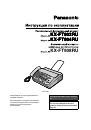 1
 2
 3
 4
 5
 6
 7
 8
 9
 10
 11
 12
 13
 14
 15
 16
 17
 18
 19
 20
 21
 22
 23
 24
 25
 26
 27
 28
 29
 30
 31
 32
 33
 34
 35
 36
 37
 38
 39
 40
 41
 42
 43
 44
 45
 46
 47
 48
 49
 50
 51
 52
 53
 54
 55
 56
 57
 58
 59
 60
 61
 62
 63
 64
 65
 66
 67
 68
 69
 70
 71
 72
65
11
. English Quick Start
11
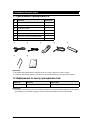
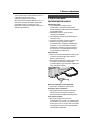
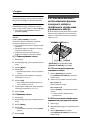
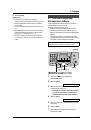
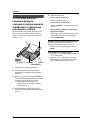
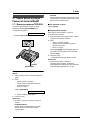
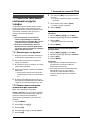
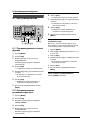
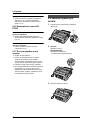
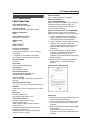
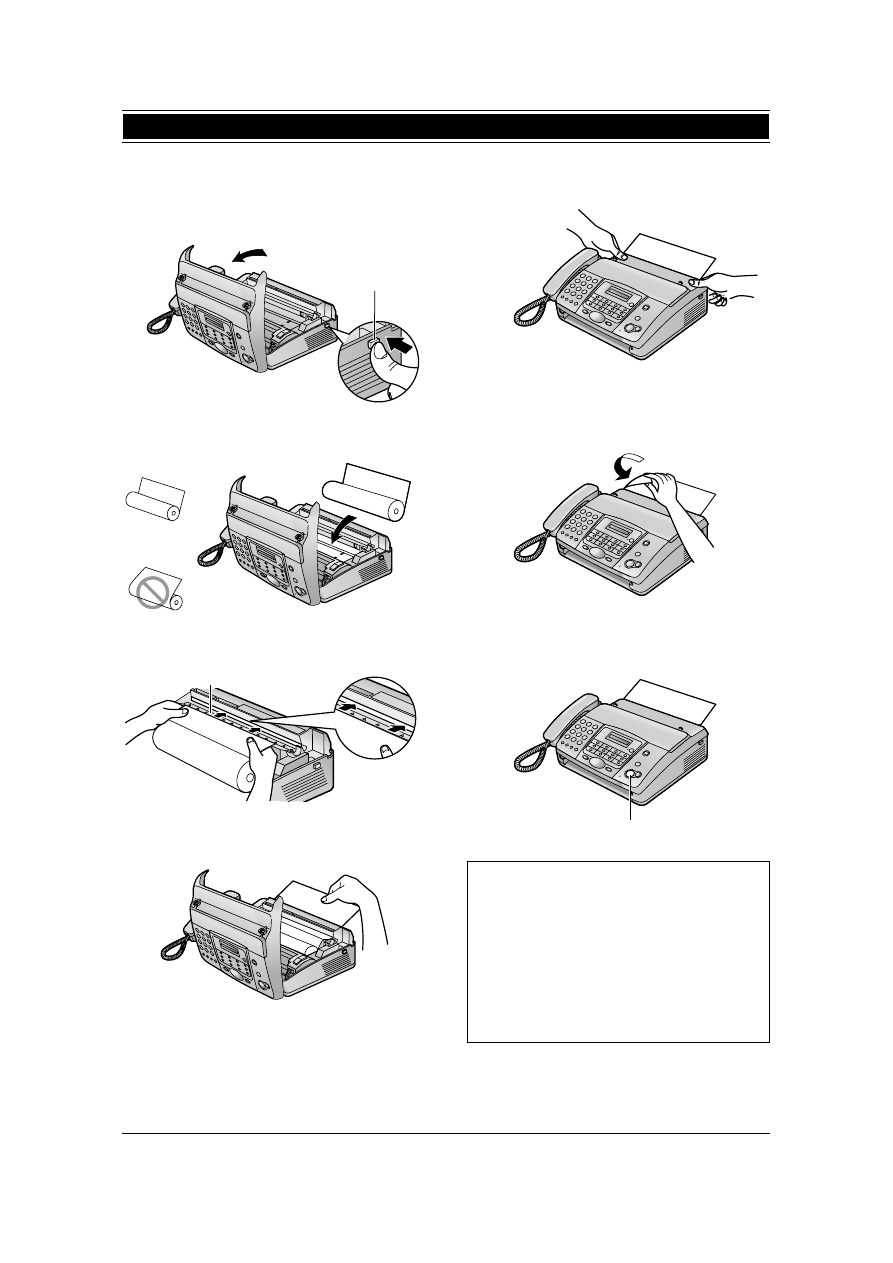
.4 Recording paper
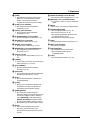
A
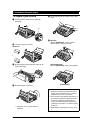
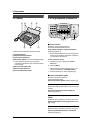
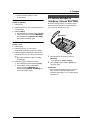
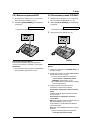
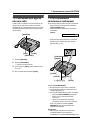
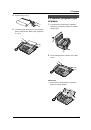
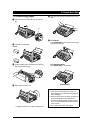
Open the cover by pressing the cover open button
(
1
).
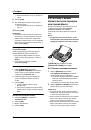
B
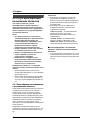
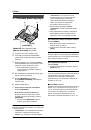
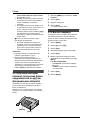
Install the recording paper.
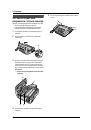
C
Insert the leading edge of the paper into the opening
above the thermal head (
1
).
D
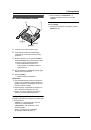
Pull the paper out of the unit.
L
Make sure that there is no slack in the paper roll.
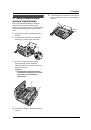
E
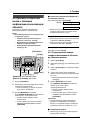
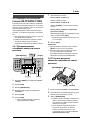
Close the cover securely by pushing down on both
sides.
F
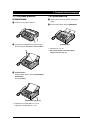
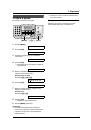
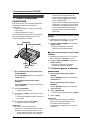
For KX-FT902:
Press
{
FAX/START
}
, then tear off the excess paper
by pulling it towards you.
For KX-FT904/KX-FT908:
Press
{
FAX/START
}
to cut the paper.
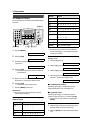
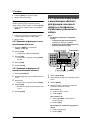
Correct
Incorrect
1
1
Note:
L
If the paper is secured with glue or tape, cut
approximately
1
5 cm from the beginning of the roll
before installing it.
L
When the power cord is connected, a message is
printed each time the cover is opened then
closed. If the recording paper is installed upside
down, the message will not be printed. Install the
paper correctly.
L
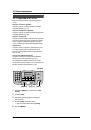
For accessory information, see page 63.
{
FAX/START
}
Оглавление инструкции
- Ñîäåpæàíèå
- Óñòàíîâêà è áûñò²ûé çàïóñê
- ÂàæíàØ èíôî²ìàöèØ
- Ïîäãîòîâêà
- Òåëåôîí
- Ôàêñ
- Îòï²àâêà ôàêñîâ
- 5.1 Îòï²àâêà ôàêñà â²ó÷íó
- 5.2 Äîêóìåíòû, ï²èãîäíûå äëØ îòï²àâêè
- 5.3 Îòï²àâêà ôàêñîâ ñ ïîìîùü ôóíêöèè ñåíñî²íîãî íàáî²à íîìå²à è òåëåôîííîãî ñï²àâî÷íèêà óï²îùåí...
- 5.4 Ïå²åäà÷à ïî ²àññûëêå (òîëüêî KX-FT904/KX-FT908)
- 5.5 Ïå²åäà÷à ìåòîäîì ïîëëèíãà (ä²óãîé ôàêñèìèëüíûé àïïà²àò èçâëåêàåò ôàêñ ñ âàøåãî àïïà²àòà)
- ϲèåì ôàêñîâ
- Îòï²àâêà ôàêñîâ
- Êîïè²îâàíèå
- Àâòîîòâåò÷èê (òîëüêî KX-FT908)
- ϲîã²àììè²óåìûå ôóíêöèè
- Ñï²àâêà
- ÎáùàØ èíôî²ìàöèØ
- English Quick Start