Инструкция для JVC KD-AVX40
 1
 2
 3
 4
 5
 6
 7
 8
 9
 10
 11
 12
 13
 14
 15
 16
 17
 18
 19
 20
 21
 22
 23
 24
 25
 26
 27
 28
 29
 30
 31
 32
 33
 34
 35
 36
 37
 38
 39
 40
 41
 42
 43
 44
 45
 46
 47
 48
 49
 50
 51
 52
 53
 54
 55
 56
 57
 58
 59
 60
 61
 62
 63
 64
 65
 66
 67
 68
 69
 70
 71
 72
 73
 74
 75
 76
 77
 78
 79
 80
 81
 82
 83
 84
 85
 86
 87
 88
 89
 90
 91
 92
 93
 94
 95
 96
 97
 98
 99
 100
 101
 102
 103
 104
 105
 106
 107
 108
 109
 110
 111
 112
 113
 114
 115
 116
 117
 118
 119
 120
 121
 122
 123
 124
 125
 126
 127
 128
 129
 130
 131
 132
 133
 134
 135
 136
 137
 138
 139
 140
 141
 142
 143
 144
 145
 146
 147
 148
 149
 150
 151
 152
 153
 154
 155
 156
 157
 158
 159
 160
 161
 162
 163
 164
 165
 166
 167
 168
 169
 170
 171
 172
 173
 174
 175
 176
 177
 178
 179
 180
 181
 182
 183
 184
 185
 186
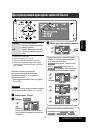 187
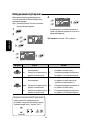 188
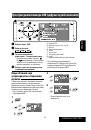 189
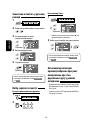 190
 191
 192
 193
 194
 195
 196
 197
 198
 199
 200
 201
 202
 203
 204
 205
 206
 207
 208
 209
 210
 211
 212
 213
 214
 215
 216
 217
 218
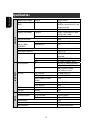
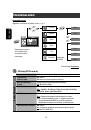
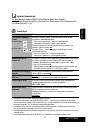
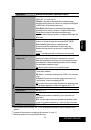
SETTINGS
57
ENGLISH
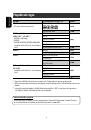
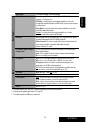
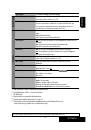
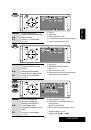
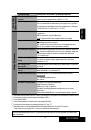
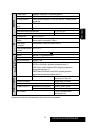
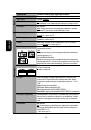
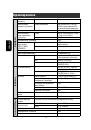
Equalizer
Flat/Hard Rock/R&B/Pop/Jazz/Dance/Country/Reggae/Classic/User1/User2/User3
,
☞
[50]
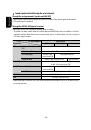
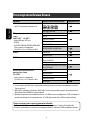
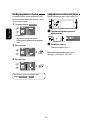
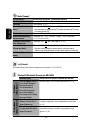
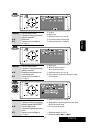
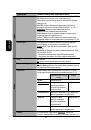
Sound
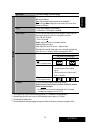
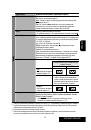
Menu items
Selectable settings, [reference page]
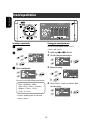
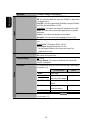
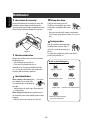
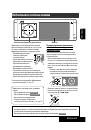
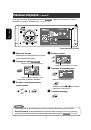
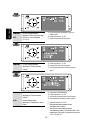
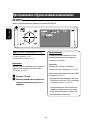
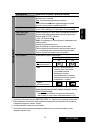
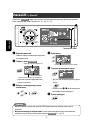
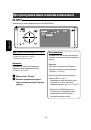
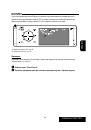
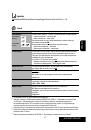
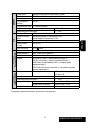
Fader/Balance
Adjust fader—speaker output balance between the front and rear speakers.
• Upmost—front only
• Downmost—rear only
When using a two-speaker system, set the fader to the center (
00
).
Adjust balance—speaker output balance between the left and right speakers.
• Leftmost—left only
• Rightmost—right only
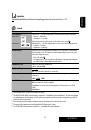
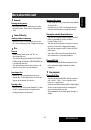
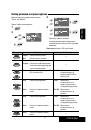
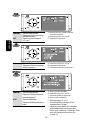
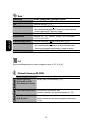
Volume Adjust
Adjust and store auto-adjustment volume level for each source, comparing to
the FM volume level. The volume level will automatically increase or decrease
when you change the source.
–12
to
+12
; Initial
00
• For digital sources: You can make the adjustments separately depending on
the audio format—Dolby Digital and the others.
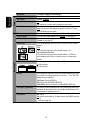
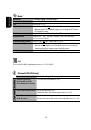
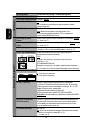
Subwoofer Level
Adjust the subwoofer output level.
–06
to
+08
; Initial
00
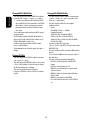
High Pass Filter
Through:
Select when the subwoofer is not connected.
On:
Select when the subwoofer is connected.
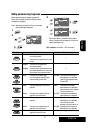
Crossover
Adjust the crossover frequency between the front/rear speakers and the
subwoofer.
80Hz, 120Hz, 150Hz
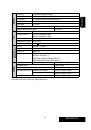
Amplifier Gain
You can change the maximum volume level of this unit.
Off:
Deactivates the built-in amplifier.
Low Power:
Select this if the maximum power of the speakers is less than
50 W.
High Power
*
1
Not selectable when “AV Input” is selected as the source.
*
2
The REVERSE GEAR SIGNAL lead connection is required
☞
“Installation/Connection Manual.” The rear view through
the camera appears on the monitor in “Full” aspect ratio (regardless of the aspect ratio setting) when you shift the
gear to the reverse (R) position.
*
3
Not selectable when the component connected to the CD changer jack is selected as the source.
*
4
The name of the component detected through the CD changer jack is shown.
*
5
The TEL MUTING lead connection is required.
☞
“Installation/Connection Manual.“
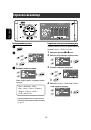
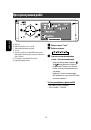
Adjusts fader
Adjust balance