Инструкция для GENIUS Speed Wheel 3 MT
 1
 2
 3
 4
 5
 6
 7
 8
 9
 10
 11
 12
 13
 14
 15
 16
 17
 18
ENGLISH
1
1. System Requirement
IBM PC Pentium 166MHz compatibles or higher
Available USB port
CD/DVD-ROM Drive for driver installation
Microsoft Windows XP/ME/2000/98
2. Setting-up your Speed Wheel 3 MT
Please follow up these steps below to install your
Speed Wheel 3 MT
:
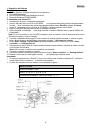
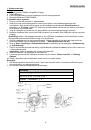
(1). Use four strong suction cups built-in under the bottom of the wheel’s chassis
﹐
so you can firmly position the wheel
by just pushing it hard to the smooth surface on the table.
3. Installation for PC system
(1). Make sure your computer on.
(2). Insert the driver disc into the CD-ROM drive, and the setup program will start automatically. If not, start the setup
program manually by selecting Start/Run and type in “E:\setup” (Where “E” represents the location of the CD-ROM
drive), then press the Enter key.
(3). Please follow the instructions on the screen to finish the driver installation.
(4). After the soft installation is completed, you can plug the USB connector of the cable to the USB port on your
computer.
(5). Connect the AC Adapter power with the steering wheel chassis. At this moment the wheel will turn right and left for
regulation and testing, so don’t touch the wheel.
(6). Click Start / Setting / Control Panel and double click on “Game controller” or “Gaming Options” icon.
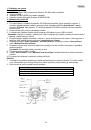
(7). Make sure the wheelbase is positioned firmly and place the pedals on the floor in a convenient-to-reach location.
Note: Do not place on an easy-to-slip surface
(8). Plug the pedal’s connector to the steering wheel.
(9). You can calibrate and test your game controller in the “Game controller” or “Gaming Options” screen.
(10).When you finish the calibration and test
﹐
you can play any game.
Important
:
-The driver will work with the DirectX 7.0a or newer version in PC system. Please check the DirectX version on your
system
﹐
and upgrade if necessary.
-The Vibration effect occurs according to game software.
4. Operating and function
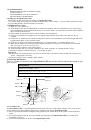
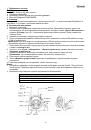
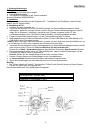
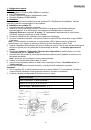
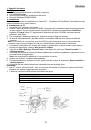
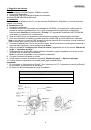
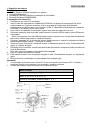
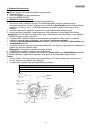
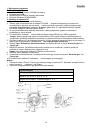
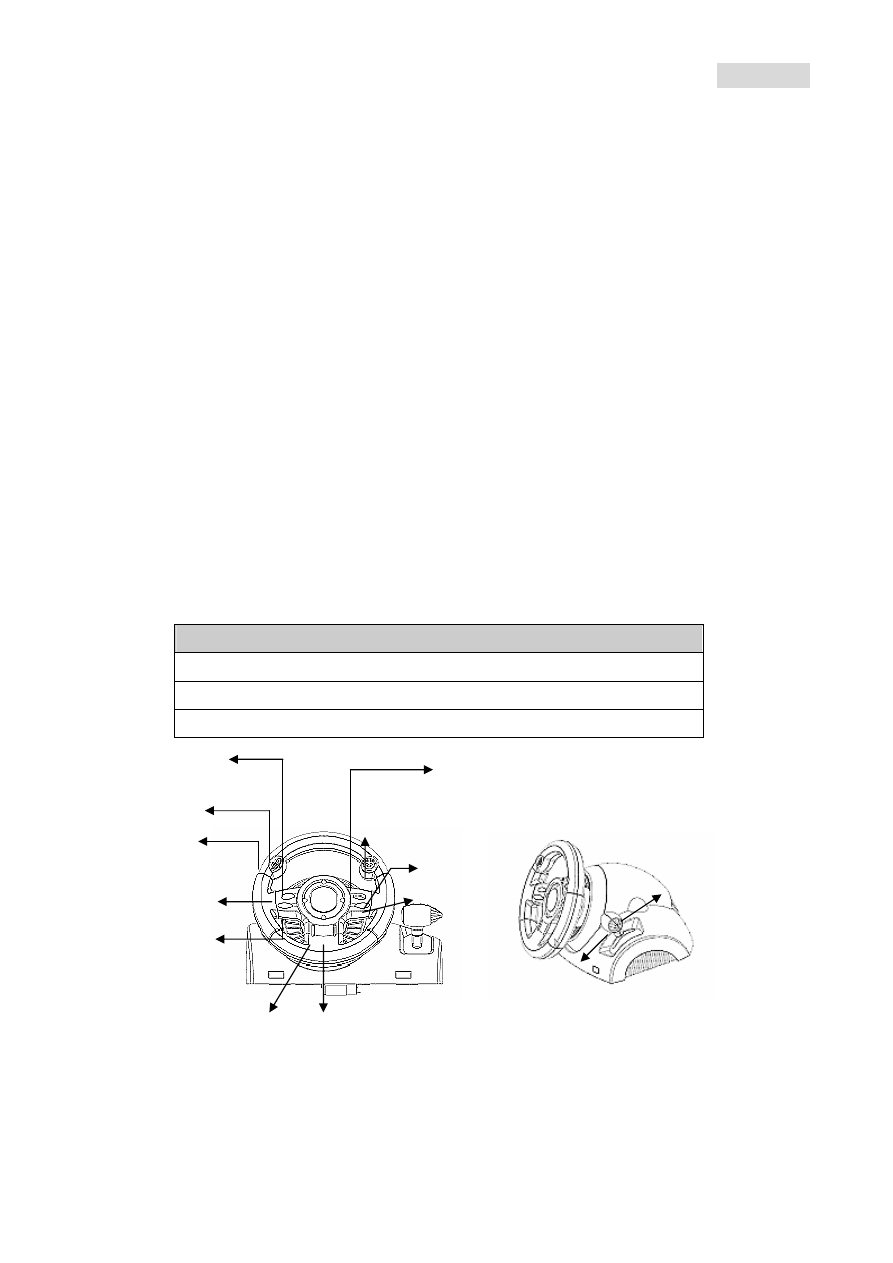
There are 12 function buttons built in to
Speed Wheel 3 MT
and each has different function depending on your
game software.
Function button
8-Direction View Finder
(
POV
)
Button 1, 2, 3, 4 , 5, 6 , 7 , 8 , 9 , 10 , 11 , 12
Gear Shifter
(
Function Button 1
&
2
)
5. Care Of the Unit
The
Speed Wheel 3 MT
is a well-designed mechanical device. However, it still requires a degree of care in its use and
storage. Please follow these guidelines when using, connecting or storing the
Speed Wheel 3 MT
:
(1). Do not expose the unit to direct sunlight for long periods of time, as this will cause the plastic to fade and become
brittle.
(2). Do not spill liquids on the unit. If you accidentally spill anything on the
Speed Wheel 3 MT
, use a damp cloth
immediately to clean it.
(3). Do not use any detergents or cleaners on the
Speed Wheel 3 MT
.
Button 1
Button 2
Button 1
Button 2
Button 3
Button 7
Button 8
Button 5
Button 4
Button 6
POV
Button 11
Button 12
Button 9
Button 10