Инструкция для Dell U2312HM Monitor
 1
 2
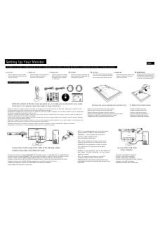
Setting Up Your Monitor
Installation du moniteur | Configuración del monitor | Configuraçâo de seu monitor | Einrichten des Monitors | Configurazione del monitor | Установка монитора
OetL
Ж CAUTION:
A AHENTION :
A PRECAUCIÓN:
A
ATENÇÂ0:
Before setting up your Dell monitor,
see the safety instructions that ship
with your monitor.
Avant d'installer votre moniteur Dell,
lisez les consignes de sécurité
livrées avec votre moniteur.
Antes de configurar el monitor
Dell,consulte las Instrucciones
de seguridad que se facilitan
con el monitor.
Antes da configurar seumonitor Dell,
lela as instruçées de segurança que
acompanham o produto.
A
ACHTUNG:
Bevor Sie Ihren Deli-Monitor aufstellen,
lesen Sie die Sicherheitsanweisungen,
die mit dem Monitor geliefert werden.
A
a
HENZIONE:
Prima di configurare il monitor Dell,
vedere le Istruzioni di sicurezza
fornite con il monitor.
A
ВНИМАНИЕ:
Перед установкой монитора Dell
ознакомьтесь с инструкцией по
технике безопаскорти, входящей
в комплект поставки монитора.
Dell™ U2312HM monitor
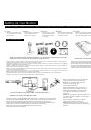
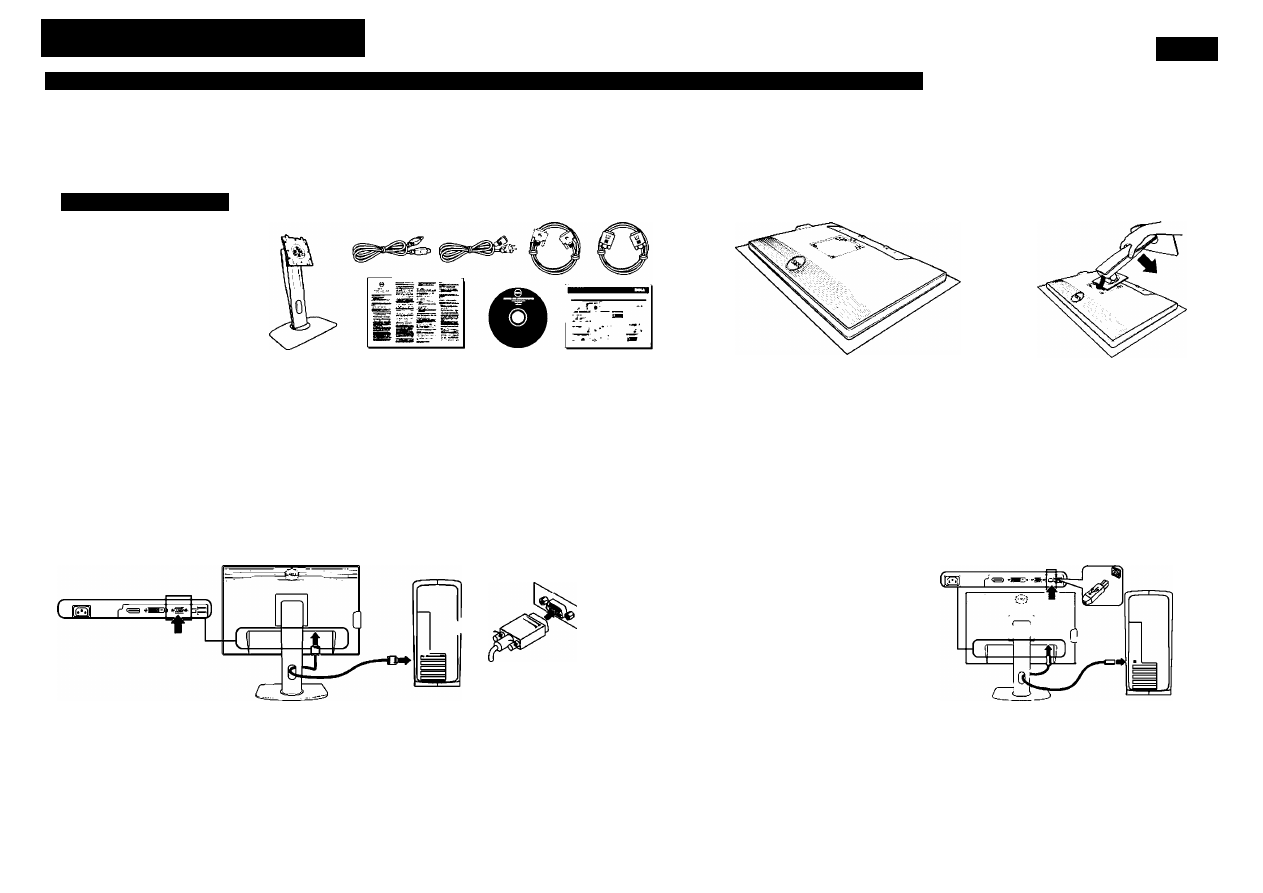
Verify the contents of the box
(Stand and cables are not included when purchased with other stands.
Please refer to the respective stand setup guides for setup instructions.)
Vérifiez le contenu de la boîte (Le pied et les câbles ne sont pas fournis lors de l'achat avec un autre pied. Reportez-vous au guide de mise
en place du pied pour prendre connaissance des instructions spécifiques de montage.)
Compruebe el contenido de la caja (La base y los cables no se incluyen cuando se adquiere con otra base. Consulte la guía Ce configuración
Cde la base correspondiente para obtener instrucciones.)
Verifique o conteúdo da calxa (Suporte e cabos nao estao inclusos, quando comprado com outro suporte. Consulte o guia de instalaçâo do
respectivo suporte para obter instruçôes de instalaçâo.)
Prüfen Sie die Inhalte Im Karton (Ständer und Kabel sind beim Kauf mit einem anderen Ständer nicht enthalten. Lesen Sie bitte die Anleitung
fOr das Setup des entsprechenden Ständers.)
Verificare il contenuto della confezione (Supporto e cavi non sono compresi, quando acquistato con un altro supporto. Fare riferimento alla
guida specifica del supporto per le istruzioni su come eseguire la configurazione.)
Проверьте комплектность поставки. (Подставка и кабели не входят в комплект в случае приобретения с друтми подставками.
Инструкции по установке см. в соответствующих руководствах по установке подставок.)
Remove the cover and place the monitor on it
Retírez le couvercle et placez le moniteur dessus
Retire la tapa у coloque el monitor sobre ella
Retire a cobertura e coloque o monitor sobre eia
Entfernen Sie die Abdeckung und stellen Sie den Monitor darauf
Rimuovere il coperchio e posizionarvi sopra il monitor
Снимите крышку и поместите монитор на нее
О Attach the monitor stand
Soulevez le pied du moniteur
Levante el soporte del monitor
Levante о suporte do monitor
Heben Sie den Monitorstander an
Sollevare il supporto del monitor
Прикрепите подставку монитора
Connect the monitor using ONLY ONE of the following cables:
the Blue VGA cable or the White DVI cable
Connectez le moniteur en utilisant SEULEMENT UN des câbles suivants : le câble VGA bleu ou le câble DVI blanc
Conecte el monitor usando SOLAMENTE UNO de los siguientes cables: el cable VGA azul o del cable DVI blanco
Conecte o monitor usando APENAS UM dos seguintes cabos: 0 cabo azul VGA ou o cabo branco DVI
Schließen Sie den Monitor NUR mit EINEM der folgenden Kabel an: Blaues VGA-Kabel oder weißes DVI-Kabel
Collegare il monitor usando SOLO UNO dei seguenti cavi: cavo VGA blu о cavo DVI bianco
Подкпкзчите монитор с помощью ТОЛЬКО ОДНОГО из указанных кабелей:
синего кабеля VGA или белого кабеля DVI.
NOTE: It is recommfinded that ynn connect the monitor
using the White DVI cable for better performance.
REMARQUE : II est recommandé de connecter le
moniteur à l'aide du câble DVI blanc
pour une meilleure performance.
NOTA: Es aconsejable que conecte el monitor con el
cable DVI blanco para que el rendimiento sea mejor.
0BSERVAÇÂ0: Recomendamos a conexáo do monitor
com o cabo branco DVI para que se tenha melhor
desempenho.
HINWEIS: Es wird empfohlen, dass Sie den Monitor mit
dem weißen DVI-Kabel anschließen, um eine bessere
Leistung zu erzielen.
NOTA: Per migliorare le prestazioni, si consiglia di
collegare il monitor tramite il cavo DVI bianco.
ПРИМЕЧАНИЕ. Для достижения лучших результатов
рекомендуется подключить монитор при помощи белого
кабеля DVI.
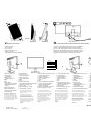
g Connect the USB cable
to the computer
Connectez le câble USB à l'ordinateur
Conecte el cable USB al ordenador
Conecte о cabo USB ao computador
Verbinden Sie das USB-Kabel mit dem Computer
Collegare il cavo USB al computer
Подключите кабель USB к компьютеру.
Оглавление инструкции
- Setting Up Your Monitor
- Installation du moniteur | Configuración del monitor | Configuraçâo de seu monitor | Einrichten des Monitors | Configurazione del monitor | Установка монитора
- A ВНИМАНИЕ:
- Dell™ U2312HM monitor
- Connect the monitor using ONLY ONE of the following cables: the Blue VGA cable or the White DVI cable
- g Connect the USB cable to the computer
- ß I Adjust the monitor
- 7 I Connect the power cable and press the power button
- www.dell.com | support.dell.com