Инструкция для M-Audio Keystation Mini 32
 1
 2
 3
 4
 5
 6
 7
 8
 9
 10
 11
 12
 13
 14
 15
 16
 17
 18
 19
 20
 21
 22
 23
 24
 25
 26
 27
 28
 29
 30
 31
 32
 33
 34
 35
 36
 37
 38
 39
 40
 41
 42
 43
 44
 45
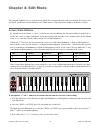
Chapter 4: Edit Mode
8
Keystation Mini 32 User Guide
Chapter 4: Edit Mode
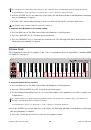
This chapter explains how to use Edit Mode which lets you perform tasks such as assigning the buttons (Oc-
tave/Data, Pitch Bend and Modulation) or Volume knob to other functions within your music software.
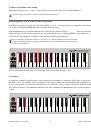
Octave/Data Buttons
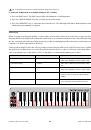
By default the Octave/Data “+” and “-” buttons are used for shifting the Keystation Mini 32 keybed up or
down one octave at a time. Whenever you power up the keyboard, the octave setting will be at the default
value of “0,” and the buttons will be red in color at half-brightness.
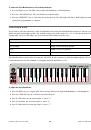
When the “+” button is used for raising the octave its it will either illuminate or flash at full-brightness
based on the octave chosen, and the “-” remains at half-brightness. Pressing the “-” button has the opposite
affect, such that it will illuminate or flash at full-brightness based on the octave chosen, while the “+” but-
ton remains at half-brightness. The following table lists the colors used to identify each octave:
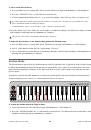
If the Octave/Data buttons have been assigned to one of the 6 additional functions as described in “Reas-
signing the Octave/Data Buttons” on page 9, you can reassign and use them for their default function (Oc-
tave) using the method described below.
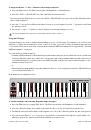
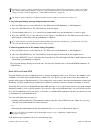
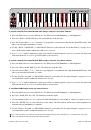
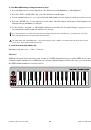
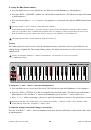
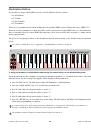
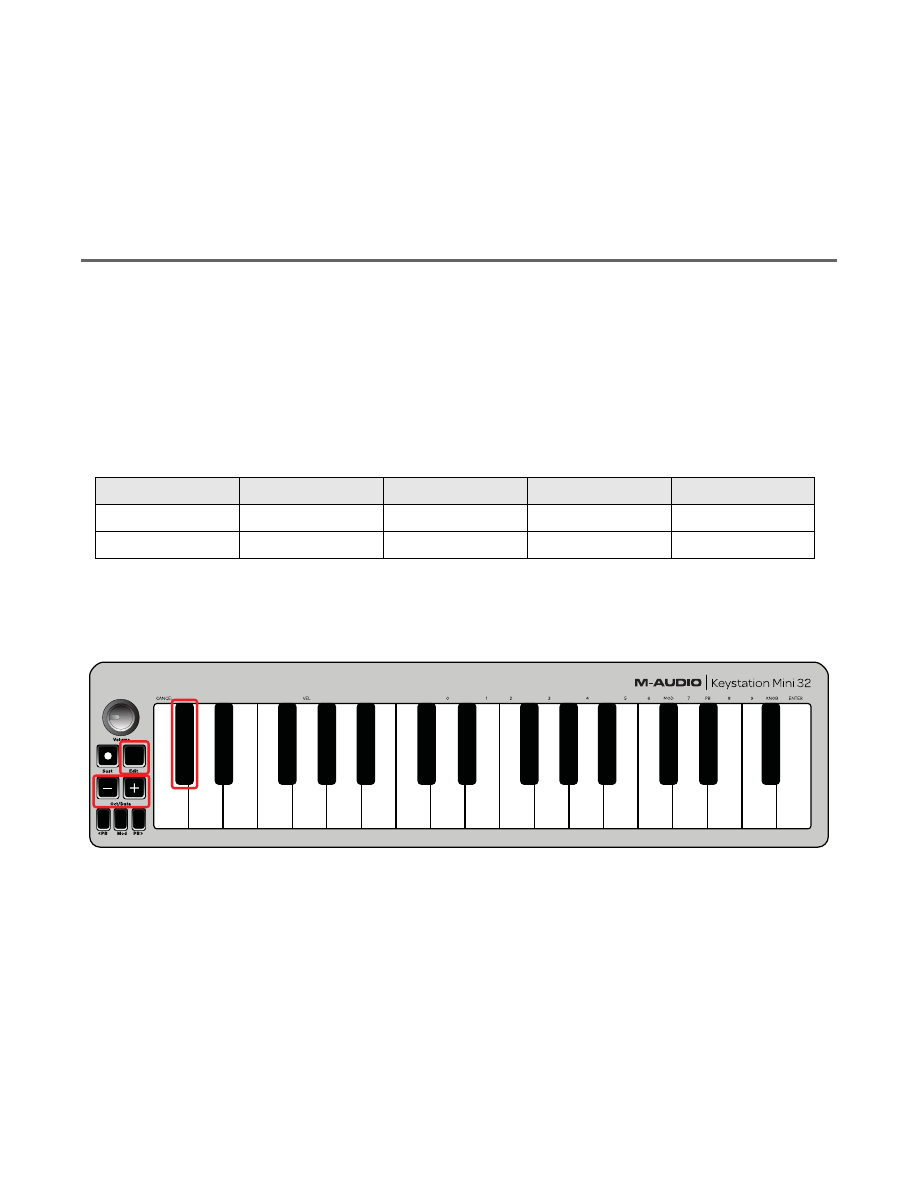
To reassign the “+” and “-” buttons to the Octave function and choose a new octave setting:
1
Press the Edit button. The Edit button light will illuminate to full brightness indicating that the keyboard
is in Edit mode.
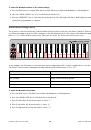
2
Press the “DATA = OCTAVE” key (C#, first black key on the left).
The keyboard exits Edit mode as soon as the “DATA = OCTAVE” key is pressed and both Octave buttons “+”
and “-” will be red at half-brightness
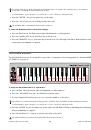
3
Press either the “+” or “-” button to raise or lower the octave.
OFF
GREEN
ORANGE
RED
RED Flashing
0
+1
+2
+3
+4
0
-1
-2
-3
-4
CA
N
C
E
L
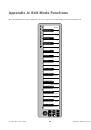
Panic
P
B
Rate
V
elocity
Sust
ain Mode
Default
0
1
2
3
4
5
6
7
8
9
E
NTE
R
Dat
a = Oct
acve
Dat
a = T
ranspose
Dat
a = Program
Dat
a = B
ank L
S
B
Dat
a = B
ank M
S
B
Dat
a = Channel
Dat
a = T
uning
Program
B
ank L
S
B
B
ank M
S
B
Mod Assign
P
B
Assign
K
nob Assign
Mod Rate
Оглавление инструкции
- Contents
- Chapter 1: Introduction
- Chapter 2: Connecting Your Keyboard
- Chapter 3: Getting Started
- Chapter 4: Edit Mode
- Chapter 5: Troubleshooting
- Appendix A: Edit Mode Functions
- Appendix B: General MIDI instruments
- Appendix C: Advanced Functions
- Appendix D: Standard MIDI CC Numbers
- Appendix E: MIDI Message Definitions
- Appendix F: Data Entry for Values 0 - 127
- Appendix G: Additional RPN Messages
- Appendix H: MIDI Messages In-Depth
- Appendix I: MIDI Implementation Chart
- Appendix J: Compliance Information
- Appendix K: Warranty Terms