Инструкция для Panasonic KX-FC966 RU-T
 1
 2
 3
 4
 5
 6
 7
 8
 9
 10
 11
 12
 13
 14
 15
 16
 17
 18
 19
 20
 21
 22
 23
 24
 25
 26
 27
 28
 29
 30
 31
 32
 33
 34
 35
 36
 37
 38
 39
 40
 41
 42
 43
 44
 45
 46
 47
 48
 49
 50
 51
 52
 53
 54
 55
 56
 57
 58
 59
 60
 61
 62
 63
 64
 65
 66
 67
 68
 69
 70
 71
 72
 73
 74
 75
 76
 77
 78
 79
 80
 81
 82
 83
 84
14. English Quick Start
78
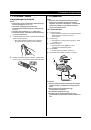
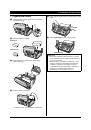
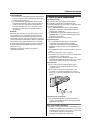
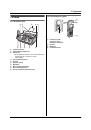
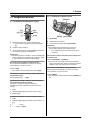
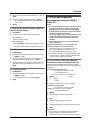
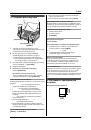
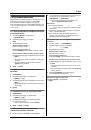
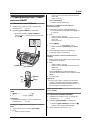
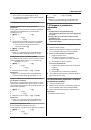
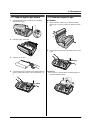
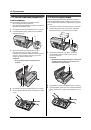
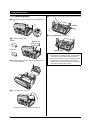
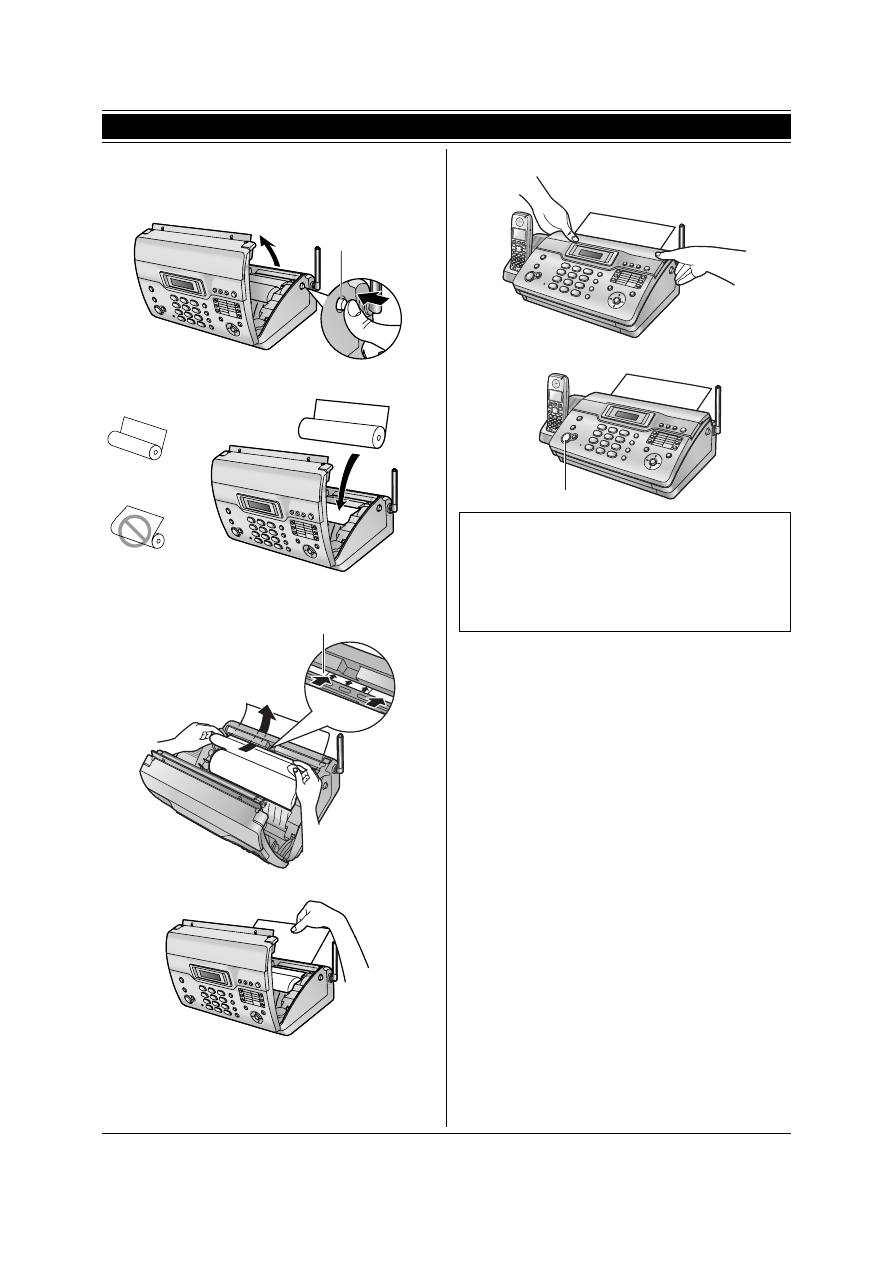
14.7 Recording paper
A
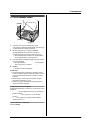
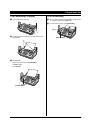
Open the top cover by pressing the top cover release button
(
1
).
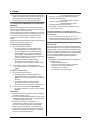
B
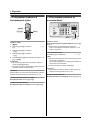
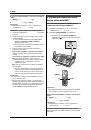
Install the recording paper.
C
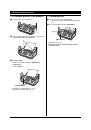
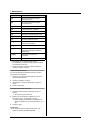
Insert the leading edge of the paper into the opening above
the thermal head (
1
).
D
Pull the paper out of the unit.
L
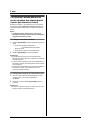
Make sure that there is no slack in the paper roll.
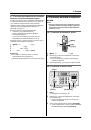
E
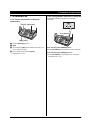
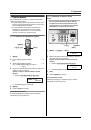
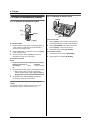
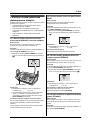
Close the top cover securely by pushing down on both sides.
F
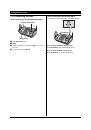
Press
{
FAX/START
}
to cut the paper.
Correct
Incorrect
1
1
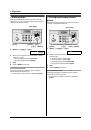
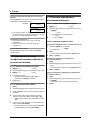
Note:
L
If the paper is secured with glue or tape, cut approximately
15 cm from the beginning of the roll before installing it.
L
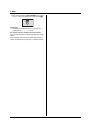
When the power cord is connected, a message is printed
each time the top cover is opened then closed. If the
recording paper is installed upside down, the message will
not be printed. Install the paper correctly.
{
FAX/START
}
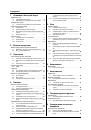
Оглавление инструкции
- Ñîäåpæàíèå
- Óñòàíîâêà è áûñò²ûé çàïóñê
- Âàæíûå èíñò²óêöèè
- Ïîäãîòîâêà
- Òåëåôîí
- Âûçîâû è îòâåòû íà âûçîâû
- Àâòîìàòè÷åñêèé íàáî² íîìå²à
- ÈäåíòèôèêàöèØ âûçûâà ùåãî àáîíåíòà
- 4.7 Óñëóãà èäåíòèôèêàöèè âûçûâà ùåãî àáîíåíòà (AOH è Caller ID)
- 4.8 ϲîñìîò² âûçîâîâ è îá²àòíûé âûçîâ
- 4.9 Ãåäàêòè²îâàíèå íîìå²à òåëåôîíà âûçûâà ùåãî àáîíåíòà äî îòâåòíîãî âûçîâà
- 4.10 Óäàëåíèå èíôî²ìàöèè î âûçûâàâøåì àáîíåíòå
- 4.11 Ñîõ²àíåíèå èíôî²ìàöèè î âûçûâàâøèõ àáîíåíòàõ â òåëåôîííîé êíèãå / ïàìØòè îäíîêíîïî÷íîãî íàáî²à
- 4.12 Íàñò²îéêè èäåíòèôèêàöèè âûçûâà ùèõ àáîíåíòîâ äëØ ïîëüçîâàòåëåé AOH
- Ôàêñ
- Îòï²àâêà ôàêñîâ
- Ãîëîñîâîé êîíòàêò
- ϲèåì ôàêñîâ
- 5.6 Âûáî² ñïîñîáà ï²èìåíåíèØ ôàêñèìèëüíîãî àïïà²àòà
- 5.7 ϲèåì ôàêñà â²ó÷íó – Ãåæèì àâòîîòâåòà ÂÛÊË
- 5.8 ϲèåì ôàêñà àâòîìàòè÷åñêè – Ãåæèì àâòîîòâåòà ÂÊË
- 5.9 Ïîëó÷åíèå ìåòîäîì ïîëëèíãà (ïîëó÷åíèå ôàêñà, ñîäå²æàùåãîñØ íà ä²óãîì ôàêñèìèëüíîì àïïà²àòå)
- 5.10 Çàï²åò íà ï²èåì ñïàìà (ï²åäîòâ²àùåíèå ï²èåìà ôàêñîâ îò íåæåëàòåëüíûõ àáîíåíòîâ)
- Êîïè²îâàíèå
- Àâòîîòâåò÷èê
- ϲîã²àììè²óåìûå ôóíêöèè
- ÅêñïëóàòàöèØ íåñêîëüêèõ àïïà²àòîâ
- ÏîëåçíàØ èíôî²ìàöèØ
- Ñï²àâêà
- Îáñëóæèâàíèå
- ÎáùàØ èíôî²ìàöèØ
- English Quick Start