Инструкция для Yamaha AX-397, AX-497
 1
 2
 3
 4
 5
 6
 7
 8
 9
 10
 11
 12
 13
 14
 15
 16
 17
 18
 19
 20
 21
 22
 23
 24
 25
 26
 27
 28
 29
 30
 31
 32
 33
 34
 35
 36
 37
 38
 39
 40
 41
 42
 43
 44
 45
 46
 47
 48
 49
 50
 51
 52
 53
 54
 55
 56
 57
 58
 59
 60
 61
 62
 63
 64
 65
 66
 67
 68
 69
 70
 71
 72
 73
 74
 75
 76
 77
 78
 79
 80
 81
 82
 83
 84
 85
 86
 87
 88
 89
 90
 91
 92
 93
 94
 95
 96
 97
 98
 99
 100
 101
 102
 103
 104
 105
 106
 107
 108
 109
 110
 111
 112
 113
 114
 115
 116
13
PLAYING AND RECORDING
OPE
R
A
T
IO
N
English
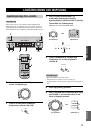
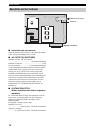
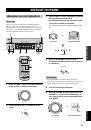
■
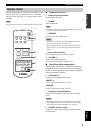
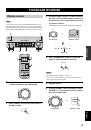
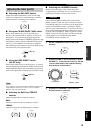
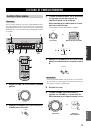
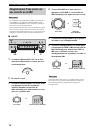
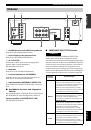
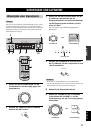
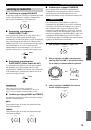
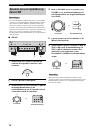
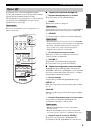
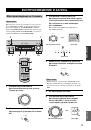
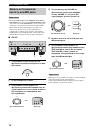
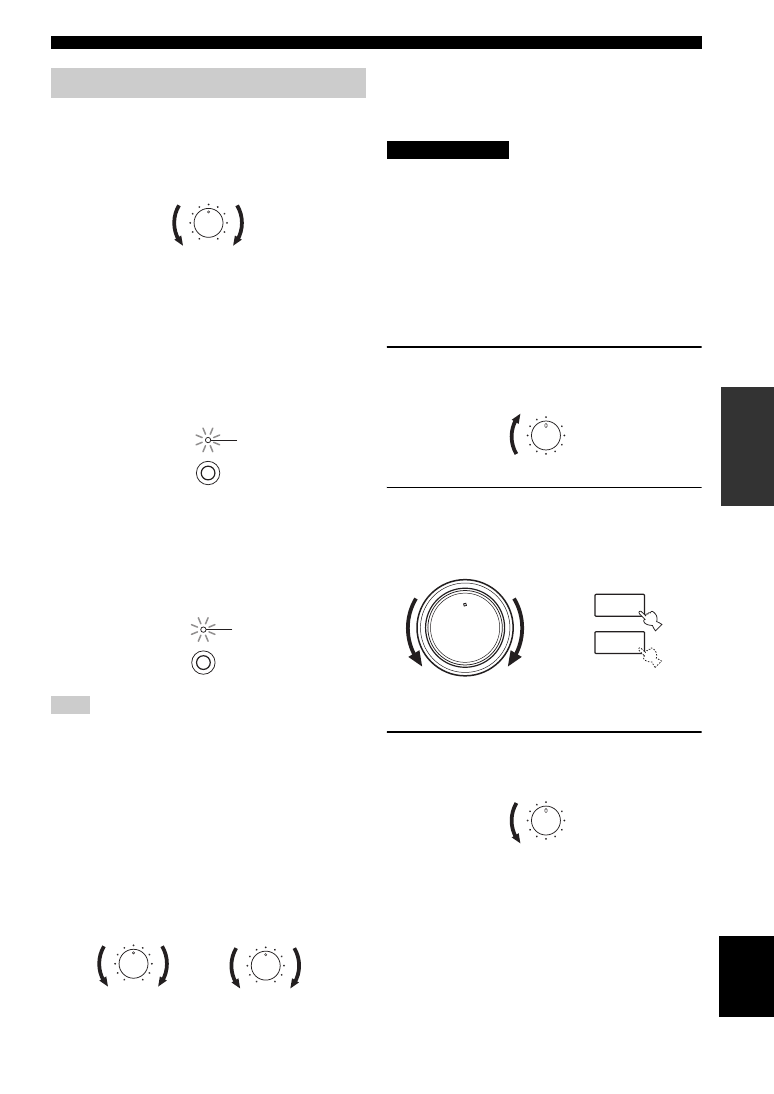
Adjusting the BALANCE control
Adjusts the sound output balance of the left and right
speakers to compensate for sound imbalance caused by
speaker locations or listening room conditions.
■
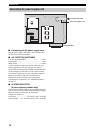
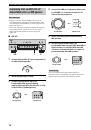
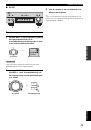
Using the CD/DVD DIRECT AMP switch
Routes input signals from your CD or DVD player
directly to the specially built-in amplifier for the CD or
DVD player. As a result, the input signals bypass the
INPUT selector and the BASS, TREBLE, BALANCE and
LOUDNESS controls (and the TAPE MONITOR switch
for AX-397 only) and then sent to the power amplifier,
thus eliminating any alterations to the CD or DVD signals
and creating the purest possible sound.
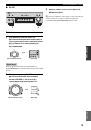
■
Using the PURE DIRECT switch
(AX-497 only)
Routes input signals from your audio sources. As a result,
the input signals bypass the BASS, TREBLE, BALANCE
and LOUDNESS controls, thus eliminating any alterations
to the audio signals and creating the purest possible sound.
As for AX-497 only, if both the CD/DVD DIRECT AMP and the
PURE DIRECT switches are turned on, only the CD/DVD
DIRECT AMP switch will function.
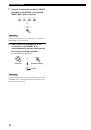
■
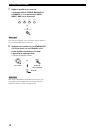
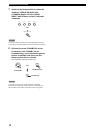
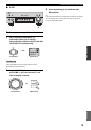
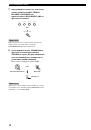
Adjusting the BASS and TREBLE
controls
Adjusts the high and low frequency response.
BASS
Increases or decreases the low frequency response.
TREBLE
Increases or decreases the high frequency response.
■
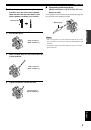
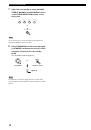
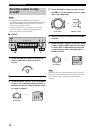
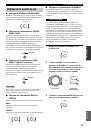
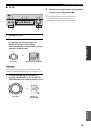
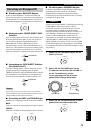
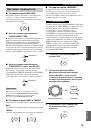
Adjusting the LOUDNESS control
Retains a full tonal range at any volume level, thus
compensating for the human ears’ loss of sensitivity to
high and low-frequency ranges at low volume.
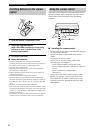
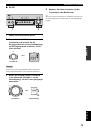
If the CD/DVD DIRECT AMP switch (or the PURE
DIRECT switch for AX-497 only) is turned on with the
LOUDNESS control set at a certain level, the input signals
bypass the LOUDNESS control, resulting in a sudden
increase in the sound output level. To prevent your ears or
the speakers from being undesirably damaged, be sure to
press the CD/DVD DIRECT AMP switch (or the PURE
DIRECT switch for AX-497 only) AFTER lowering the
sound output level or AFTER checking that the
LOUDNESS control is properly set.
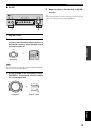
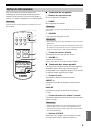
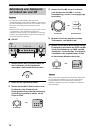
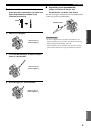
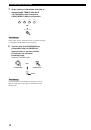
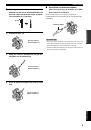
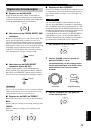
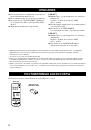
1
Set the LOUDNESS control to the FLAT
position.
2
Rotate VOLUME on the front panel (or press
VOLUME +/– on the remote control) to set the
sound output level to the loudest listening
level that you would listen to.
3
Rotate the LOUDNESS control until the
desired volume is obtained.
Adjusting the tonal quality
Note
BALANCE
5
1
4
2
3
5
1
4
2
3
R
L
CD/DVD DIRECT AMP
Lights up
PURE DIRECT
Lights up
BASS
5
1
4
2
3
5
1
4
2
3
+
–
TREBLE
5
1
4
2
3
5
1
4
2
3
+
–
CAUTION
LOUDNESS
7
–30dB
FLAT
10
9
5
6
1
4
2
3
8
0
12
12
2
8
4
∞
20
20
60
60
26
26
40
40
16
16
-dB
-dB
VOLUME
+
–
VOLUME
Remote control
Front panel
or
LOUDNESS
7
–30dB
FLAT
10
9
5
6
1
4
2
3
8
Оглавление инструкции
- English
- Français
- Deutsch
- Svenska
- Nederlands
- Русский