Инструкция для Philips Senseo HD8705, HD7812, HD7810, HD7811
 1
 2
 3
 4
 5
 6
 7
 8
 9
 10
 11
 12
 13
 14
 15
 16
 17
 18
 19
 20
 21
 22
 23
 24
 25
 26
 27
 28
 29
 30
 31
 32
 33
 34
 35
 36
 37
 38
 39
 40
 41
 42
 43
 44
 45
 46
 47
 48
 49
 50
 51
 52
 53
 54
 55
 56
 57
 58
 59
 60
 61
 62
 63
 64
 65
 66
 67
 68
 69
 70
 71
 72
 73
 74
 75
 76
 77
 78
 79
 80
 81
 82
 83
 84
 85
 86
 87
 88
 89
 90
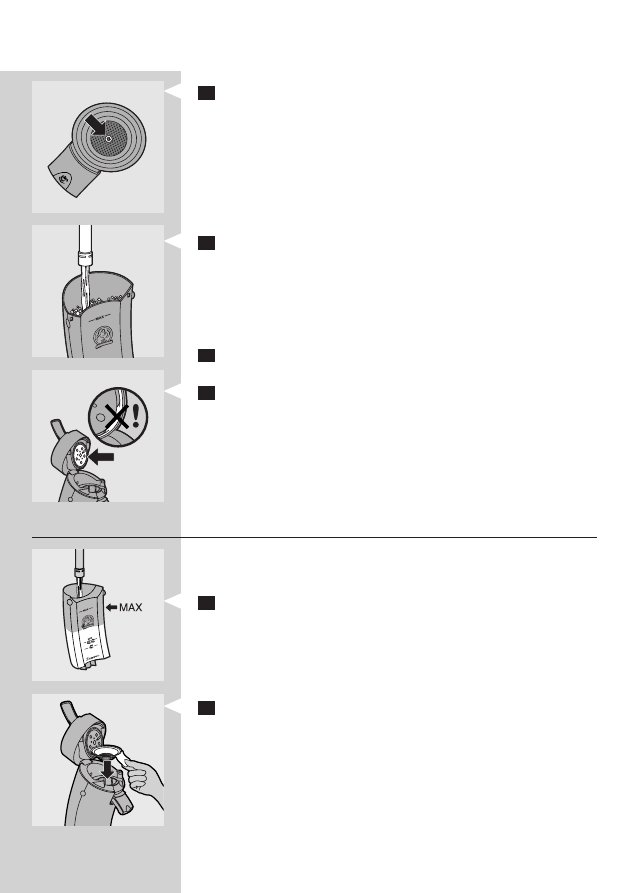
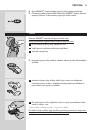
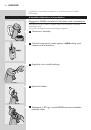
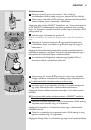
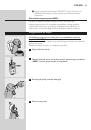
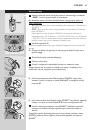
6
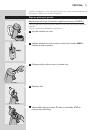
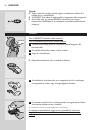
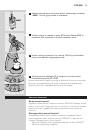
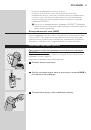
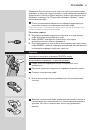
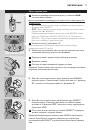
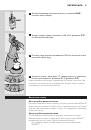
Clean the pod holders in hot water, if necessary with some washing-
up liquid, or in the dishwasher.
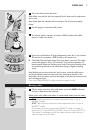
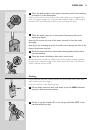
Make sure the sieve in the centre of the pod holder is not clogged. If the
sieve is clogged, unclog it by rinsing the pod holder under a running tap. If
necessary, use a washing-up brush or a pin to unclog the sieve.
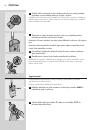
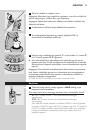
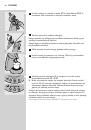
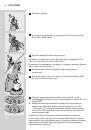
7
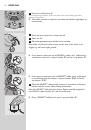
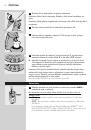
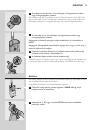
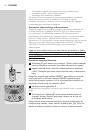
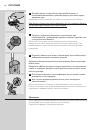
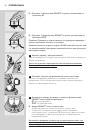
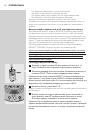
Clean the water reservoir in hot water, if necessary with some
washing-up liquid.
Note: You can remove the cover of the water reservoir to clean the inside
thoroughly.
Note: If you use a washing-up brush, be careful not to damage the valve in the
bottom of the water reservoir.
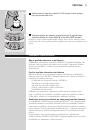
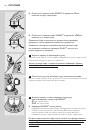
8
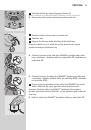
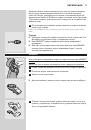
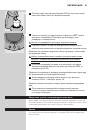
Rinse the parts with fresh water after cleaning and put them back
into the machine.
9
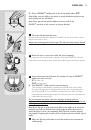
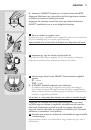
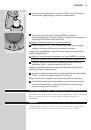
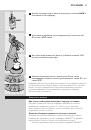
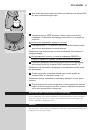
Clean the water distribution disc with a moist cloth.
Be careful when you do this. Make sure that the rubber sealing ring does
not get stuck under the edge of the water distribution disc. If it does, the
coffee machine starts to leak!
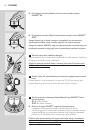
Flushing
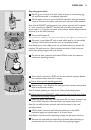
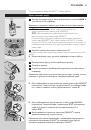
If you have not used the coffee machine for three days, flush it with fresh
water before you use it again.
Flush the machine in the following way:
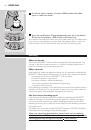
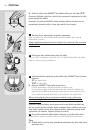
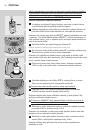
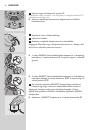
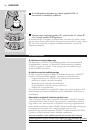
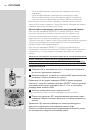
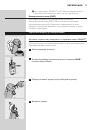
1
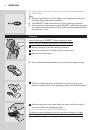
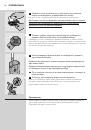
Fill the water reservoir with cold water up to the
MaX
indication
and put it back onto the machine.
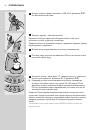
2
Put the 1-cup pod holder
°
or the 2-cup pod holder
°°
in the
machine without pod(s).
EnglisH
13
Оглавление инструкции
- English
- Čeština
- Magyar
- Polski
- Русский
- Українська