Инструкция для Samsung LE26B450C4W, LE32B450C4W
 1
 2
 3
 4
 5
 6
 7
 8
 9
 10
 11
 12
 13
 14
 15
 16
 17
 18
 19
 20
 21
 22
 23
 24
 25
 26
 27
 28
 29
 30
 31
 32
 33
 34
 35
 36
 37
 38
 39
 40
 41
 42
 43
 44
 45
 46
 47
 48
 49
 50
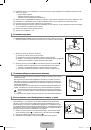 51
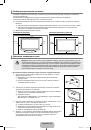 52
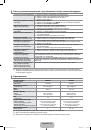 53
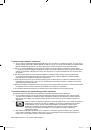 54
 55
 56
 57
 58
 59
 60
 61
 62
 63
 64
 65
 66
 67
 68
 69
 70
 71
 72
 73
 74
 75
 76
 77
 78
 79
English - 20
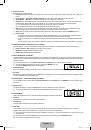
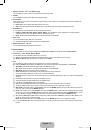
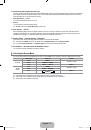
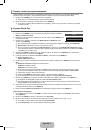
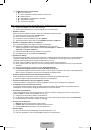
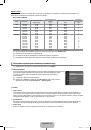
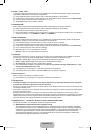
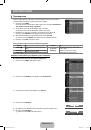
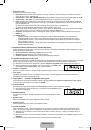
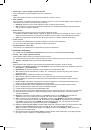
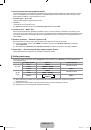
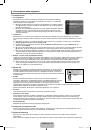
Melody → Off / Low / Medium / High
A melody sound can be set to come on when the TV is powered On or Off.
The Melody does not play
When no sound is output from the TV because the
MUTE
button has been pressed.
When no sound is output from the TV because the (–) Volume button has been pressed.
When the TV is turned off by Sleep Timer function.
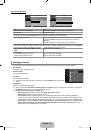
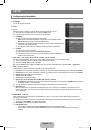
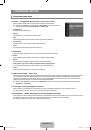
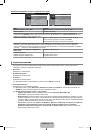
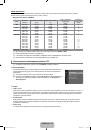
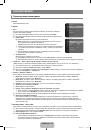
Energy Saving → Off / Low / Medium / High / Auto
This feature adjusts the brightness of the TV in order to reduce power consumption. When watching TV at night, set the
Energy
Saving
mode option to
High
to reduce eye fatigue as well as power consumption.
Press the
TOOLS
button to display the
Tools
menu. You can also set the Energy Saving option by selecting
Tools
→
Energy
Saving
.
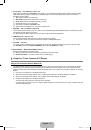
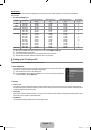
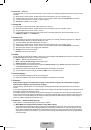
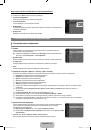
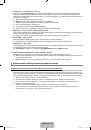
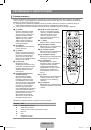
Common Interface
CI Menu
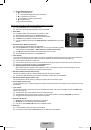
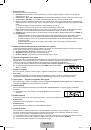
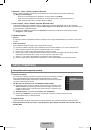
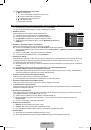
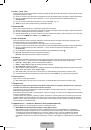
This enables the user to select from the CAM-provided menu. Select the CI Menu based on the menu PC Card.
Application Info.
This contains information on CAM inserted in the CI slot and displays it.
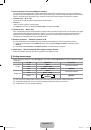
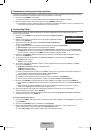
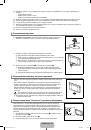
The Application Info inserting is about the CI CARD. You can install the CAM anytime whether the TV is ON or OFF.
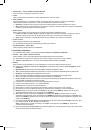
1.
Purchase the CI CAM module by visiting your nearest dealer or by phone.
2.
Insert the CI CARD into the CAM in the direction of the arrow until it fits.
3.
Insert the CAM with the CI CARD installed into the common interface slot. (Insert the CAM in the direction of the arrow, right
up to the end so that it is parallel with the slot.)
4.
Check if you can see a picture on a scrambled signal channel.
CAM is not supported in some countries and regions, check with your authorized dealer.
❑
N
–
–
–
❑
T
❑
N
N
INPUT / SUPPORT
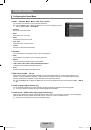
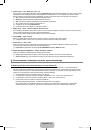
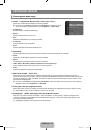
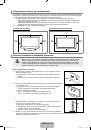
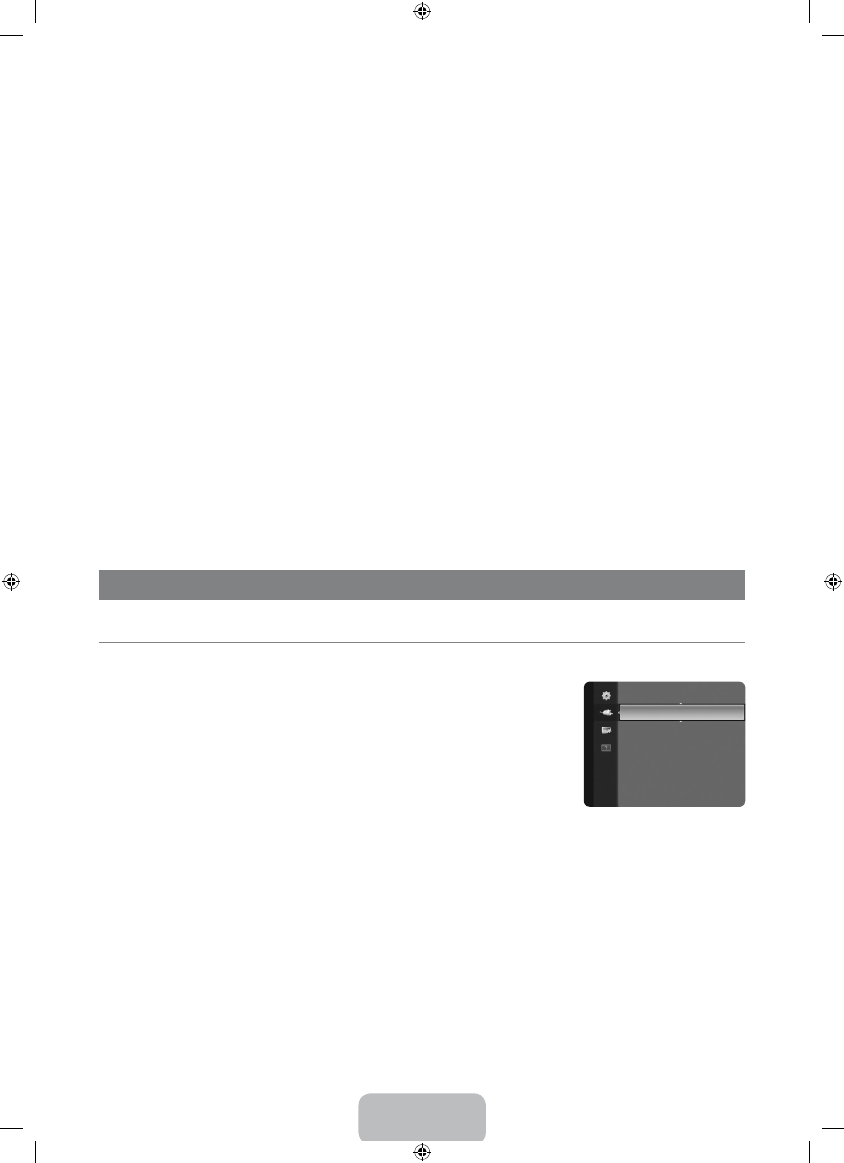
Configuring the Input Menu
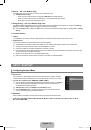
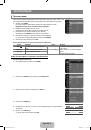
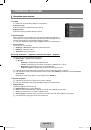
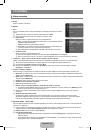
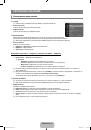
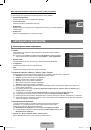
Source List
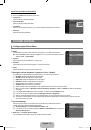
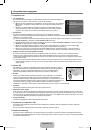
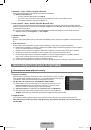
Use to select TV or other external input sources such as DVD / Blu-ray players / Satellite
receivers (Set-Top Box) connected to the TV. Use to select the input source of your choice.
TV / Ext. / AV / Component / PC / HDMI1/DVI / HDMI 2 / HDMI 3
You can choose only those external devices that are connected to the TV. In the
Source
List
, connected inputs will be highlighted and sorted to the top. Inputs that are not
connected will be sorted to the bottom.
TOOLS
(
Tools
): Displays the
Edit Name
and
Information
menus.
Press the
SOURCE
button on the remote control to view an external signal source.
TV mode can be selected by pressing the
TV
button.
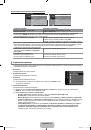
Edit Name
Name the device connected to the input jacks to make your input source selection easier.
VCR / DVD / Cable STB / Satellite STB / PVR STB / AV Receiver / Game / Camcorder / PC / DVI PC / DVI / TV / IPTV /
Blu- ray / HD DVD / DMA
¦
❑
N
N
O
❑
Source List
Edit Name
Input
BN68-01981G.indb 20
2009-04-21 �� 5:37:54