Инструкция для Dell OptiPlex GX260
 1
 2
 3
 4
 5
 6
 7
 8
 9
 10
 11
 12
 13
 14
 15
 16
 17
 18
 19
 20
 21
 22
 23
 24
 25
 26
 27
 28
 29
 30
 31
 32
 33
 34
 35
 36
 37
 38
 39
 40
 41
 42
 43
 44
 45
 46
 47
 48
 49
 50
 51
 52
 53
 54
 55
 56
 57
 58
 59
 60
 61
 62
 63
 64
 65
 66
 67
 68
 69
 70
 71
 72
 73
 74
 75
 76
 77
 78
 79
 80
 81
 82
 83
 84
 85
 86
 87
 88
 89
 90
 91
 92
 93
 94
 95
 96
 97
 98
 99
 100
 101
 102
 103
 104
 105
 106
 107
 108
 109
 110
 111
 112
 113
 114
 115
 116
 117
 118
 119
 120
 121
 122
 123
 124
 125
 126
 127
 128
 129
 130
 131
 132
 133
 134
 135
 136
 137
 138
 139
 140
 141
 142
 143
 144
 145
 146
 147
 148
 149
 150
 151
 152
 153
 154
 155
 156
 157
 158
 159
 160
 161
 162
 163
 164
 165
 166
 167
 168
 169
 170
 171
 172
 173
 174
 175
 176
 177
 178
 179
 180
 181
 182
 183
 184
 185
 186
 187
 188
 189
 190
 191
 192
 193
 194
 195
 196
 197
 198
 199
 200
 201
 202
 203
 204
 205
 206
 207
 208
 209
 210
 211
 212
 213
 214
 215
 216
 217
 218
 219
 220
 221
 222
 223
 224
 225
 226
 227
 228
 229
 230
 231
 232
 233
 234
 235
 236
 237
 238
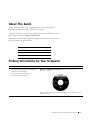
6
S e t u p a n d Q u i c k Re f e r e n c e G u i d e
www
.dell.com | support.euro.dell.com
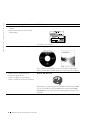
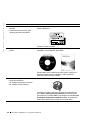
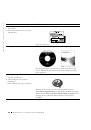
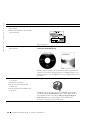
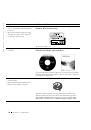
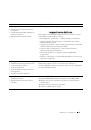
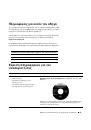
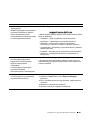
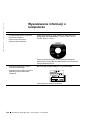
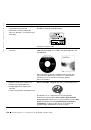
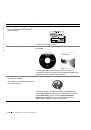
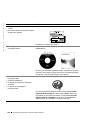
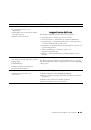
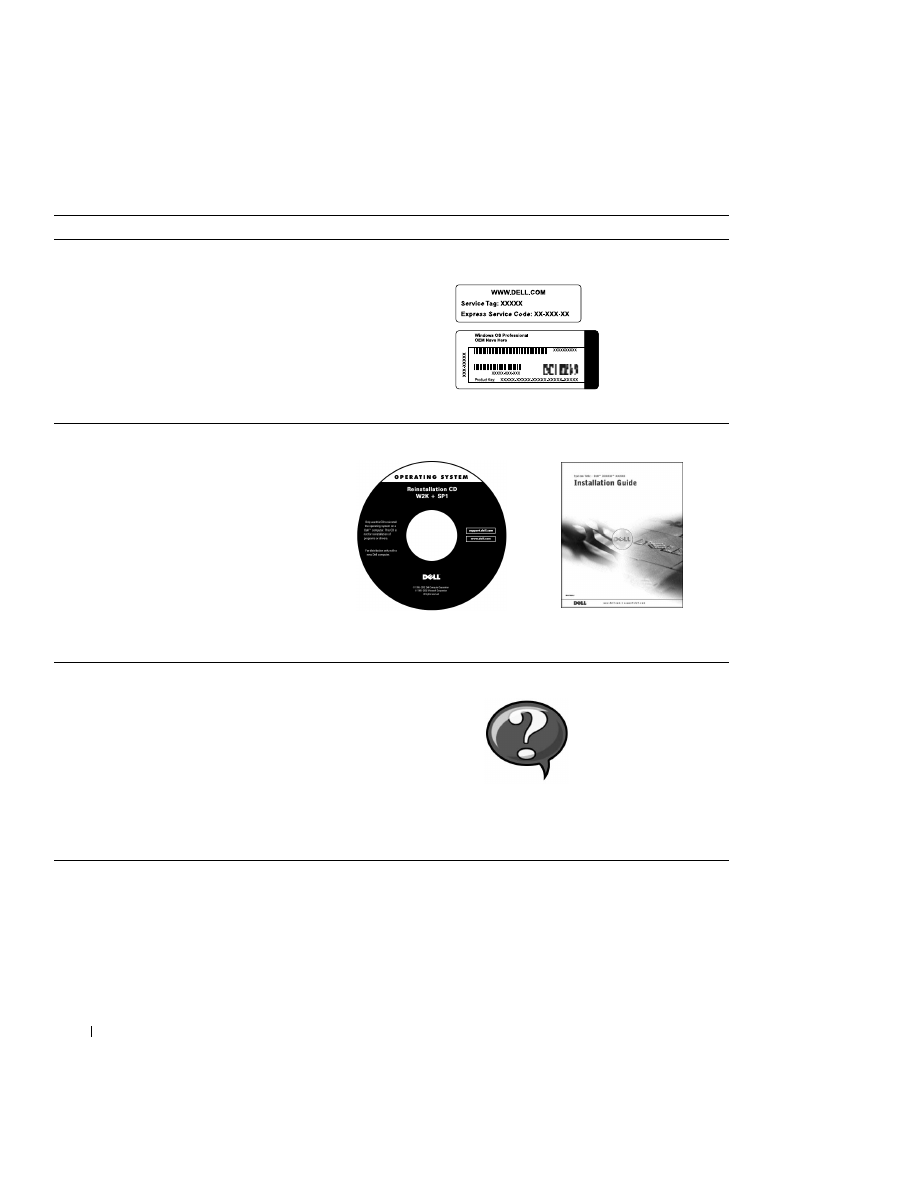
• Express Service Code and Service Tag
Number
• Microsoft
®
Windows
®
License Label
(Product Key)
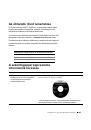
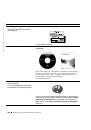
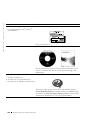
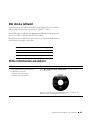
E x p r e s s S e r v i c e C o d e a n d P r o d u c t K e y
Located on your computer.
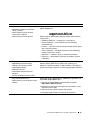
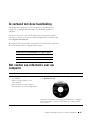
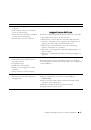
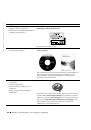
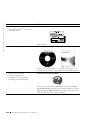
• How to reinstall my operating system
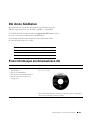
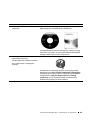
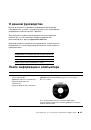
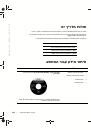
O p e r a t i n g S y s t e m C D a n d I n s t a l l a t i o n G u i d e
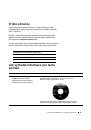
If you reinstall your operating system, use the
Drivers and Utilities
CD to reinstall drivers for the devices that came with your computer.
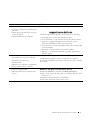
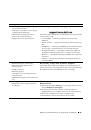
• How to remove and replace parts
• Technical specifications
• How to configure system settings
• How to troubleshoot and solve problems
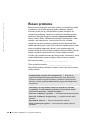
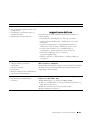
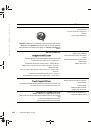
U s e r ’ s G u i d e i c o n
Depending on your operating system, double-click the
User’s Guides
icon on your desktop or click the
Start
button and then click
Help
and Support
to access the electronic documentation stored on your
hard drive.
What Are You Looking For?
Find it Here
Оглавление инструкции
- Setup and Quick Reference Guide
- Příručka instalace a rychlé reference
- Installations- og hurtig referencehåndbog
- Installatiehandleiding en verkort handboek
- Asennus- ja pikaopas
- Οδηγός εγκατάστασης και γρήγορης αναφοράς
- Telepítési és gyorshivatkozási útmutató
- Installasjon og hurtigreferanse
- Instrukcja konfiguracji i informacje o systemie
- Informacje dotyczące bieżącego dokumentu - Instrukcji konfiguracji i informacjach o systemie
- Wyszukiwanie informacji o komputerze
- Rozwiązywanie problemów
- Program diagnostyczny Dell Diagnostics
- OSTRZEŻENIE: Instrukcje dotyczące bezpieczeństwa
- Podczas pracy z komputerem
- Informacja na temat przepisów prawnych
- Руководство по установке и краткий справочник
- Príručka a návod na konfiguráciu
- Priročnik za nastavitve in hitra navodila za sisteme
- Installationshandbok och lathund
- מדריך התקנה ועיון מהיר


